Everything FlowPix can create.
A single catalog for image tools, video tools, AI models, and replay-backed workflows. Pick a task, start from a proven case, then remix it in the canvas.
Featured workflows.
AI Logo Generator
Describe a brand and FlowPix explores logo directions, refines the selected mark, and turns it into a small identity kit.
AI Product Photo Generator
Generate product photography directions, variants, and campaign-ready images with a reusable replay workflow.
GPT Image 2.5
OpenAI's GPT Image 2.5, the FlowPix default. The in-image typography of GPT Image 2, for less. Quality is yours to choose: low by default, medium or high when you ask for it. Takes up to 16 reference images; a picture made from references costs more than a text-only one, and the credits are shown when you choose to generate.
Nano Banana 2
The flash Nano Banana (Gemini 3.1). Built for iteration-heavy workflows and image-to-image refinement.
Image Tools
Generate, edit, restore, and compose visual assets from one chat and canvas.
AI Logo Generator
Describe a brand and FlowPix explores logo directions, refines the selected mark, and turns it into a small identity kit.
Remove Red Eye
Why red eye happens and how to remove it: the Photos app on a Mac, the Gallery editor on a Samsung phone, and Quick Edit on the FlowPix canvas. Quick Edit redraws the whole picture, so the eye colour is a guess and details can change.
AI Product Photo Generator
Generate product photography directions, variants, and campaign-ready images with a reusable replay workflow.
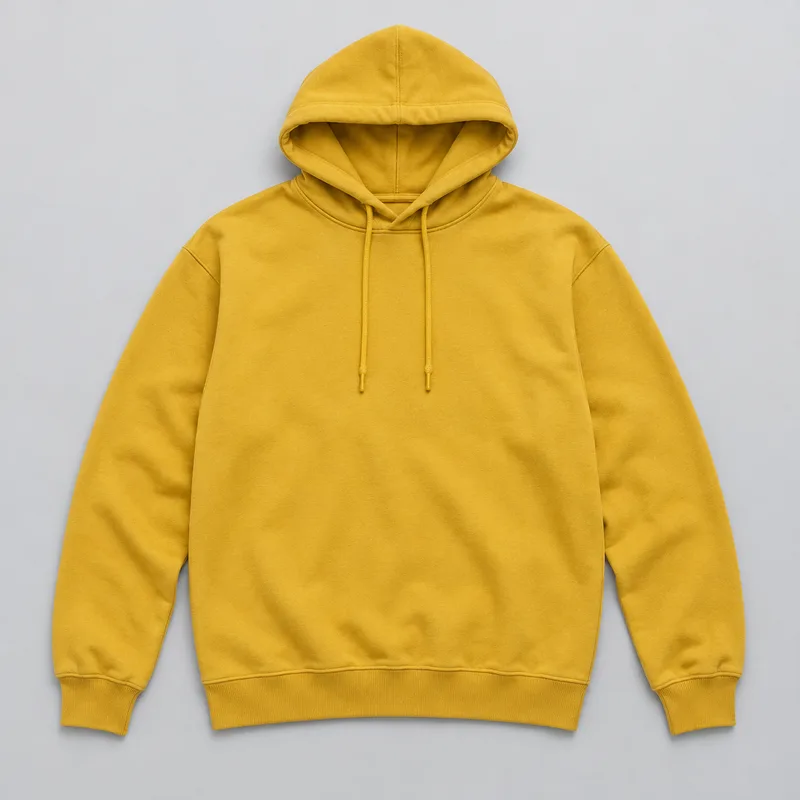
Hoodie Mockup Maker
Describe the hoodie, or drop in your artwork, and FlowPix generates a realistic hoodie mockup photo: flat lay, on a model, the back print or a row of colours, ready for a store page, a pre-order or a pitch.
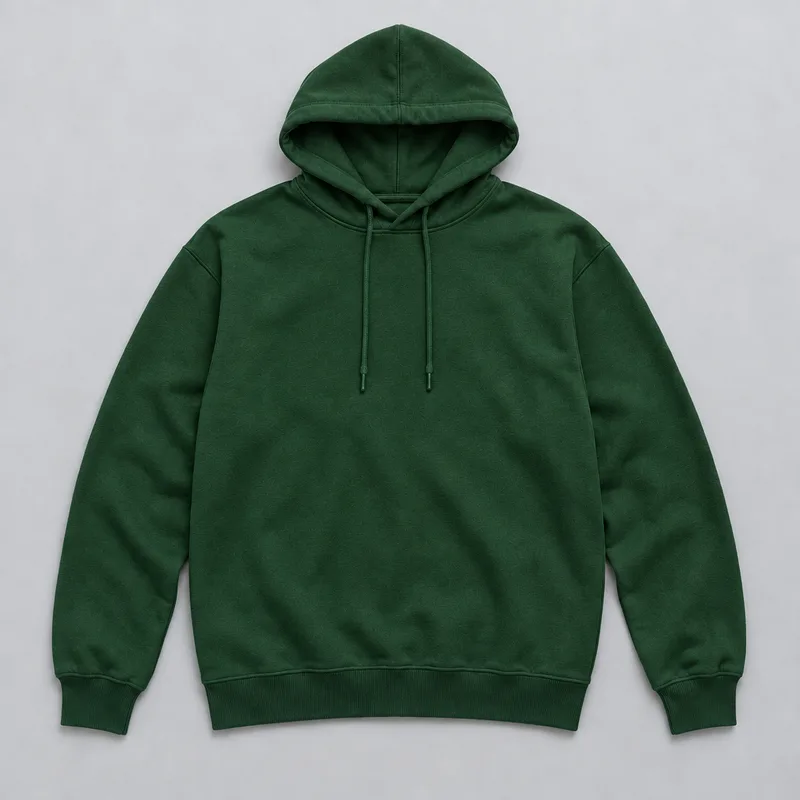
Image Color Changer
Upload a picture, say which object should change and which colour you want, and FlowPix redraws it in the new colour. The picture is regenerated, so the colour changes clearly while small details can shift.
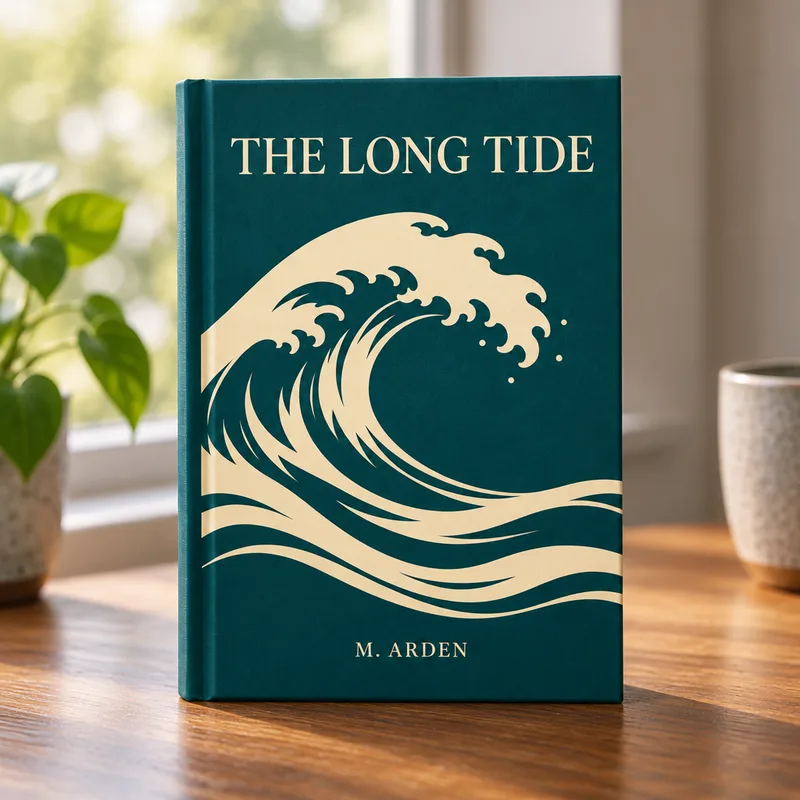
Book Mockup Maker
Attach your book cover, describe the book and the scene, and FlowPix generates a book mockup photo: a hardcover on a desk, a paperback flat lay, a stack of copies or a book in a reader's hands, ready for a launch page, a pitch or a pre-order.
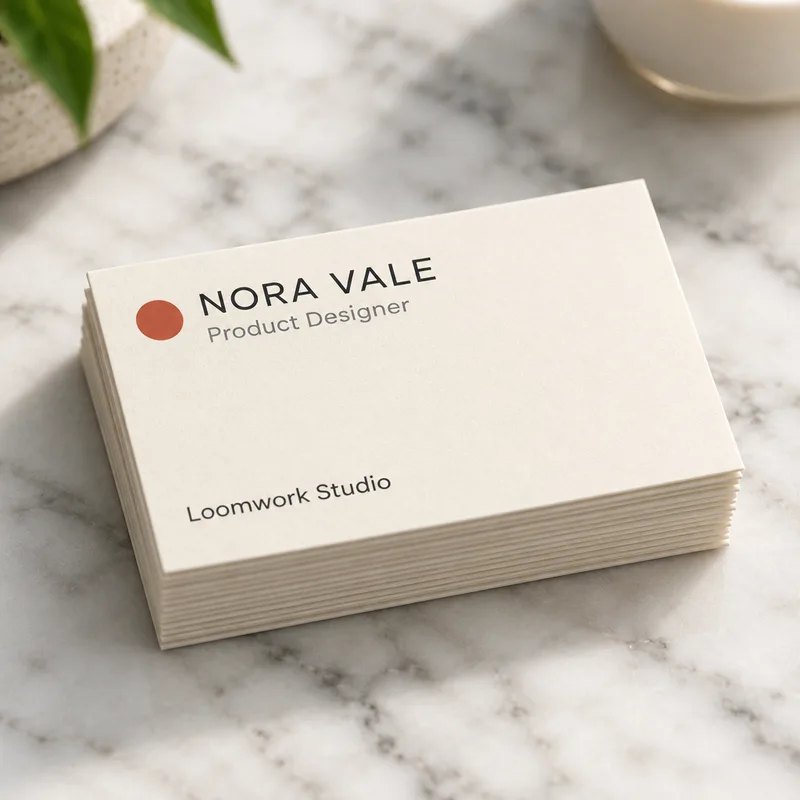
Business Card Mockup Maker
Attach your business card design, describe the scene, and FlowPix generates a business card mockup photo: a stack on a desk, a card in a hand, the front and back side by side or a card in a holder, ready for a portfolio, a pitch or a print order.
AI Poster Maker
Describe an event, film, or campaign and FlowPix explores poster directions, sets the typography, and exports a print-ready layout you can remix.
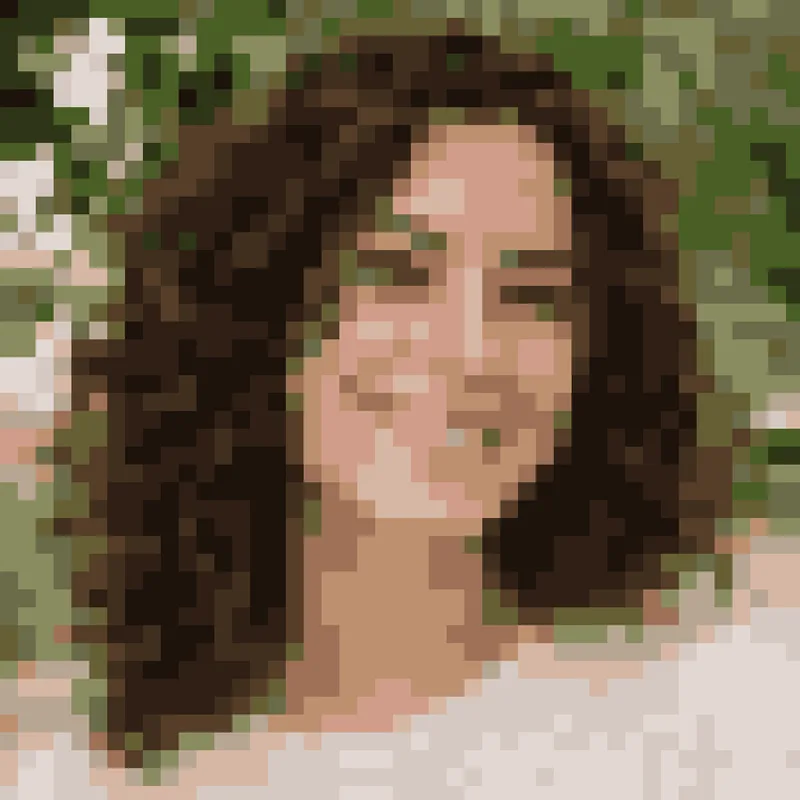
Photo to Pixel Art
Turn a photo into pixel art in FlowPix: select the picture, open Adjust, and set Pixel size and Colors. The picture is cut into an even grid of squares and limited to the number of colours you choose, then saved as a new image. Fine detail disappears, and you cannot pick the palette.
AI Illustration Generator
Describe a scene or a series and FlowPix illustrates it in a consistent style — editorial art, prints, and cohesive sets you can remix.
AI Social Media Post Generator
Describe a brand and FlowPix generates a cohesive set of social posts — quote cards, product posts, tips, and promos — that all read as one brand.
Instagram Image Size Guide
A plain guide to Instagram image size, with the figures from the Instagram Help Center as checked in November 2026: the largest width, the ratios kept and the smallest. Then describe your picture in chat and FlowPix makes it in a 4:5, 9:16 or square shape.

YouTube Profile Picture Size Guide
A plain guide to YouTube profile picture size, with the figures from YouTube Help as checked in November 2026: the file types, the file size limit and the size it shows at. Then describe your picture in chat and FlowPix makes a square 1:1 picture.
AI Book Cover Generator
Describe a book and FlowPix designs cover directions — title treatment, cover art, and author lockup — in any genre, ready to remix into a series.
AI Character Generator
Describe an original character, or fill in the card, and FlowPix draws a portrait, then a full-body picture of the same character made from that portrait. The card stays text you can edit and copy. Invented characters only.
Crop Image
Crop a photo in FlowPix: select it, open Crop, pick a ratio from 1:1 to 16:9 or type the pixels, and press Apply. The pixels inside the frame are kept exactly as they were. A circle crop saves a new PNG with a transparent outside.
AI UI Design Generator
Describe an app or a dashboard and FlowPix designs the screens — mobile or desktop — in one consistent design system, from the home screen to settings.
AI Interior Design Generator
Describe a space and FlowPix designs it room by room — one material palette, light, and style carried across the whole home, from the living room to the bath.
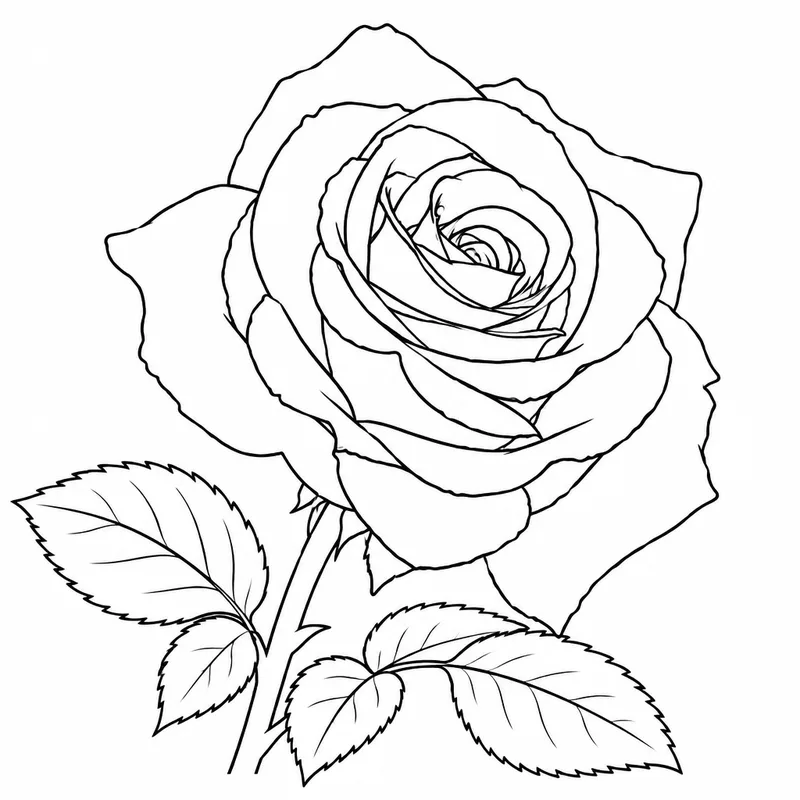
Tattoo Stencil Maker
Turn a photo into a black line drawing on white in FlowPix: select the picture, open Quick Edit, describe the stencil you want and press Run. You get a new line-art picture to print and trace. It is a redrawing, not an exact trace, so check it against the photo.
Image Transparent Maker
Want to make an image transparent? Drop in any picture and FlowPix lifts the subject off its background with clean edges and hands back a transparent PNG you can place on a slide, a poster, a product page or any colour you like. Think of it as a transparent background maker that lives in the chat.
Poster Size Guide
Every standard poster size in inches, centimetres and pixels at 300 dpi, with the shape of each sheet. Then describe your poster in FlowPix, in a 2:3 or 3:4 shape, and enlarge it afterwards if a print needs more pixels.
Packaging Mockup Maker
Describe the box, bag, pouch or bottle, or attach your logo or label artwork, and FlowPix generates a realistic packaging mockup photo: flat lay, on a shelf, in a hand or in a row of colourways, ready for a store page, a pre-order or a pitch.
AI Image Enhancer
Improve a photo two ways in FlowPix: upscale it with a dedicated enlargement model, or attach it and describe what to fix, such as light, colour, noise or softness. Enhancing by description redraws the picture, so small details can shift.
YouTube Banner Size Guide
A plain guide to YouTube banner size, with the figures from YouTube Help, the X Help Center and LinkedIn Help as checked in November 2026: the recommended size, the minimum, the safe area and the file limits. Two blank banners, one pure white and one pure black, are there to download at the recommended 2560 × 1440 px. Or describe your own banner in chat and FlowPix generates it as a wide 16:9 picture.
Fix Pixelated Photos
Learn how to fix pixelated photos in FlowPix: enlarge a small picture with the upscaler for cleaner edges, or attach a grainy or slightly soft photo and describe what to fix. Describing a fix redraws the picture, so small details can change.
AI Object Remover
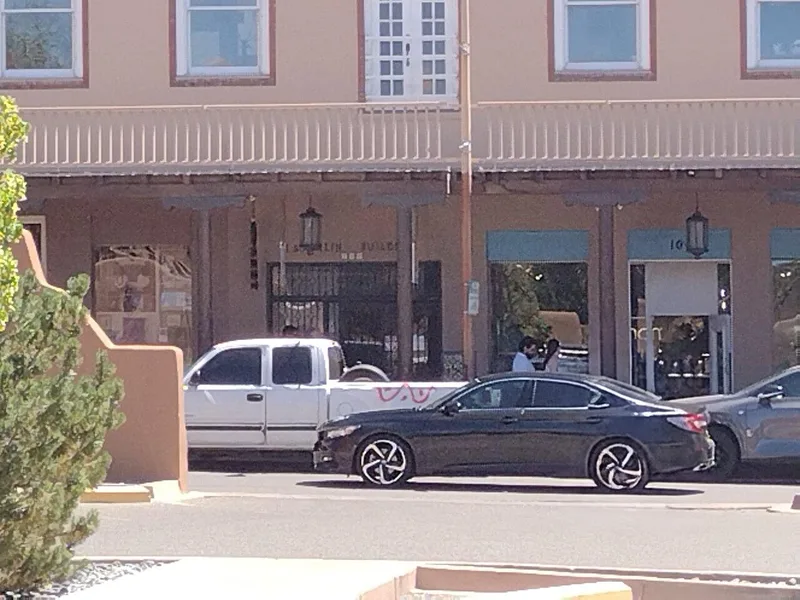
Take a person or an object out of a photo in FlowPix: select the picture, open the Eraser, paint over what you want gone and press Run. FlowPix removes what you painted and fills the gap from the surrounding picture. You paint the area yourself, and busy backgrounds are harder.
T-Shirt Mockup Maker
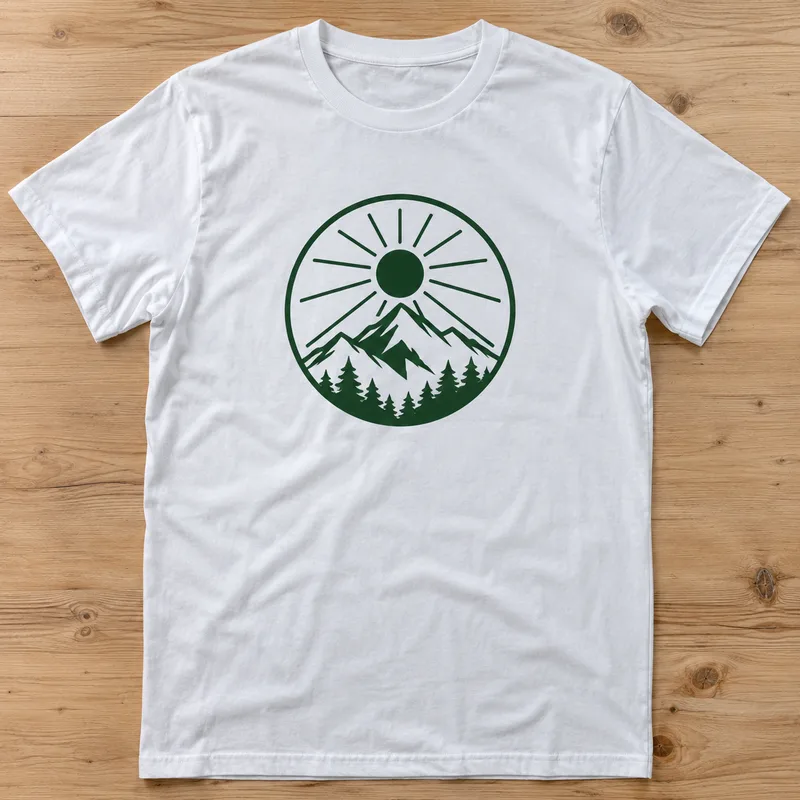
Describe the shirt, attach your design as a reference picture, and FlowPix generates a T-shirt mockup photo: a flat lay, a shirt on a hanger or a person wearing it, in the colour you name, ready for a shop page, a pre-order or a pitch.
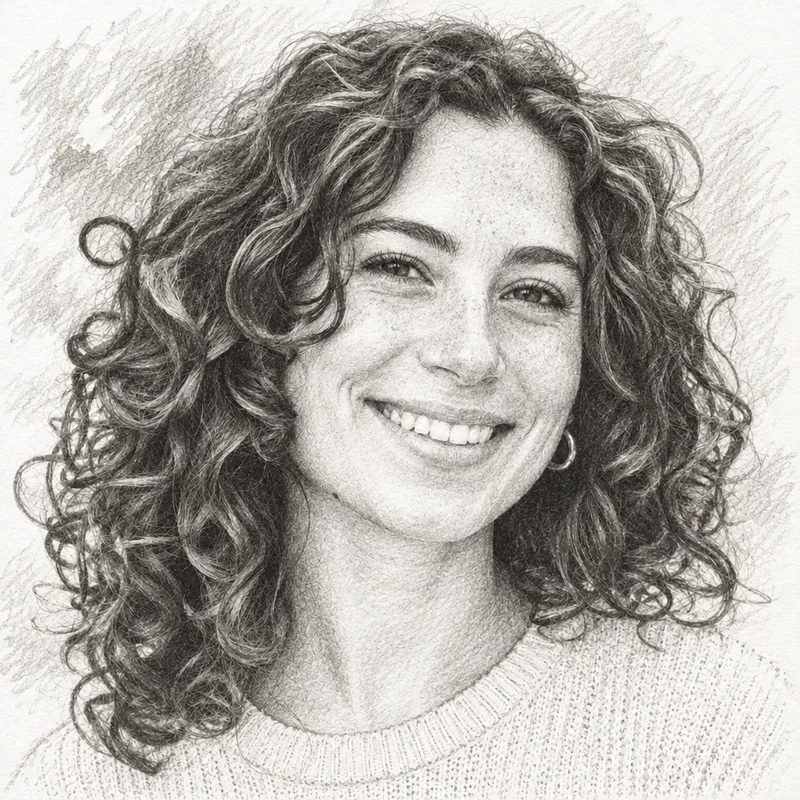
Photo to Sketch
Turn a photo into a pencil sketch in FlowPix: select it, open Quick Edit, describe the sketch and press Run. You get a new picture beside your photo. It is a redrawing, not a filter: the composition stays, the face and small details are drawn again.
AI Image Upscaler
Enlarge any image without the mush — FlowPix upscales about 4×, rebuilding crisp edges and fine detail so small or soft images come back sharp and print-ready.
AI Christmas Card Generator
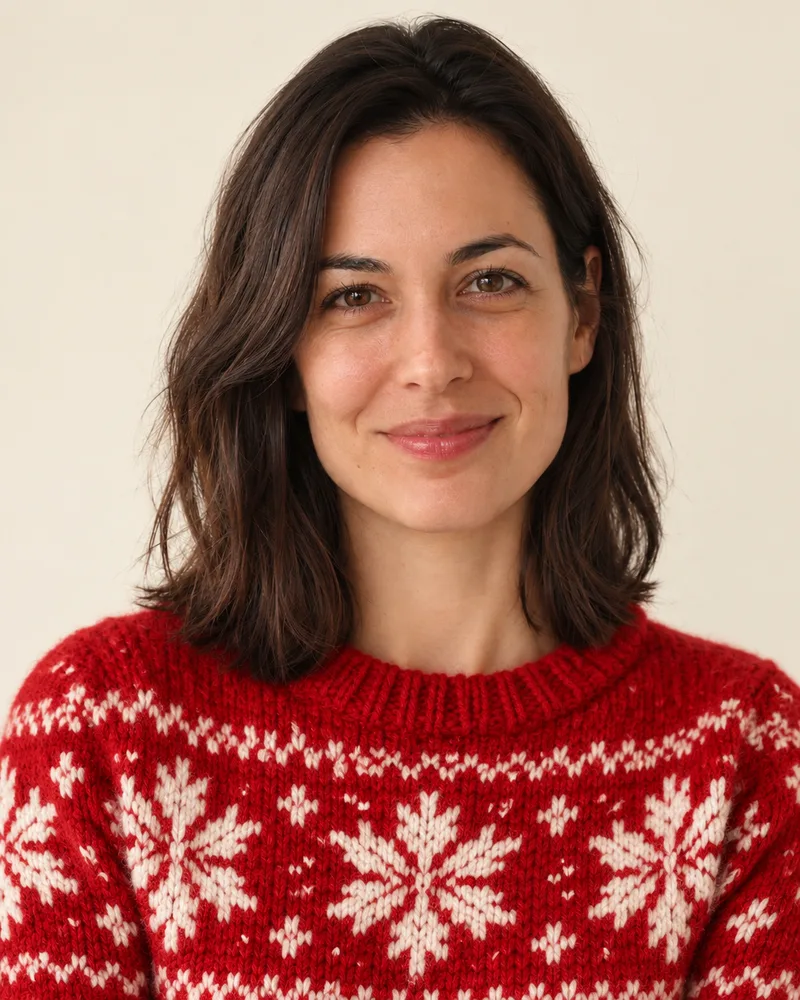
Make Christmas card pictures from your own photo with Quick Edit on the FlowPix canvas: a sweater, a snowy forest, a fireplace, an empty area for your message. Every prompt is shown. The picture is redrawn, so check the face.
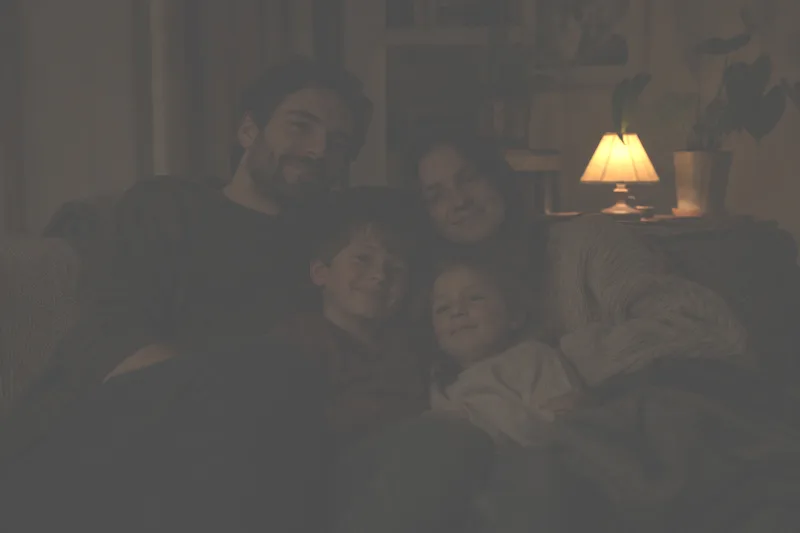
Brighten Image
Brighten a dark photo on the FlowPix canvas with the Adjust sliders Brightness, Exposure and Contrast. No model, no redrawing: we measured what each slider does on three dark pictures, including a backlit window that turns white.

AI Gender Swap
See a portrait drawn as the other gender with Quick Edit on the FlowPix canvas. We tried it once on each of two invented portraits and measured the face, the background and the clothes. The face is redrawn as a new face, only roughly like the original.
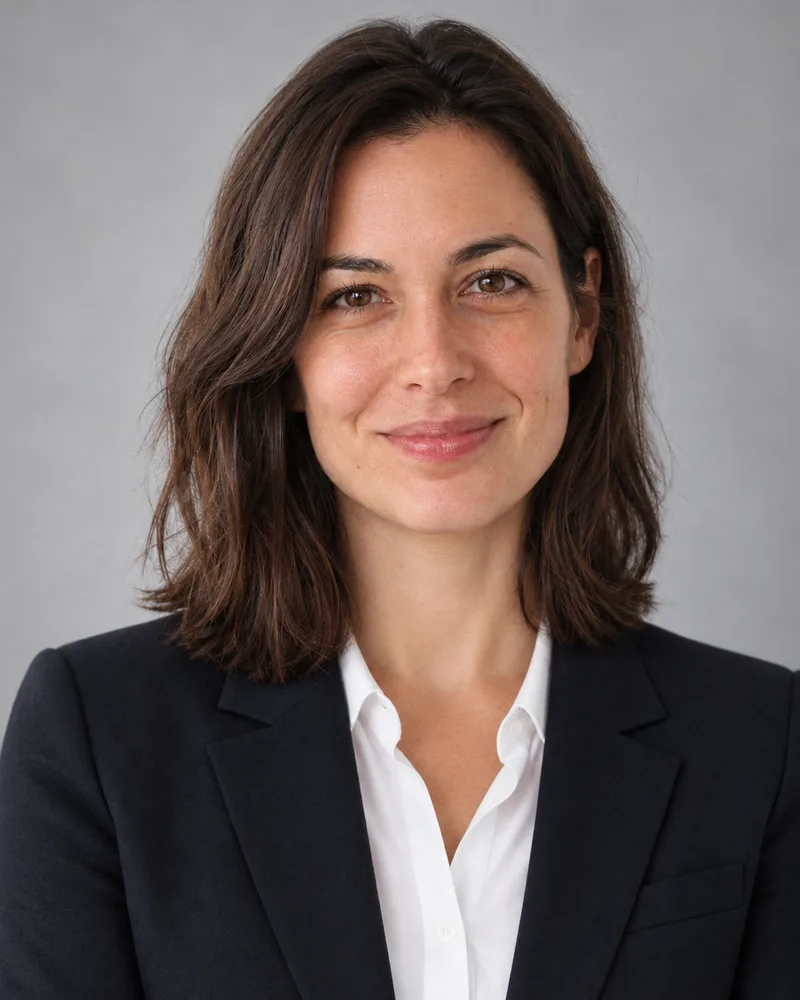
Professional Headshot AI
Turn a casual portrait into a professional headshot with Quick Edit on the FlowPix canvas. We tried a dark blazer, a white shirt and a grey studio background on two invented portraits and measured what changed. The picture is redrawn.
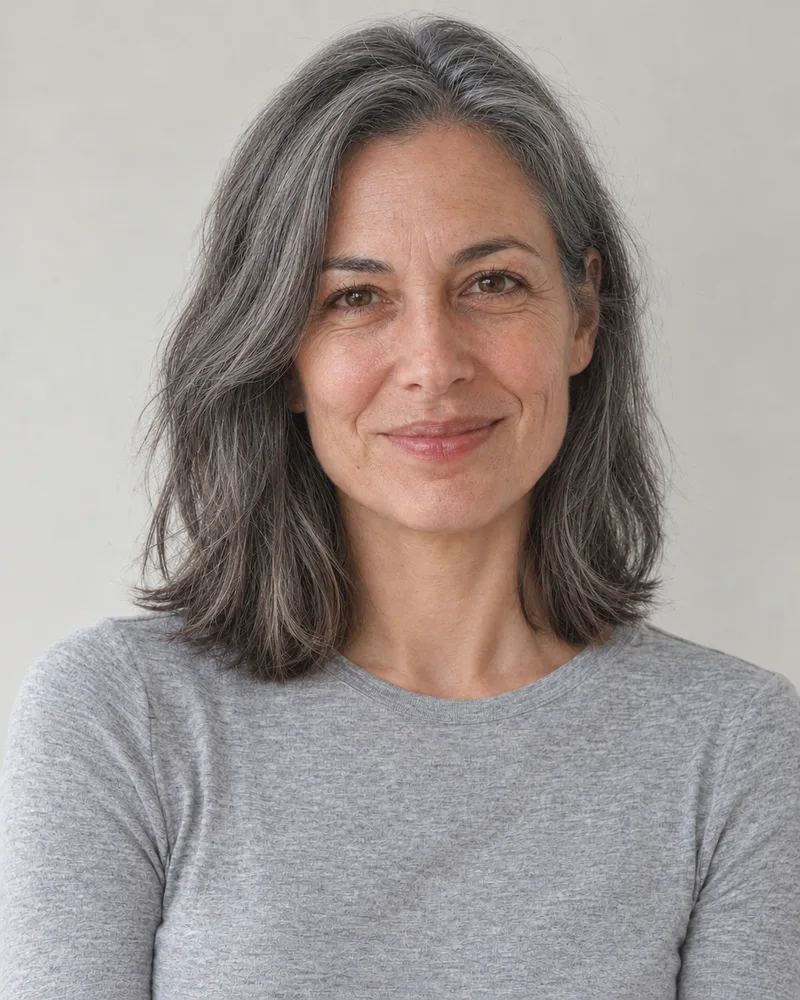
Aging Filter
Make a portrait look about thirty years older with Quick Edit on the FlowPix canvas. We tried it once on each of two invented portraits and measured the face, the background and the clothes. The picture is redrawn, so it is not the original.
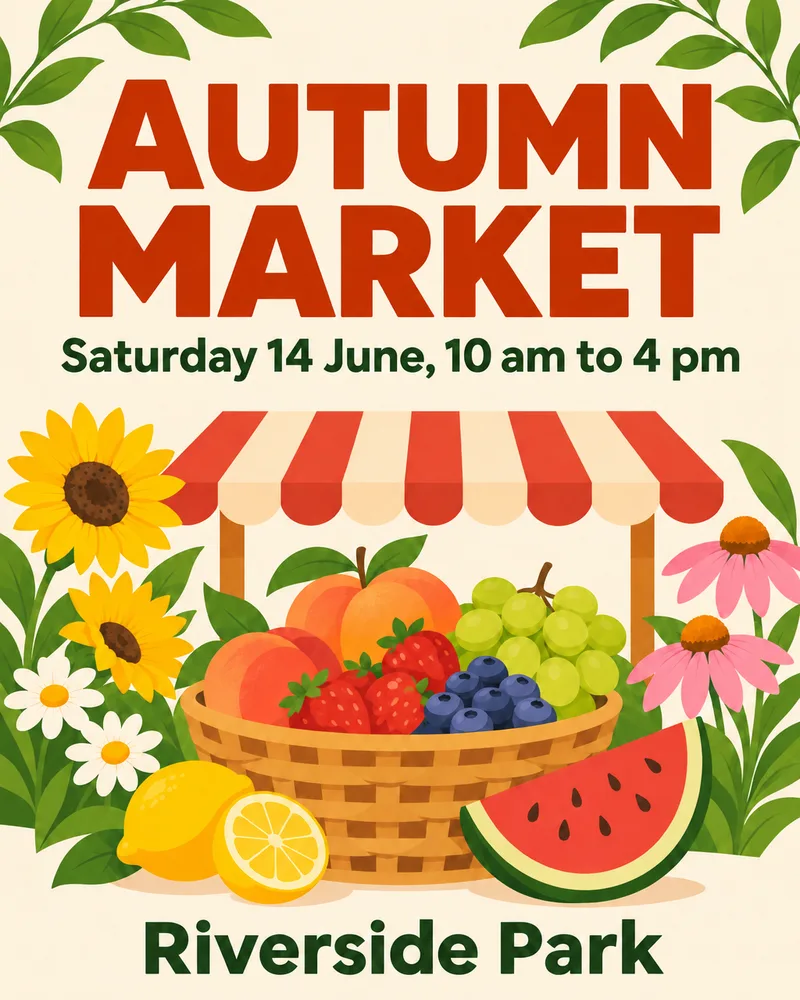
Edit Text in Image
Edit text in an image in FlowPix: select it, open Edit Text, say which words should change and press Apply. The whole picture is redrawn, so other details can change too and the new words can have mistakes. Use it on your own designs.
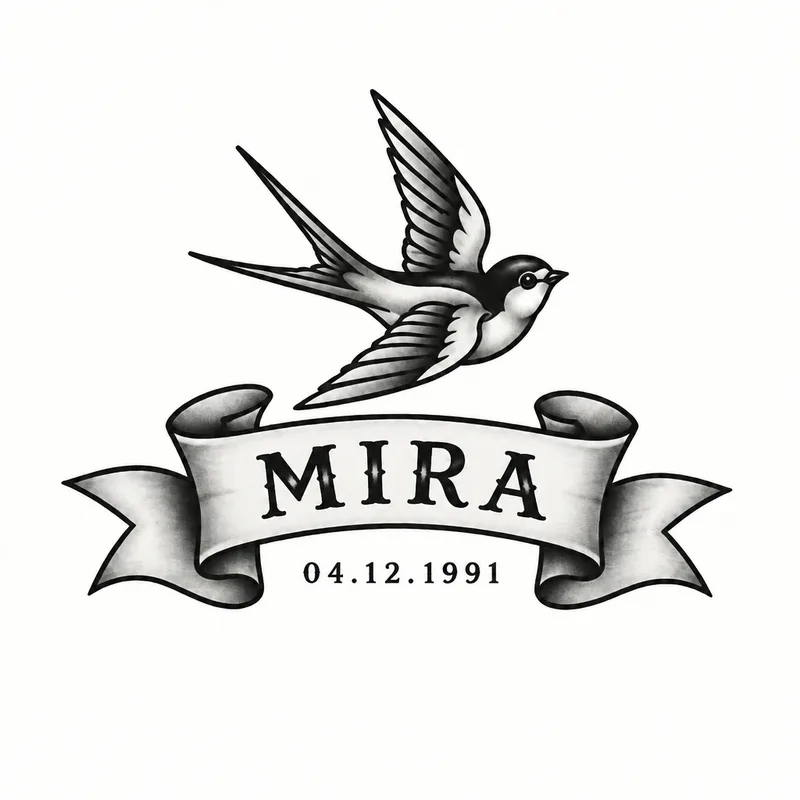
Tattoo Lettering Generator
Make a tattoo design with a name and a date on the FlowPix canvas, change one word or number with Edit Text, then turn it into a line stencil with Quick Edit. Every prompt is shown. Both tools redraw the picture, so check each letter.
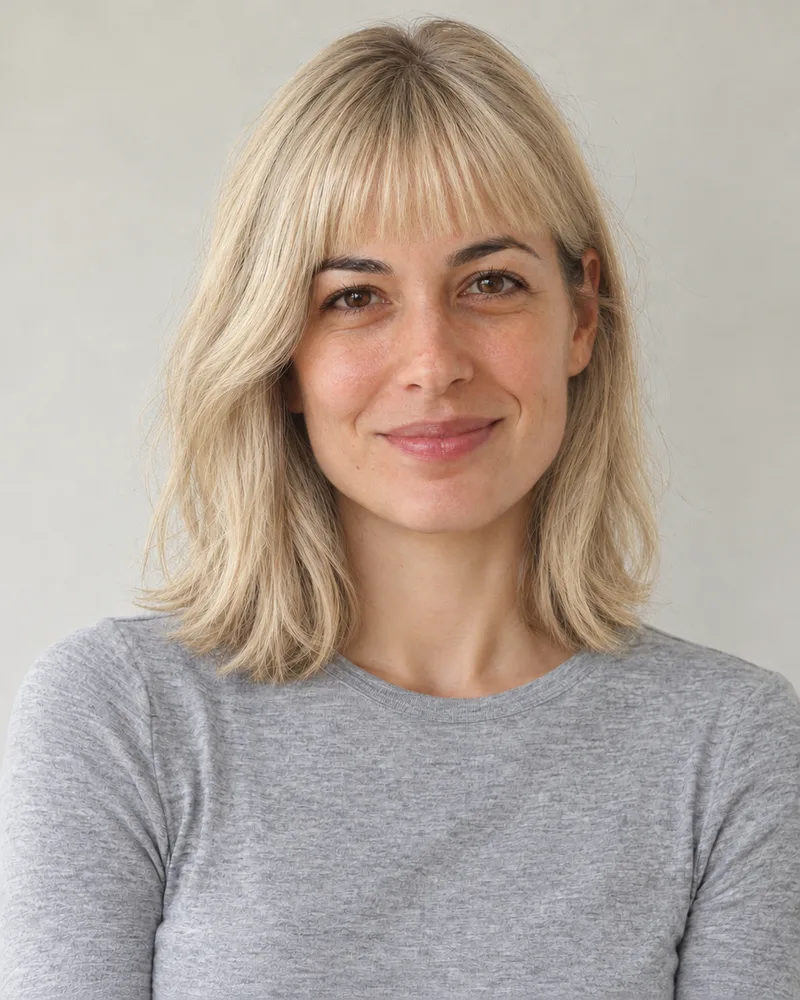
Hair Color Changer
Change the hair colour or the cut in a portrait with Quick Edit on the FlowPix canvas. We tried a blonde with bangs and a silver buzz cut on two invented portraits and measured the face, the background and the clothes. The picture is redrawn.

Family Crest Generator
Make a family crest on the FlowPix canvas: a coloured crest, a one-colour engraving, a changed motto, a transparent PNG and a larger file, one step at a time, with every prompt shown. It is an illustration, and Edit Text redraws the picture.
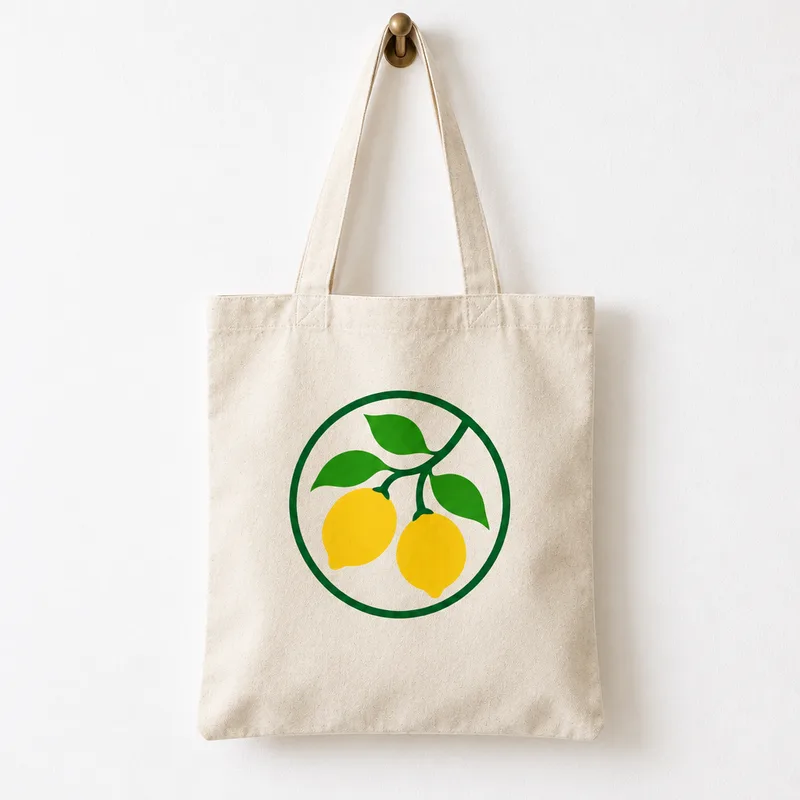
Tote Bag Mockup Maker
Attach your graphic, describe the tote bag and the scene, and FlowPix generates a tote bag mockup photo: a bag on a hook, a flat lay, a bag on a shoulder or a black bag in the studio, for a shop page, a pitch or a pre-order.
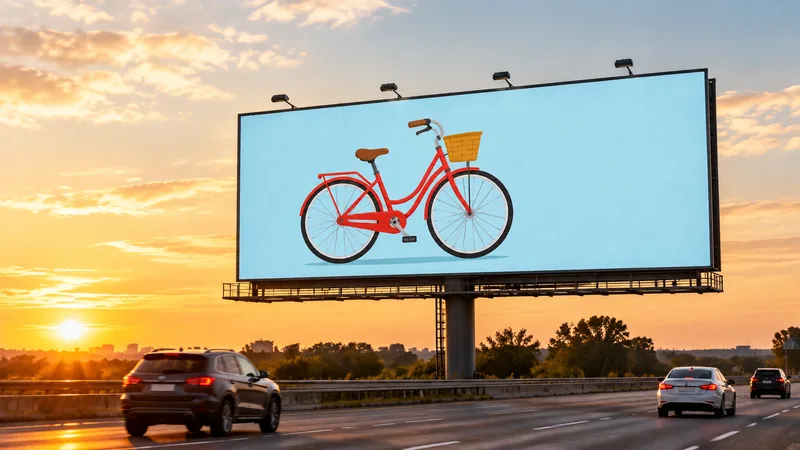
Billboard Mockup Maker
Attach your ad design, describe the billboard and the place, and FlowPix generates a billboard mockup photo: a roadside board at golden hour, a wall board at dusk, a board over a quiet street or a rooftop board at night, for a pitch, a proposal or a portfolio.
Pixelate Image
Pixelate an image in FlowPix: select it, open Adjust and move Pixel size. The whole picture turns into even squares, and the coarser they are, the less detail is left. It works on the whole picture, not one area, and it is not a safe way to hide secrets.
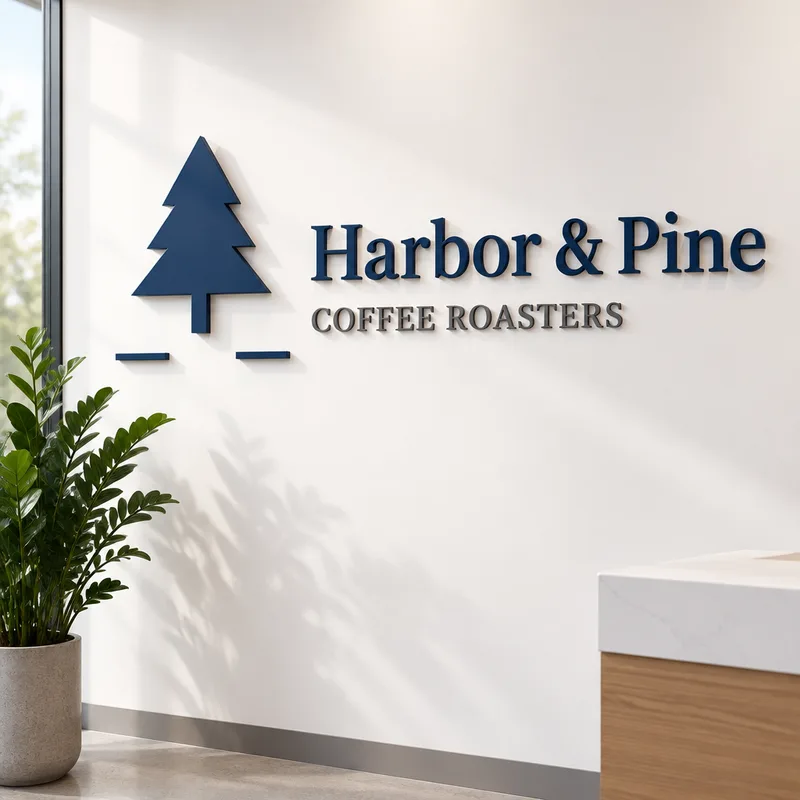
Logo Mockup Maker
Attach your logo, describe the place, and FlowPix generates a logo mockup photo: raised letters on an office wall, a hanging shop sign, a logo on a glass door, or a paper cup and a business card. The logo is redrawn, so check the letters.
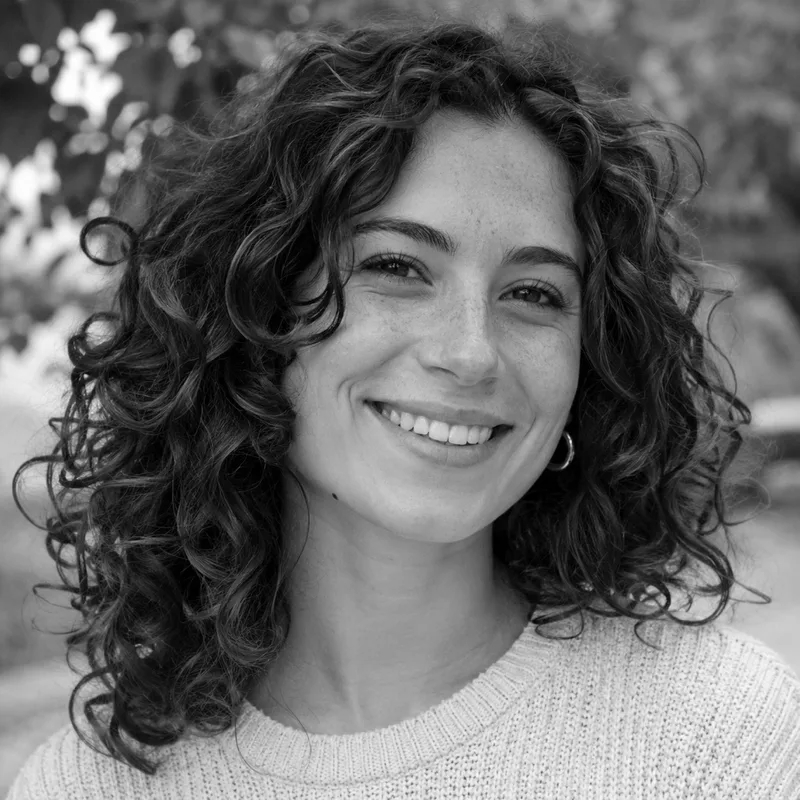
Black and White Photo
Make a photo black and white in FlowPix: select it, open Adjust and turn on Black and white. Every pixel becomes a gray that matches its brightness, nothing is redrawn, and you save a new image. It is grayscale, not two-color.
YouTube Thumbnail Size Guide
A plain guide to YouTube thumbnail size, with the figures from YouTube's Help page as checked in November 2026: the 16:9 shape, the recommended size, the minimum and the file limits. Then describe your thumbnail in chat and FlowPix generates it in 16:9.
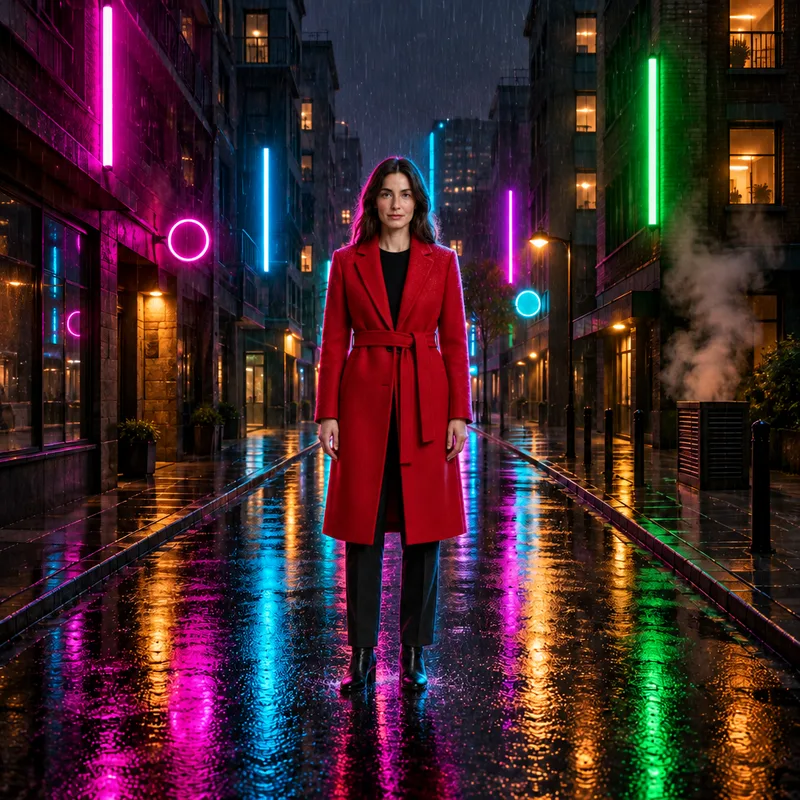
AI Photo Combiner
Attach several photos, describe the scene you want, and FlowPix generates one new picture that uses your photos as references. It is a regenerated image, not a cut-and-paste, so lighting, pose and small details are redrawn.
Video Tools
Create motion, ads, and image-to-video clips from reusable creative workflows.
AI Storyboard Generator
Describe a scene or a logline and FlowPix boards it shot by shot — a sequence of cinematic frames that keep the same character, style, and world from the first frame to the last.
Image to Video
Turn an image into motion with the video model of your choice and editable prompt context.

AI Video Generator
Text to video from one prompt, on the model you choose — Veo 3.1 for cinematic realism, Kling 3.0 for motion, Seedance 2.0 and Hailuo 2.3 for speed — all from one credit pool. Name a model or pick one in the composer; otherwise FlowPix uses its default.
AI Explainer Video Maker
Give FlowPix a topic or a script and the facts that must be right. It writes the script for you to confirm, builds an animated motion-graphics video with type, shapes, charts and diagrams, and exports a finished video with sound. Available on paid accounts.
Logo Animation Maker
Attach your logo as a PNG, JPG or SVG, say what should happen, and confirm the script. FlowPix builds an animated video around it and exports an MP4 with sound. Paid accounts. The shortest video is 6 seconds.
AI Motion Video
Describe a motion piece — a product’s selling points, an announcement, an explainer — and FlowPix writes it as an animated page of type, shape and light with music on the same timeline, timed to a narration if you want one. You approve the script first, watch the preview, change any scene, then export an MP4 with sound. Available on paid plans.

AI Music Video
Give FlowPix your song, or have an original song with a voice made for you, and it makes a music video: it finds the chorus, listens to the words and the beat, and animates type, shape and light to them in one of 22 styles, with the lyrics on screen if you like. Available on paid plans.
AI Video Background Remover
Upload a clip and FlowPix cuts the person or the object out of it. You get a transparent WebM, or the subject on a solid colour in an MP4 with the original sound. It takes videos up to 60 seconds, and the result is kept for 7 days, so download it when it is ready.
Fix Pixelated Video
Why a video looks pixelated and what you can do: check the playback, go back to a better file, export again at a higher quality, and make a small video larger with the FlowPix video upscaler. In our test the upscale made the clip larger, but it did not remove the blocks.
Video Reverser
Reverse a video online with FlowPix's video reverser: choose a clip and it is played from the end to the start, right in your browser tab. Nothing is uploaded. It takes up to a minute at 720p or smaller and 30 seconds at 1080p, up to 200 MB, and the result has no sound.
AI Video Upscaler
Upload a clip and FlowPix upscales it to 1080p, 2K or 4K, so a small video fills a bigger screen. It makes the picture larger; it does not bring back detail that was not in the file. Choose the standard mode or a higher-quality one. It takes videos up to 60 seconds at 1080p (40 at 2K, 20 at 4K), and the result is kept for 7 days, so download it when it is ready.

AI Video Ad Maker
Describe the spot and make it with Kling 3.0 for cinematic, physics-aware motion or Veo 3.1 for polished, large-scale realism; name one or pick it in the composer. Text or image to video, built for paid social and campaigns.
AI Models
Browse the models you can choose from, on one credit pool and one canvas.
GPT Image 2.5
OpenAI's GPT Image 2.5, the FlowPix default. The in-image typography of GPT Image 2, for less. Quality is yours to choose: low by default, medium or high when you ask for it. Takes up to 16 reference images; a picture made from references costs more than a text-only one, and the credits are shown when you choose to generate.
GPT Image 2.6 Flare
GPT Image 2.6 is the newest GPT Image on FlowPix, released in November 2026 in two versions. Flare is the quicker, everyday one. FlowPix uses it only when you name it: the default stays GPT Image 2.5. Quality is yours to choose: Low by default, Medium or High when you ask. It takes reference images and edits existing ones.
GPT Image 2.6 Sunburst
GPT Image 2.6 is the newest GPT Image on FlowPix, released in November 2026 in two versions. Sunburst is the version aimed at fine detail and precise edits. FlowPix uses it only when you name it: the default stays GPT Image 2.5. Quality is yours to choose: Low by default, Medium or High when you ask. It takes reference images and edits existing ones.
Nano Banana 2
The flash Nano Banana (Gemini 3.1). Built for iteration-heavy workflows and image-to-image refinement.
Nano Banana Pro
Strong at art-directed scenes — controlled composition, consistent style across multi-image series, and brand-aligned palettes. Choose it when the brief calls for an editorial layout or a consistent set.
Seedream 5.0 Lite
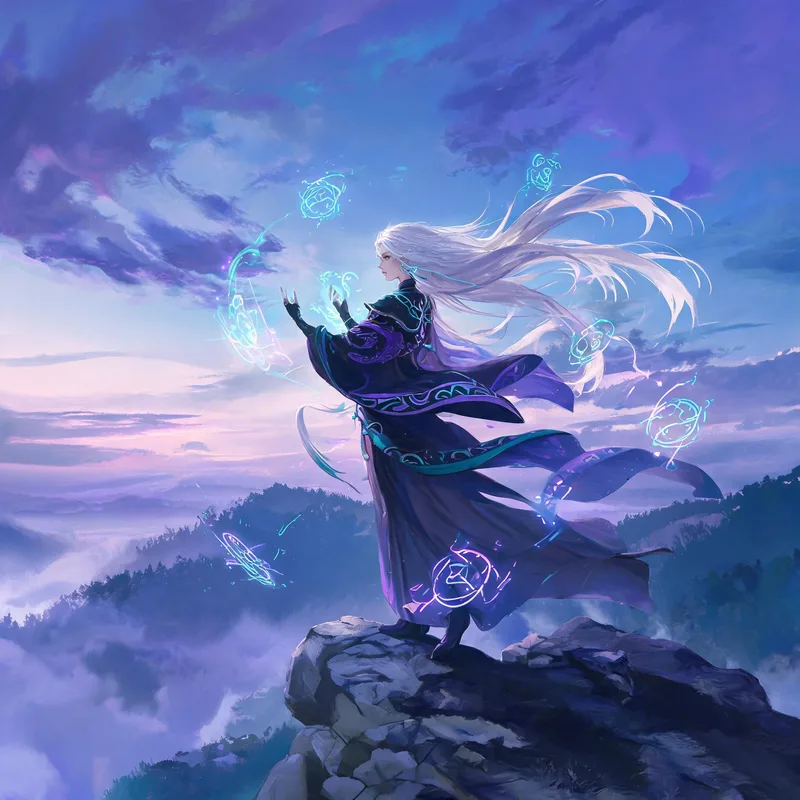
ByteDance Seedream 5.0 Lite — artistic, painterly output with quick turnaround. Best for illustration, character art, and stylized ideation passes.
Ideogram V3
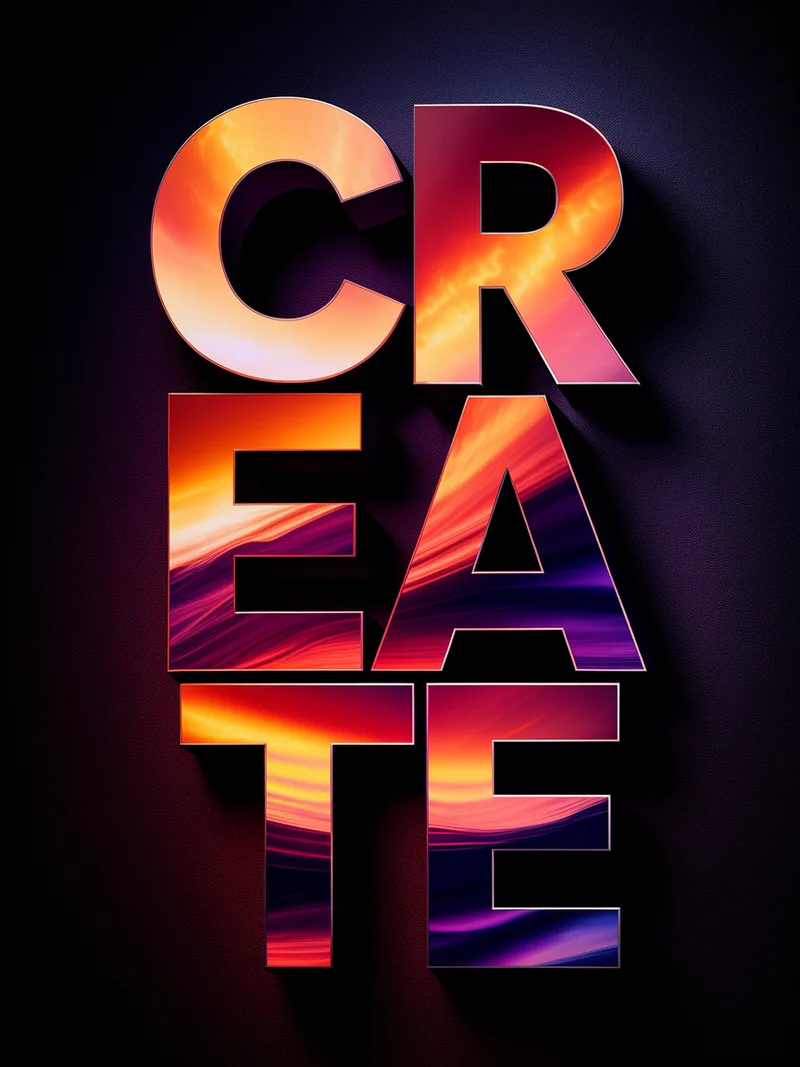
Ideogram V3 is a typography and graphic-design powerhouse — bold posters, brand marks, quote cards, and editorial layouts with crisp, legible in-image text and a strong design sense.

Recraft V4
Recraft V4 is built for design work — logos, icon sets and layouts with strong typography and vector output. It makes a picture from a prompt; it does not take reference images or edit one you give it.
Nano Banana 2.1
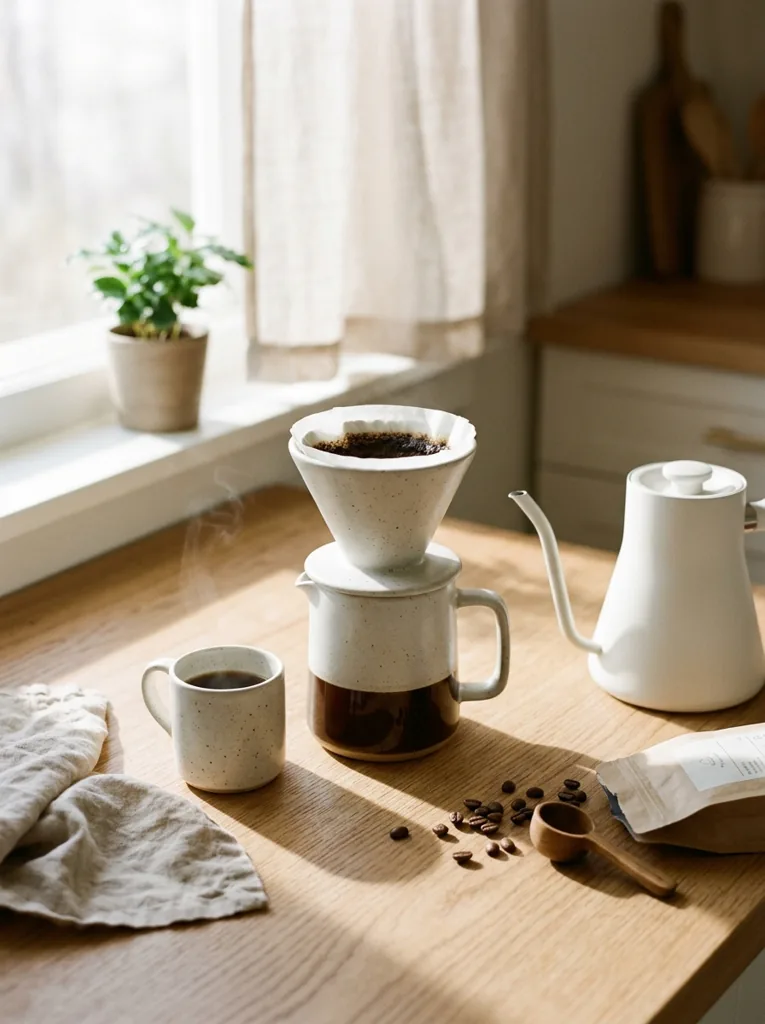
Google's newest Nano Banana: fast, sharp edits and up to 10 reference images at a fixed price per picture, from 1K to 4K. A good default for iteration, edits and quick drafts.

Seedream 5.0 Flash
ByteDance's Seedream 5.0 Flash: the lowest-priced model of the Seedream 5.0 family, with up to 10 reference images. A good fit for quick drafts, ideation and tests at volume.
Seedream 5.0 Pro
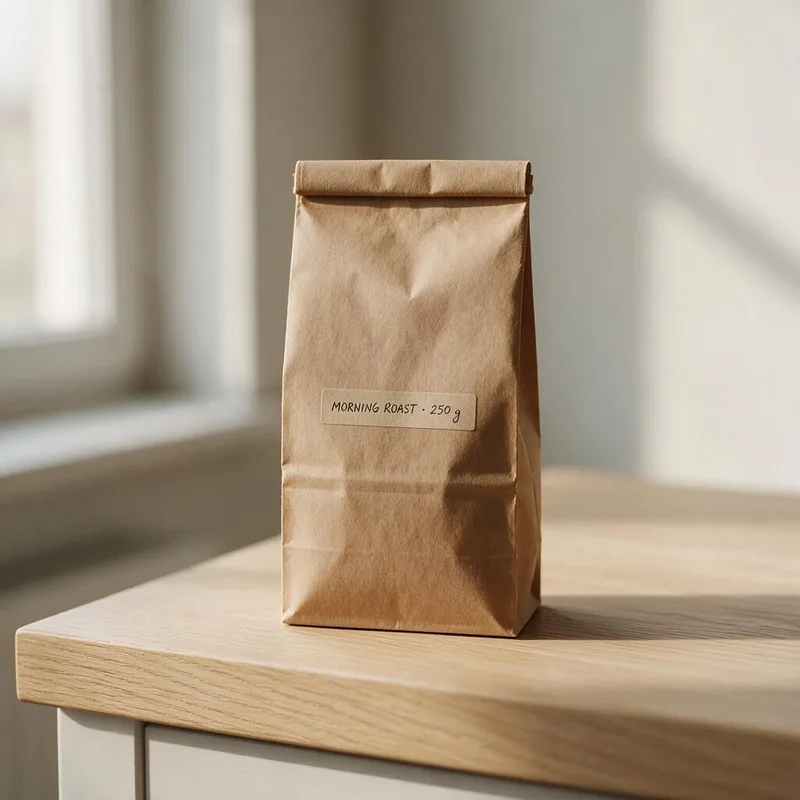
ByteDance's Seedream 5.0 Pro: the full model of the Seedream 5.0 family, beside Flash and Lite. FlowPix makes a 1K picture unless you pick 2K, and it goes no higher. It takes up to 10 reference images and edits pictures you give it. FlowPix uses it when you pick or name it: the default stays GPT Image 2.5.
Qwen Image 3.0
Alibaba's Qwen Image 3.0: the new generation of Qwen Image, strong at text and layout in posters, infographics and Chinese and English typography. Takes up to 3 reference images.
FLUX 3
Black Forest Labs' FLUX 3: detailed, photographic images that follow the prompt closely, with 1K and 2K output and up to 10 reference images.
FLUX 3 Klein
Black Forest Labs' FLUX 3 Klein: the small, very fast and low-priced FLUX 3, with 1K and 4K output and up to 10 reference images. Made for quick drafts and volume.
Veo 3.1
Google DeepMind Veo 3.1 — high realism, with audio generated in sync with the picture. Naming the camera move and the sound in the prompt gets the most out of it.
Veo 3.1 Fast
The faster, cheaper tier of Veo 3.1 — same synced-audio pipeline and cinematic look, tuned for quick iteration. Choose it when you want the Veo feel without the flagship price per clip.
Kling 3.0
Kuaishou Kling 3.0 — the flagship for believable motion: fluid bodies, real weight, and clean image-to-video. Choose it when the shot lives or dies on how the movement reads.
Kling 3.0 Omni
The all-in-one Kling 3.0 — combine a start frame, an end frame, and element references in a single generation. Best when you need the clip to hit specific visual marks instead of free-running.
Seedance 2.0
ByteDance Seedance 2.0 — feed it any reference (subject, style, or product) and it carries it through a clip with matching audio. A strong all-rounder for longer, sound-on video.
Seedance 2.0 Fast
The fast tier of Seedance 2.0 — the same reference-driven, sound-on pipeline tuned for quick turnaround. Choose it when you want the Seedance look without waiting on the flagship.
Seedance 2.0 Mini
The lightweight Seedance 2.0 — the lowest-priced Seedance 2.0 on FlowPix, built for social loops and quick tests where speed and price beat maximum fidelity.
Seedance 2.5
ByteDance's Seedance 2.5: the newest Seedance. Video from text or a start frame, with sound, at 480P or 720P; clips run 4 to 30 seconds.
Hailuo 2.3
MiniMax Hailuo 2.3 — takes a still and animates it with lively, characterful motion. A good fit for product hero shots and looped stills that need personality.
MiniMax H3
MiniMax H3 — the step up from Hailuo 2.3 in the same family. Native 2K output and long-prompt following, with up to five reference images to carry a subject across shots. Clips run 4 to 15 seconds.
Wan 3.0
Alibaba's Wan 3.0: video from text or a picture, with first-frame and last-frame control so a clip starts and ends where you say. 720P by default, with 480P and 1080P tiers; clips run 2 to 30 seconds.
MiniMax H3-Max
MiniMax H3-Max: the larger H3, with first-frame and last-frame control and output up to 1080P. Clips run 5 to 15 seconds.
FLUX 3 Video
Black Forest Labs' FLUX 3 Video: video from text or a picture with synced audio, at 720P or 1080P. Takes a first and a last frame. Clips run 5 to 20 seconds.
Vidu Q3
Vidu Q3 — biased toward stylized, anime, and illustrated motion with strong character consistency. Choose it for animation-style scenes rather than live-action realism.
Nano Banana
Nano Banana — Google Gemini 2.5 Flash Image, the first of the Nano Banana family. Fast generation and editing that takes up to 14 reference images in one request, for keeping a product, a face or a style across a set.
Grok Video
Grok Video — xAI’s video model. It makes 6 or 10 second clips at 480p or 720p, from a text prompt, from a start frame, or from one reference picture. A low per-second rate makes it a fit for drafts and quick social clips.
PixVerse V6
PixVerse V6 — stylised video in four sizes, from 360p up to 1080p, and 1 to 15 seconds long. It animates a start frame, joins a start and an end frame, or fuses up to seven reference pictures into one clip, with sound on by default.
Hailuo 2.3 Fast
Hailuo 2.3 Fast — the faster member of MiniMax’s Hailuo 2.3 family. It always starts from a picture: give it a start frame and it animates it into a 6 or 10 second clip, up to 1080p.
Kling 2.6
Kling 2.6 — Kuaishou’s model with strong motion adherence, in 5 or 10 second clips. It takes a text prompt, a start frame, or a start and an end frame. It makes no sound; for a Kling clip with audio, use Kling 3.0.
HeyGen Video
HeyGen Video — 5 to 30 second scenes with their own sound, made from a text prompt or from up to nine reference pictures of the people and products that must appear. Sizes from 480p to 2K. People in the scene can speak lines you write in the prompt.
Brand Tools
Turn a brief into repeatable identity systems, campaigns, and brand assets.
AI Brand Kit Generator
Describe a brand and FlowPix builds a cohesive identity board — logo, palette, type, pattern, and mockups — ready to remix into the rest of the system.
AI Color Palette Generator
Describe a vibe or drop a reference and FlowPix builds a brand color palette and mood board — cohesive swatches plus a sample application you can drop straight onto the canvas and design against.
AI Favicon Generator
Generate a crisp favicon and app icon from your brand or an idea — clean, geometric marks that stay legible when they scale all the way down to a browser tab. Choose a design-oriented model for vector-clean results.
AI Business Card Generator
Design a business card that matches your identity — clean typography, balanced layout, front and back — from a short brief. Pick a typography-strong model to keep the text sharp and legible, then refine it on the canvas.
Reviews and alternatives
- AI image editor ChatGPT alternative
- Midjourney alternative
- Sora alternative
- Nero AI Image Upscaler alternative
- Photoshop alternative
- Canva AI review
- CapCut alternative
- Picsart review
- Samsung photo editor alternative
- Gemini photo editor alternative
- Pixelcut review
- Evoto alternative
- Photoroom alternative
- Remini AI photo enhancer alternative
- Krea AI image enhancer alternative
- AI image editor alternative to Grok
- Grok video alternative
- Meta AI video alternative
- Best AI photo enhancer: a review of what each one actually publishes
- AI image generator alternatives, ranked on what each vendor publishes
- AI video generator reviews: five tools, priced from their own pages
- The best cheap AI photo editor, by what each one actually charges