

What a book mockup is for
A book mockup is a picture of a book that shows how a cover looks on a real-looking object. It can be a hardcover standing on a desk, a paperback lying on a table, a stack of copies or a book held in two hands. It lets you judge a cover as an object instead of a flat file, show it to a client or a reader, and announce a book before a single copy is printed.
Authors who publish themselves, cover designers, small publishers and bookstores all use mockups for the same reason: a flat image of a cover does not tell people much, and a picture of a book does. A useful mockup answers a few questions at a glance. Does the cover read at a small size? Do the colours look right next to real objects? Does the title still read when the book is in a hand? This page explains how to get such a picture in FlowPix, and where the limits are.
How to make a book mockup with FlowPix
Open the app and attach your cover as a reference picture. Then describe the book and the scene the way you would brief a photographer: hardcover or paperback, what the book stands or lies on, the light, and what else is in the frame. FlowPix generates a photo of a book that carries a version of your cover. There is no mockup template to choose and no file to drag onto a fixed shape; you say what you want to see and the image generator draws it.
Treat the first result as a draft. Look at it closely and ask for changes in plain words: make the book a little larger in the frame, put it on a lighter surface, move the cup out of the picture. Each request produces a new picture, so you can keep what works and change one thing at a time.
Hardcover, paperback and a stack of copies
The kind of book changes the picture. A hardcover has a stiff cover with a visible edge and a flat spine, and it can stand upright on its own. A paperback is softer and lighter, lies flat more often, and shows its thin edge. A stack of copies shows several books at once and gives a cover a sense of volume. Say which you want, and say it plainly: a hardcover standing upright, a paperback lying flat, three hardcovers stacked.
Then choose the scene. A desk by a window, a linen cloth seen from above with a cup of coffee and glasses, and a plain grey studio background are all ordinary requests. Keep the words for the light and the surface the same across a set if you want the pictures to feel like one shoot.
A book in someone's hands
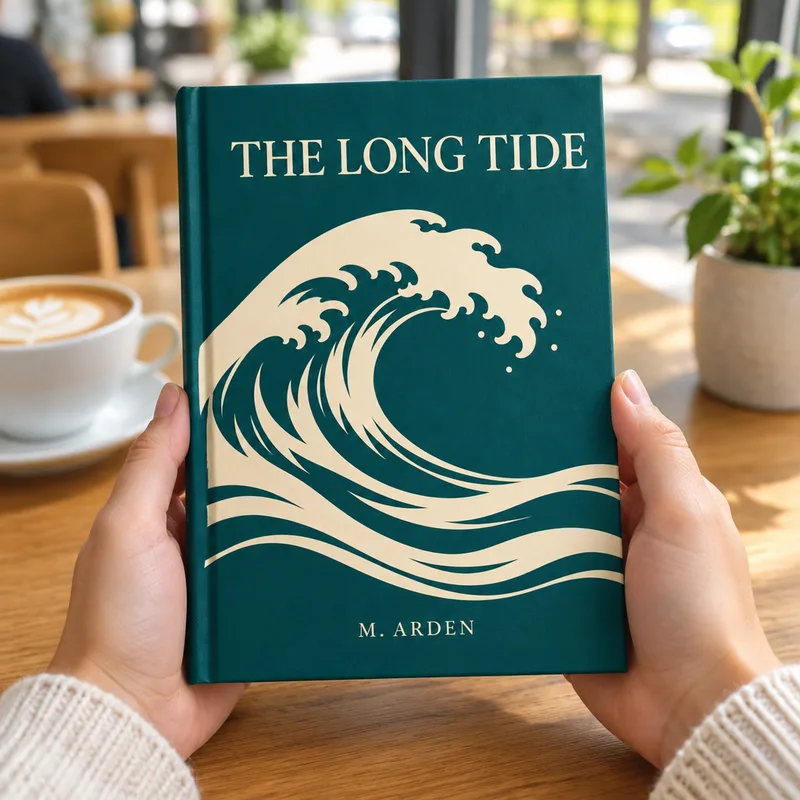
A book held in two hands tells a reader how big it is and makes it feel like something they could pick up. Ask for a person's hands holding the book in a bright cafe, a park or a library, with the front cover facing the camera. Say that the cover must be visible, because a hand can hide part of it.
Because the hands and the room are drawn again each time, you will not get the same hands twice. Look at the cover first and the hands second: the cover is what the picture is for.
What we saw in our tests
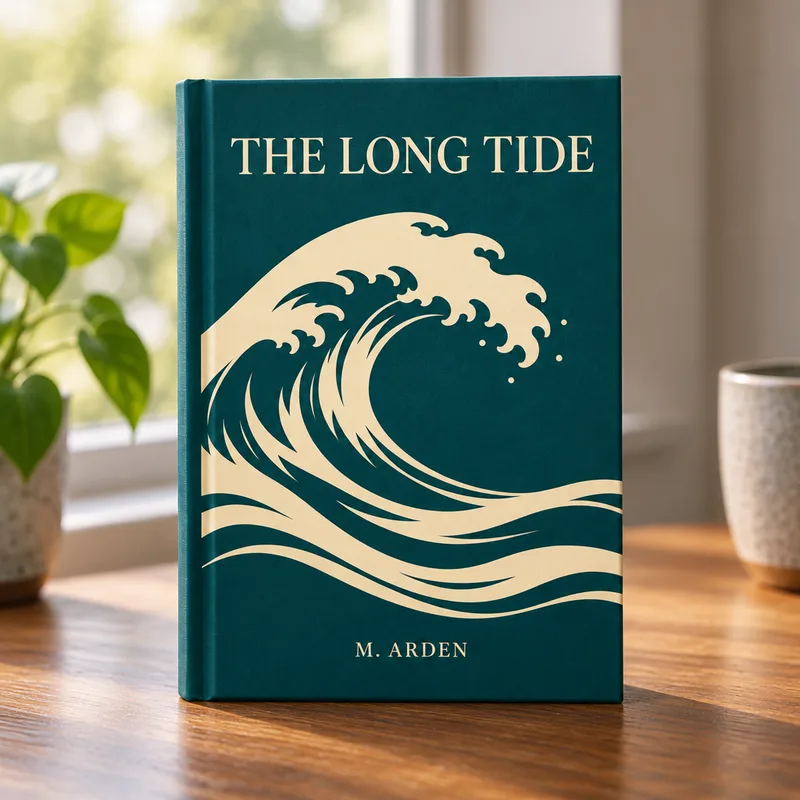
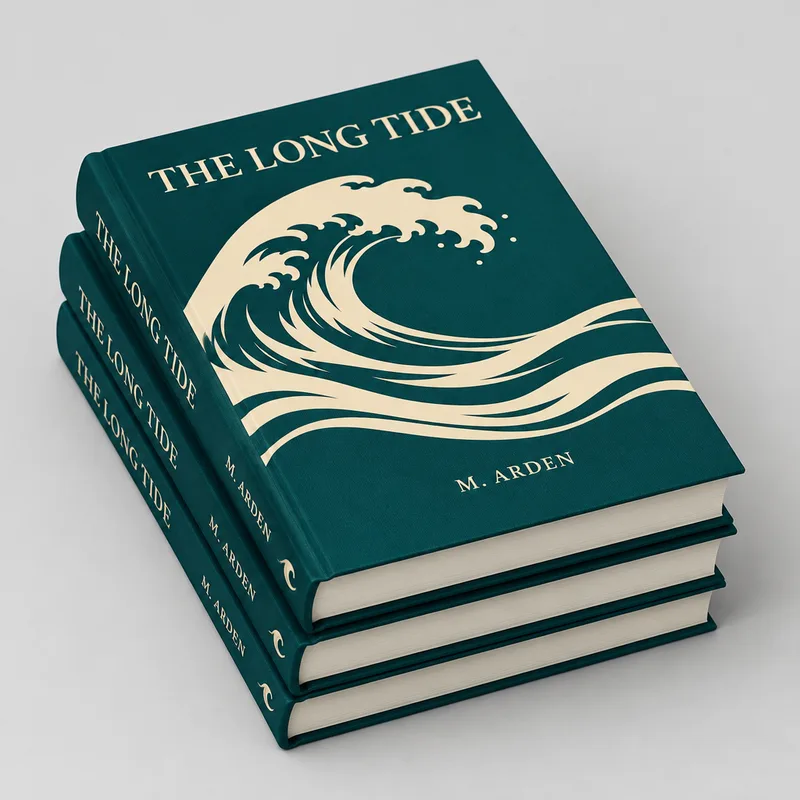
We tried four scenes with one cover: a hardcover standing on a desk, a paperback flat lay, a stack of three hardcovers and a book in two hands. The cover is a design we made for the test, with an invented title and author name, and the four pictures on this page are the real results of those runs, not edited afterwards.
In all four the title and the author line came out right, and the wave on the cover was recognisable. But the picture is drawn again each time, so the artwork was redrawn a little and was not the same in each picture. The spines of the stacked books carried a title and an author name that we had not given, because a front cover says nothing about the spine. Look at the text of your own cover letter by letter before you use a picture.
What it does not do
FlowPix does not place your file onto a fixed 3D shape, so it does not keep the exact pixels of your cover. It does not make a print file, a spine or a back cover, and it does not know the real size of your book, so do not use a mockup to check dimensions. It is also not a photo of a real book, which matters for stores that require real product photos.
If the text on your cover is small, it may come out broken or changed, so look at the result at full size. Keep your original artwork for printing, and ask your printer for its file rules.
Make the cover first
A mockup needs a cover to show. If you do not have one yet, start with our AI book cover generator, which designs cover directions from a short brief. Then bring the cover you chose here, and put it on a hardcover, a paperback or a stack.