Product campaign images from one prompt.
Generate product photography directions, variants, and campaign-ready images with a reusable replay workflow.
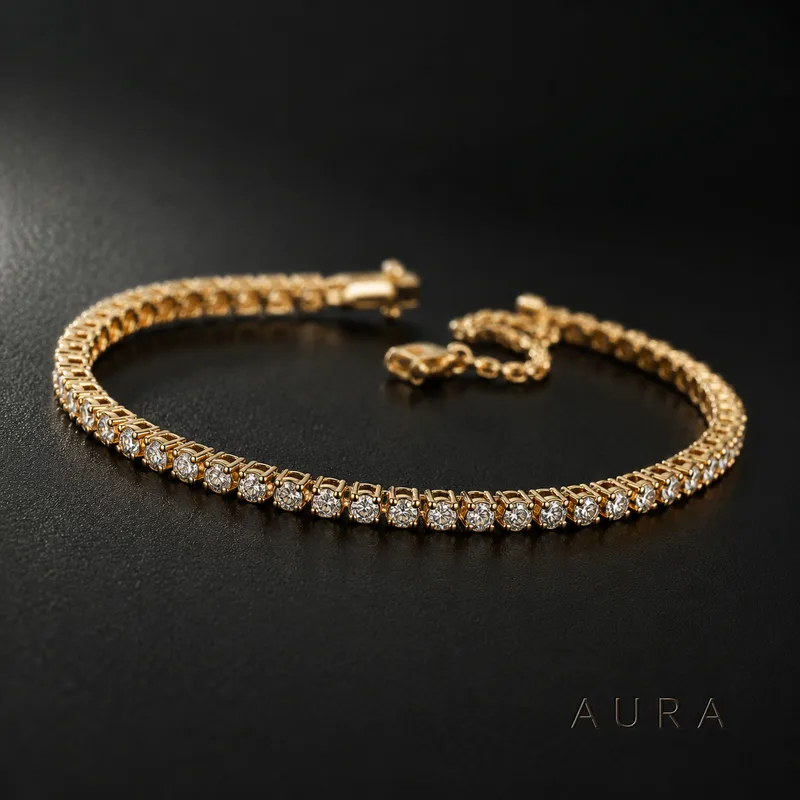
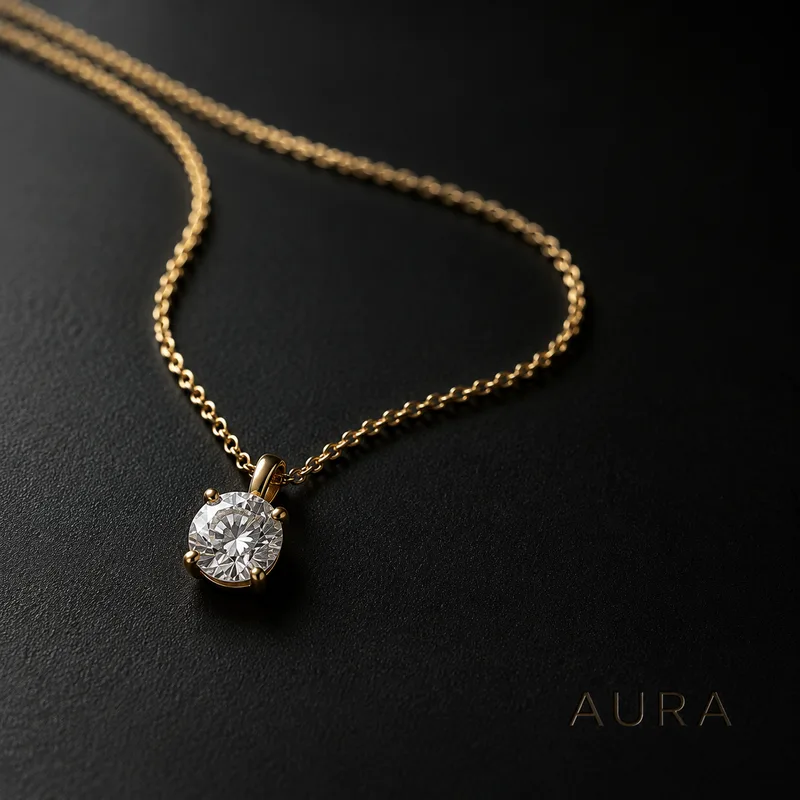
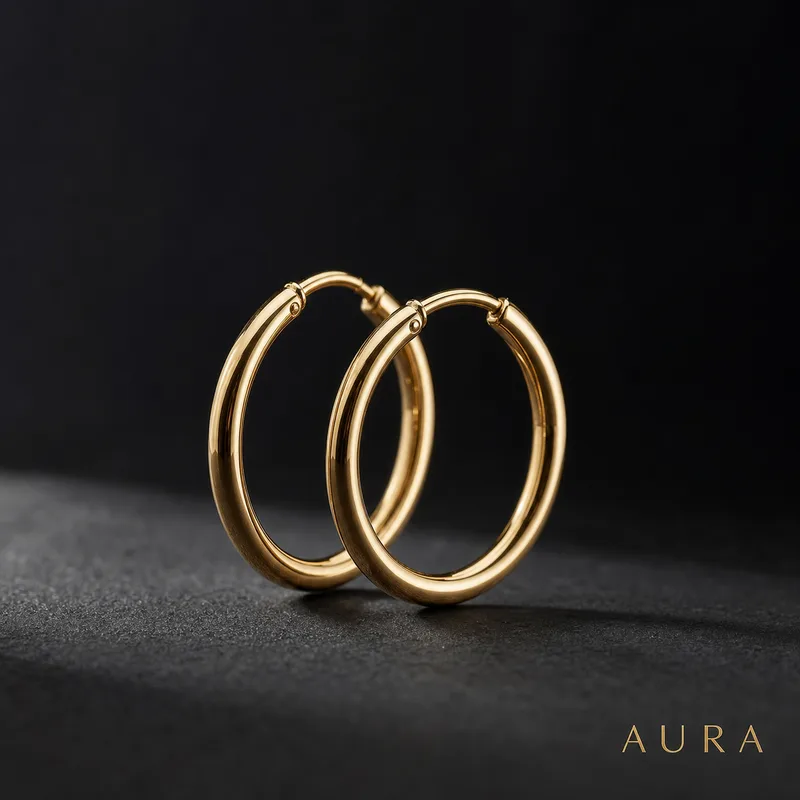

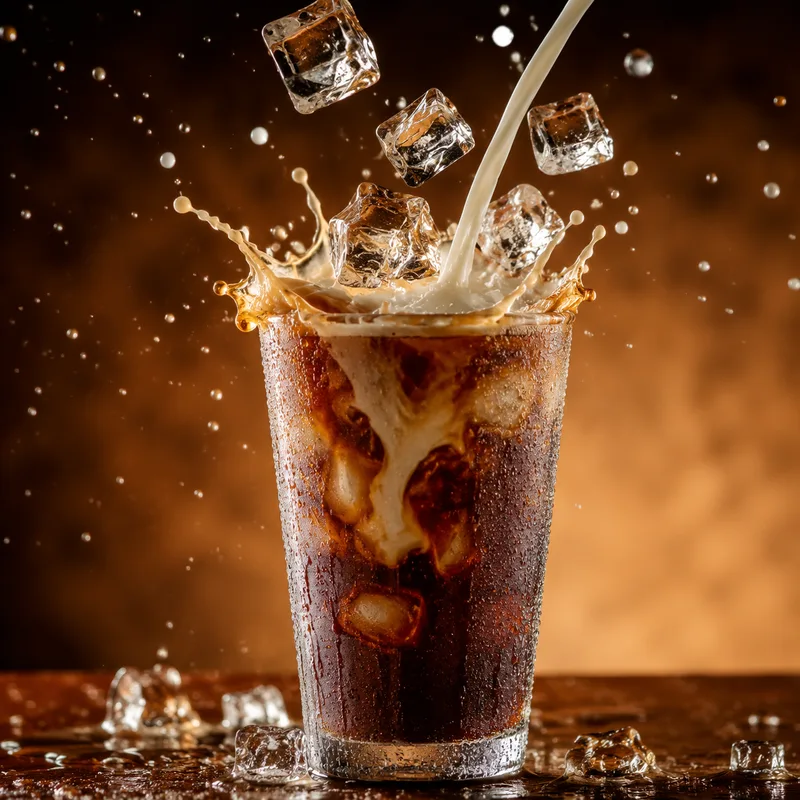
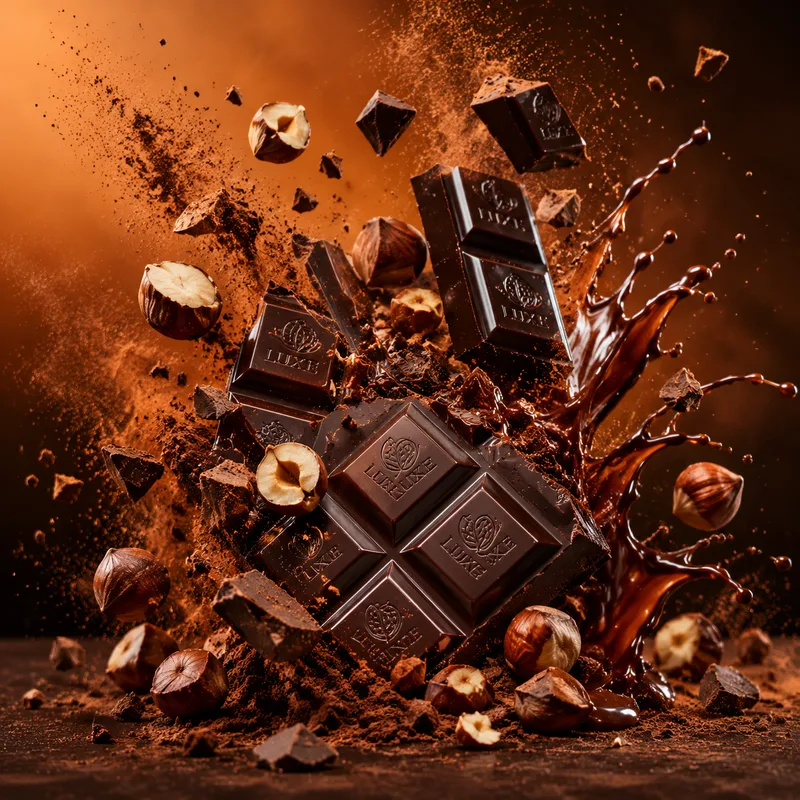
The process is the proof.
Curated workflows keep the brief, exploration, tool steps, selected direction, and final output structure so users can watch or remix the process.
Start from a proven replay.
Hero product shot
Single product, premium lighting.
A premium product hero shot with dramatic studio lighting and clean commercial composition.
Marketplace set
Clean ecommerce product pack.
A marketplace-ready product photo set on clean neutral backgrounds with multiple angles.
Marketplace-ready images.
Generate clean, consistent product photos for product detail pages.
Launch visuals fast.
Turn one product brief into hero, story, and social campaign variants.
Related products.
AI Logo Generator
Describe a brand and FlowPix explores logo directions, refines the selected mark, and turns it into a small identity kit.
gpt-image-2
Best for editorial portraits, product photography, and brand work that needs precise typography. Understands camera vocabulary and renders in-image text reliably.
AI Poster Maker
Describe an event, film, or campaign and FlowPix explores poster directions, sets the typography, and exports a print-ready layout you can remix.
AI Illustration Generator
Describe a scene or a series and FlowPix illustrates it in a consistent style — editorial art, prints, and cohesive sets you can remix.
Product details.
Can I use my own product photo as reference?
Yes. FlowPix can use uploaded references in the canvas and preserve the subject while changing the scene.