What this AI character generator makes
An original character, or OC, is a character you invent rather than borrow: a name, a look, a personality and a little history that belong to you. This AI character generator makes one at a time and keeps it recognisable. You describe the character, or fill in the card on this page, and FlowPix draws a head-and-shoulders portrait. Then it draws a full-body picture with the portrait as its reference, so the face, the hair, the clothes and the colours carry over instead of being drawn from scratch.
The card is the other half. It holds the name, the look, the personality and the backstory as plain text. You can change any line, copy the whole card, or send it to FlowPix, which turns it into the brief for the pictures. In the app the project keeps the pictures and the conversation, so the same character can be posed again later.
Three characters made for this page
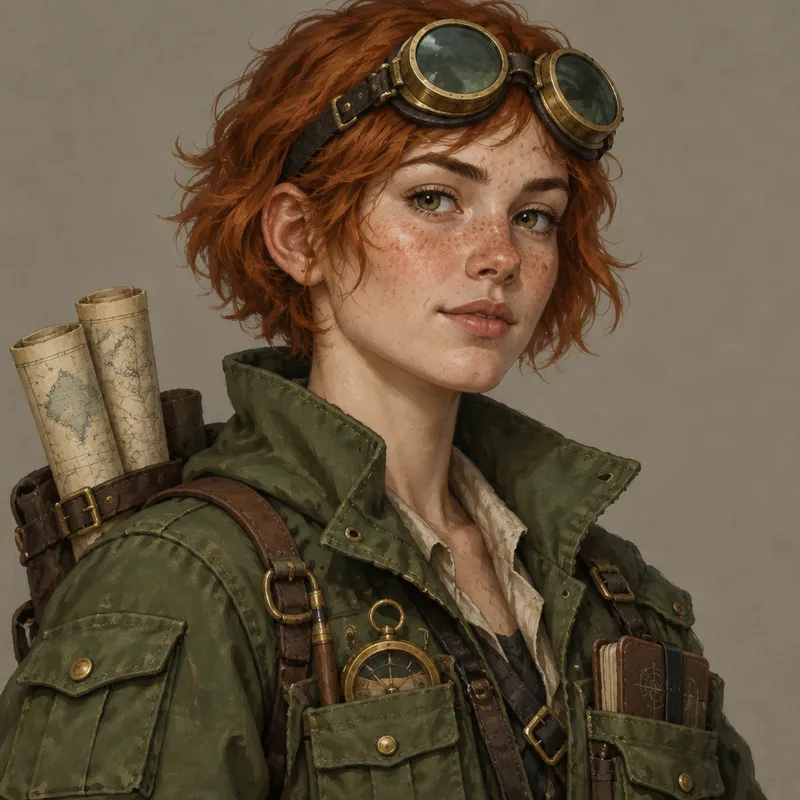
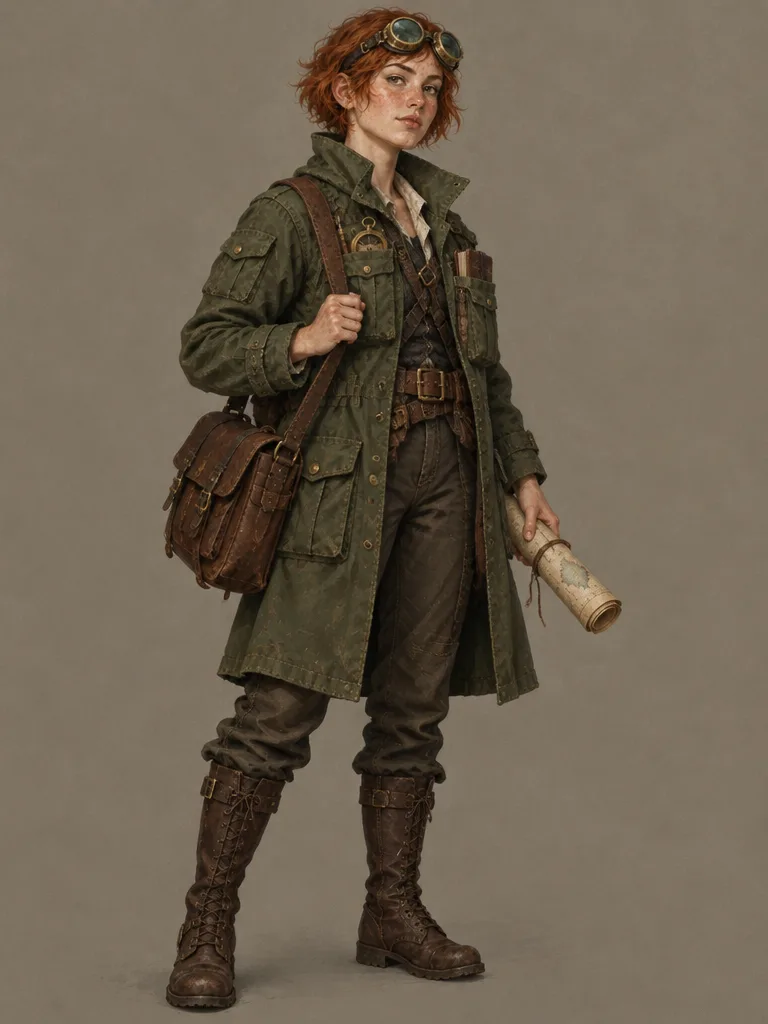
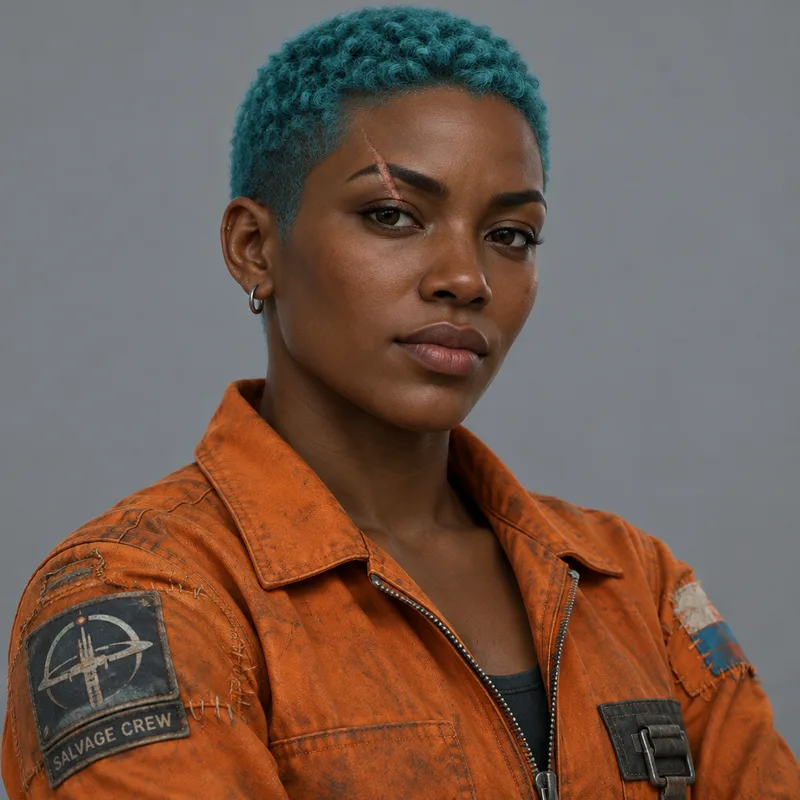
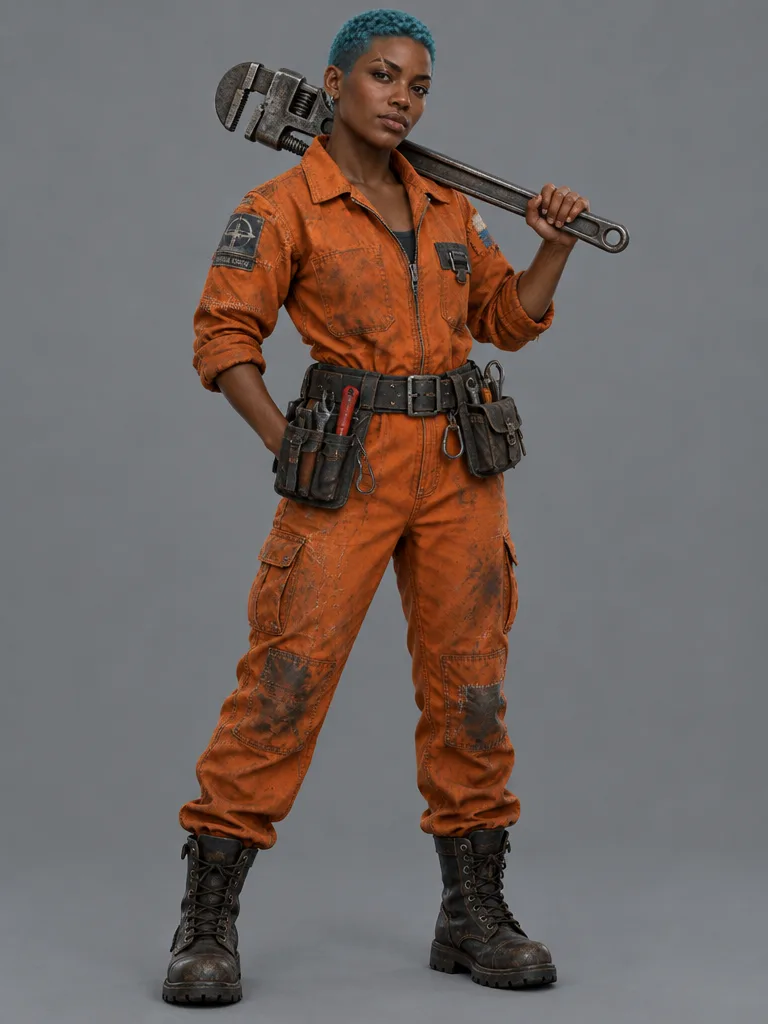
The three characters above were made for this page on November 17, 2026, with GPT Image 2.5 at its default Low quality. Each started as a portrait from a short brief: a young cartographer who maps floating islands, painted; a salvage mechanic on a desert space station, as a semi-realistic 3D render; a small cloud-spirit mascot, as a flat vector drawing. Each full body was then made with its portrait as the reference and a second brief that named what had to stay the same.
They mostly held. Wren kept her copper hair, goggles and green coat, though her portrait added a map tube that nobody asked for. Tamsin kept her teal hair, her face and the orange jumpsuit; her eyebrow scar, clear in the portrait, is too small to see at full-body size. Mochi kept its shape, face, pink cheeks and raindrop tail, and gained the rainbow its second brief asked for. Every picture came back in 23 to 30 seconds.
| Character | Style | Portrait (s) | Full body from the portrait (s) |
|---|
| Wren Aldane | Painterly illustration | 29 | 30 |
| Tamsin Vale | Semi-realistic 3D render | 24 | 26 |
| Mochi | Flat vector illustration | 26 | 23 |
How to write a character that stays the same
The briefs that held up gave the picture something to check against. Name two or three features that make the character recognisable at a glance, such as a hair colour, one accessory and one garment, and keep those words the same in every later brief. Say the style once, in plain words, and repeat it. When you ask for a new picture, say that it is the same character as in the reference and list what must not change.
Small details are the first to go. A scar, a ring or a pattern that is clear in a close portrait can shrink to nothing in a full body; if it matters, ask for a close-up of it as its own picture. Extra objects can also appear, like Wren’s map tube; say what the character carries if you want only that.
From card to character
The card on this page starts with one of the sample characters filled in. Replace the name, the look, the personality and the backstory with your own, pick a style, and press Create this character. FlowPix opens with a brief built from the card: a portrait on a plain background, then a full body from it, and the card written back to you. If you would rather write freely, use the box at the top of the page instead.
You can also use the card on its own. A character description generator or a backstory generator is often what a writer needs before any picture: copy the card as text, or ask in the chat for a longer backstory and paste the lines you keep back into the card.
What to check
Put the portrait and the full body side by side and check the features you named, one by one. If one has drifted, ask again with the portrait as the reference and that feature named first. Check for things the brief did not ask for, and remove them in a new brief. Keep to invented characters: a real person’s likeness, a celebrity or an actor are not allowed.