What “free logo maker” can mean, and what it should not
People who search for a free logo maker usually mean one of a few things: a tool they can try without paying first, a logo they can download and use without a fee, or a way to get a rough idea before they talk to a designer. Those are different promises, and a page that blurs them can leave you disappointed after you have already put time into a project.
What it should not mean is that everything is free for ever, or that a free logo comes with no conditions. Making images costs money to run, so a free start normally has a size. We would rather tell you plainly what that size is than let you find out halfway through your work.
So read “make a logo free” as a set of questions to ask of any tool: what do I get without paying, can I download it, is there a mark on it, may I use it for my business, and what happens when the free part runs out? The rest of this page answers those questions for FlowPix.
What FlowPix gives you for free
When you create a FlowPix account you receive a one-time grant of free credits. It is given once, at sign-up. It does not renew every month, so think of it as a starting allowance and not as a monthly quota.
Credits pay for what you generate, and the free grant covers image generation. A logo is an image, so you can use the grant to make logos. It is enough for a number of pictures, not for unlimited use: how far it goes depends on how many images you ask for and how many times you ask again.
You can download the logo images you create. FlowPix does not add a watermark to them on any plan, and that includes work made with the free credits. Commercial use is allowed on every plan, according to FlowPix’s own published statement. Read the current terms yourself before you rely on that for something important.
How to make a logo in FlowPix
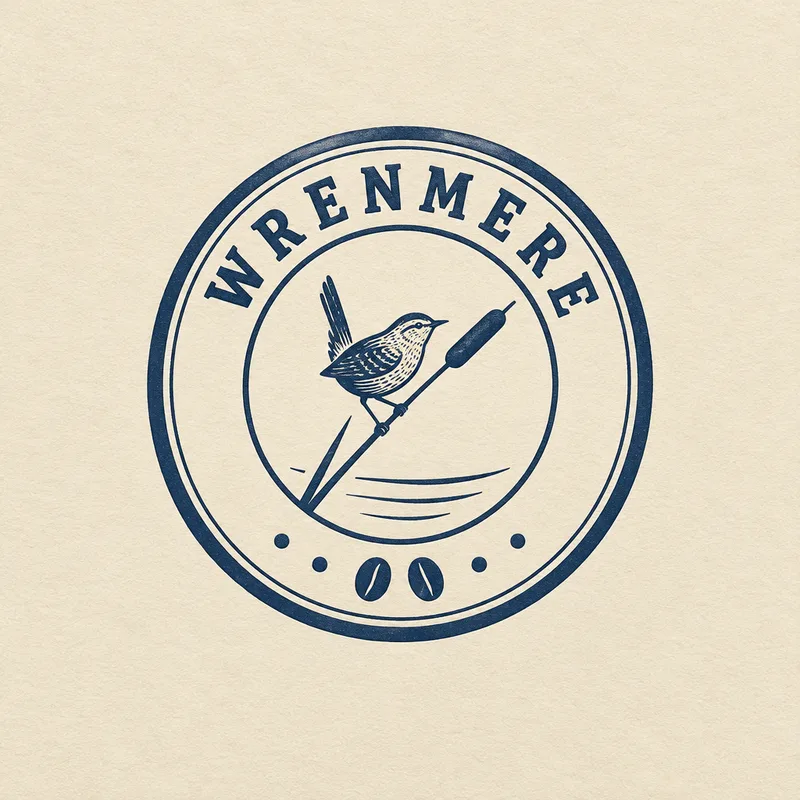
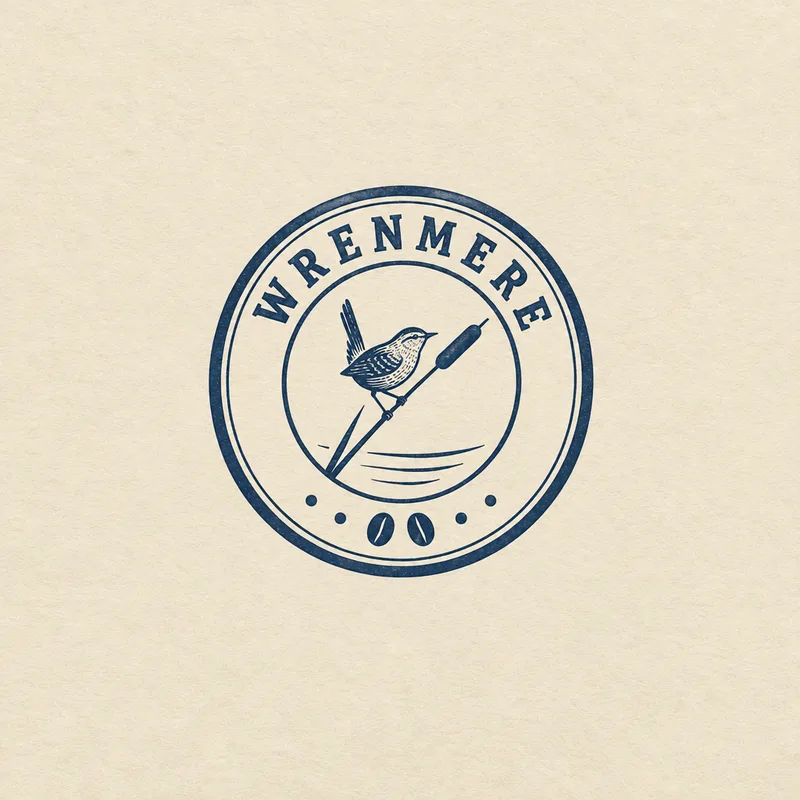
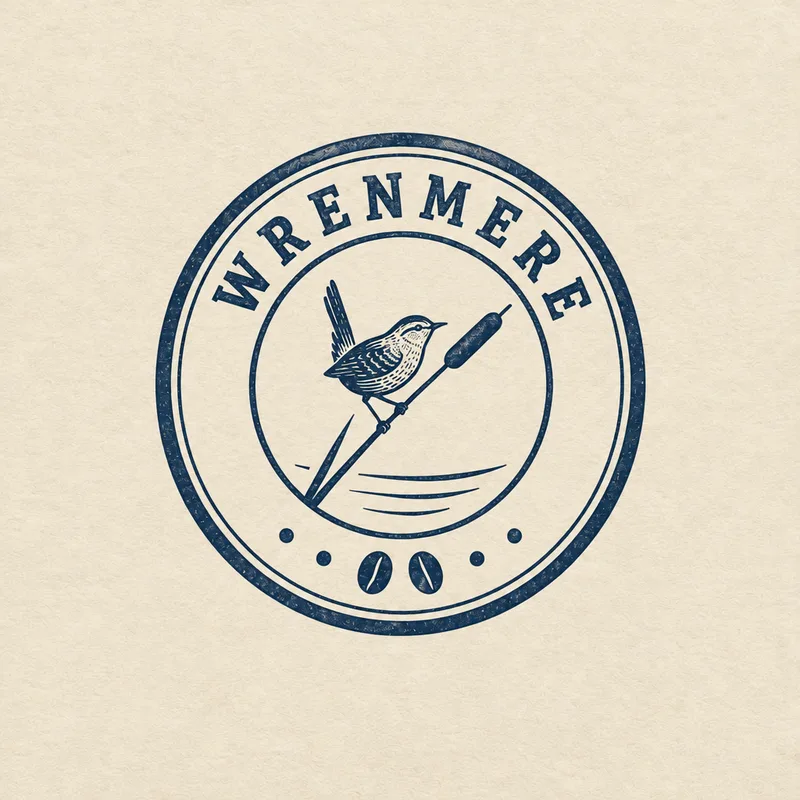
Open the app and describe the brand in plain words: its name, what it does, who it is for and how it should feel. For example: a logo for a small bakery called Oak and Ember, warm and simple, a loaf of bread in a circle, dark brown on a cream background. You do not need design terms, only a clear picture of what you want.
FlowPix answers with logo images. Look at them side by side, pick the one closest to what you imagined, and say what to change: a simpler symbol, a different colour, bolder letters. Each change gives a new picture and uses credits from your balance, so make one change at a time and look closely at the result before you ask again.
When you have a direction you like, download it. If you want the same mark in another form, ask for it: the logo on a plain white background, a square version for a profile picture, or the symbol without the name. If you need a larger image later, the upscaling tool can enlarge the one you have chosen.
Describing a good logo: wordmark, symbol, colours and style
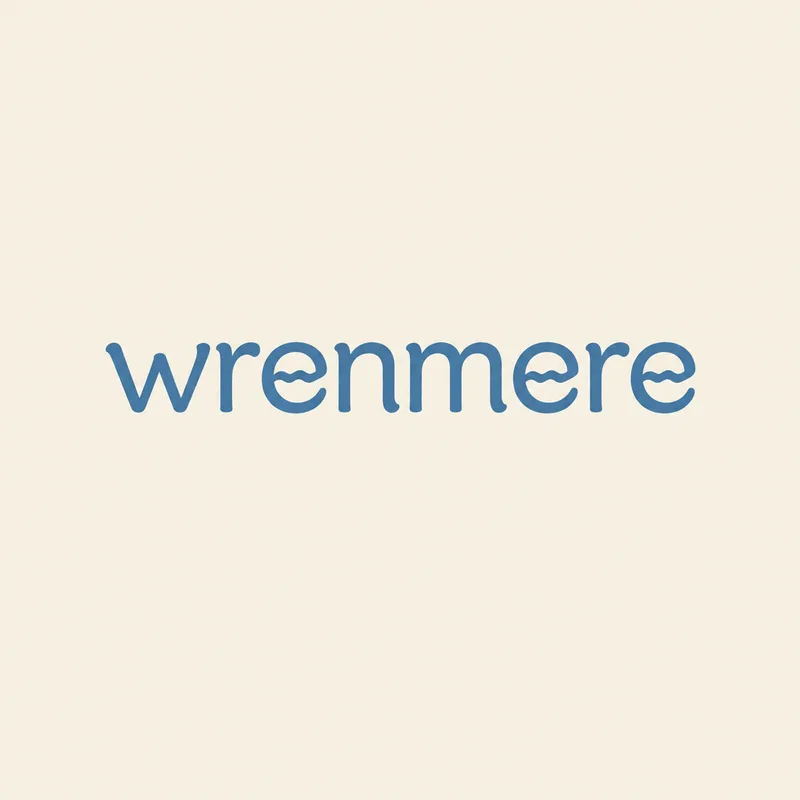
A wordmark is the name set in letters. A symbol is a shape or a small picture. Many logos combine the two. For a first try it helps to decide which one you want and to say so. A simple wordmark is a good first request, because it is easy to judge: you can see at once whether the letters and the feeling are right.
Name one or two colours, say what the logo should feel like, such as calm, bold, playful or serious, and say what it should not be. Ask for a flat design on a plain background with few details. A logo that has to work small, on a phone or a label, usually does better with fewer shapes than with a busy picture.
Describe the business and not only the look. A bakery, a law office and a climbing gym need different things, and the more the image generator knows about who the logo is for, the better it can aim. Ask for one logo per request, not a whole sheet of ideas in a single image, so that each result is easy to compare with the next.
What to check before you use a logo
Check the spelling first. The generator redraws text, so a letter can come out wrong, doubled or missing. Ask for a simple wordmark, then read it letter by letter against the name you want. If one letter is wrong, ask again with the exact spelling, or correct it in an editor.
Know what kind of file you have. The logos are generated images, like a PNG, and not vector files. They look fine at the size they were made, but they do not scale without limit the way a vector drawing does. If a sign maker or a print shop asks for a vector file, someone will need to redraw the mark from your image in a vector tool.
Check for trademark conflicts yourself. That commercial use is allowed under FlowPix’s terms does not mean that your name or mark is free to register or safe from a clash with an existing brand. Look at what is already used in your field and country, and ask a professional if the logo matters to your business. FlowPix cannot do this check for you.
Free and paid, honestly
The free credits are a way to try FlowPix and to make a first logo, or a few. They are limited, and when they are used up you can buy more credits or choose a plan to carry on. The plans and what they include are shown in the pricing dialog in the app, so we do not list them here.
Whether you need to pay depends on what you want. If you want one simple logo to see whether the approach suits you, the free start may be enough. If you want to explore many directions, make a full set of versions or keep refining one mark, you will use more credits. Paying does not change what a logo from FlowPix is: it is still a generated image, with the same points to check.
A generated logo is a good starting point, not a finished brand. If the logo will carry a lot of weight for your business, you may still want a designer to refine it and to give you vector files. Using FlowPix first can make that conversation easier, because you arrive with a picture of what you want.
Getting more from the free credits
Start simple. Ask first for a single wordmark or a single symbol on a plain background. A long brief that asks for an icon, a label, an avatar and a poster at once uses credits on pictures you may not need yet. Settle the core mark first, then add the extras.
Keep the number of rounds low. Change one thing at a time, look closely at each result and decide before you ask again, because every picture uses credits. Write down in a few words what you like about the version you prefer, and use those words in your next request. That is usually easier than starting over.
Upscale late. Choose your direction first, and only then enlarge the one you will really use. When you have decided, you can ask for the other forms you need, such as a square avatar or a version on a dark background. If the credits run out before you are done, you can buy more or choose a plan.