
What image to video looks like in two pieces of real work
This section is built from two things made in FlowPix: a three-second clip made for the model pages, and the “ÉCORCE Ambre — a fragrance film” showcase film. They are small samples, not a benchmark, and where nothing is given we say so instead of guessing.
The two show image to video from different sides. In the short clip, one still picture is handed to a video model and a sentence says how it should move. In the film, a product card's picture is turned into starting frames, and each frame becomes a clip. In both, the video begins from a picture rather than from words alone.
Why a video in FlowPix starts from a still
The product's code sets a default for every image to video request that has no picture: if a video request comes with no picture, no link to a picture on the canvas and no instruction to go text-only, the agent first makes a picture and then starts the video on it. That picture is drawn by the default image model, GPT Image 2.5, at Low quality, from a first-frame description or from the video's own prompt.
The picture and the video are two ordinary calls. Each is held and charged on its own, and the picture appears on the canvas like any other. A GPT Image 2.5 picture at Low with no reference picture costs 6 credits. A video request can also carry a start picture, reference pictures, and a picture to end on, though which of these a given model honours depends on the model.
The three-second Vidu Q3 clip
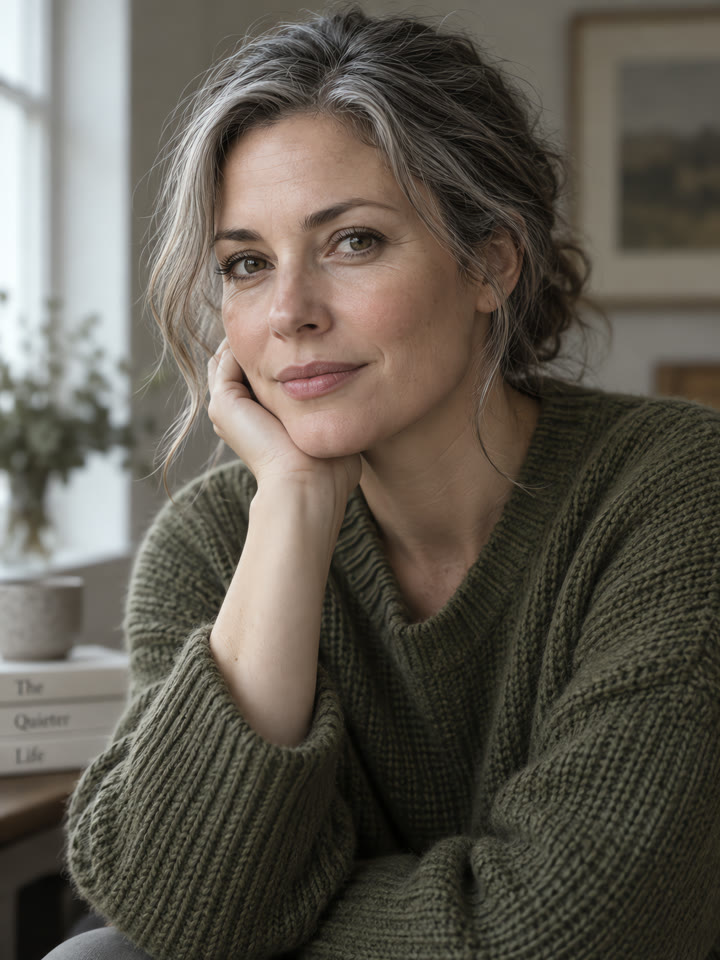
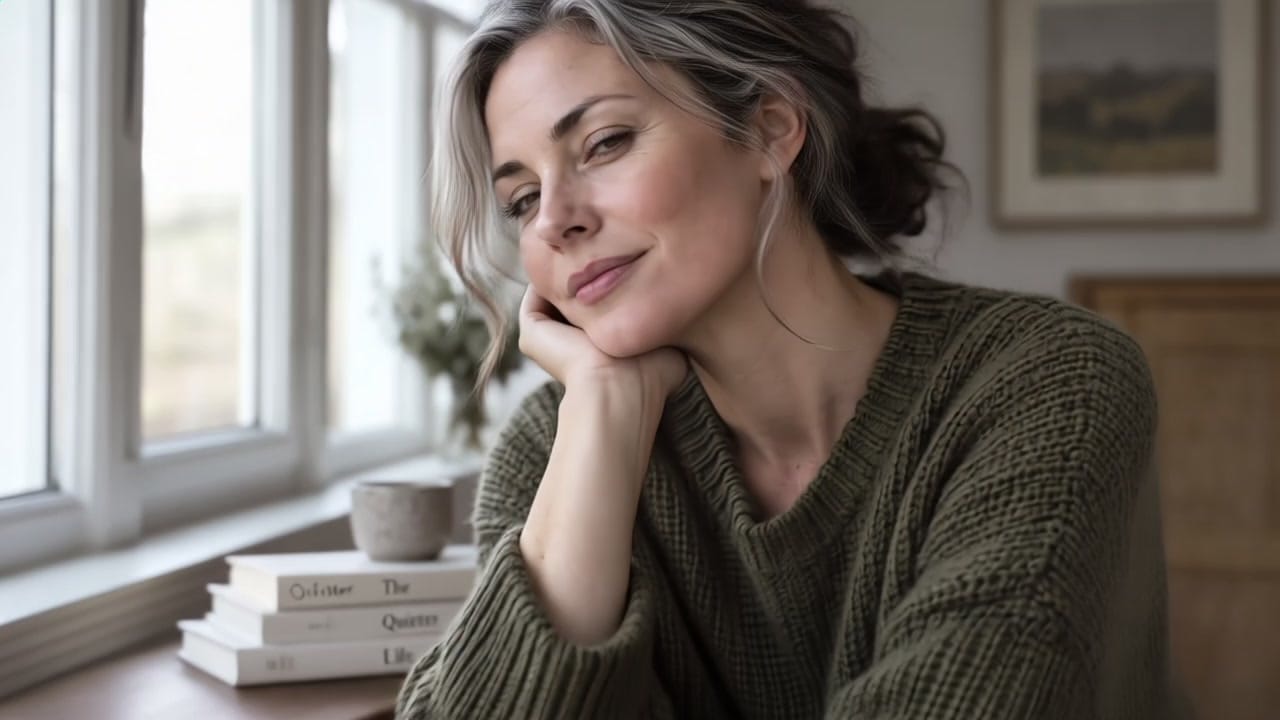
This clip was made on 2026-11-17 for the model pages. The first attempt was a text-only request to Vidu Q3, and the model refused it. That refusal was not charged. The request was then sent again with a still made by GPT Image 2.5 as the source image, and it went through.
The prompt was a single sentence: the woman in the picture turns her head toward the camera and smiles as a light wind moves her hair, with a slow push-in. It named one subject, one action, one background movement and one camera move, and it asked for three seconds. The result is described only as far as the request goes; the footage itself is not described here.
From the request to the finished clip took 116 seconds. The clip was charged 240 credits. This sample does not give what the source still itself cost, so that cell in the table below reads “not recorded”.
The ÉCORCE film: four starting frames, four clips
The ÉCORCE Ambre film is a Marketing video made in the product with the agent on 2026-11-14, and it is published in the showcase as a finished film, not as a replay: only the request and the film are public, and the working conversation is not. So we can describe what was asked and what was built, but not what the agent said along the way, and nothing here shows whether there were retries or edits.
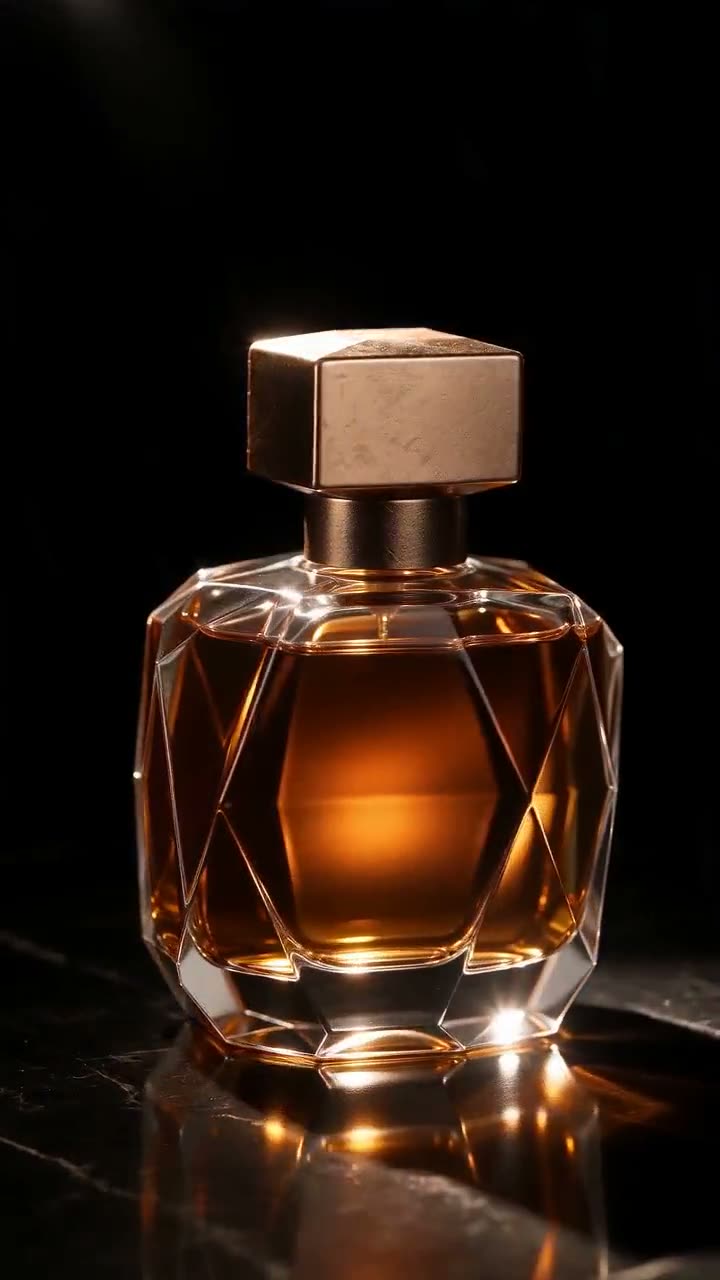
The request introduced a fragrance brand called ÉCORCE and said plainly that it is made up. The product was an amber perfume in a faceted glass bottle with a bronze cap. The request asked for a 15-second vertical (9:16) film for Instagram and TikTok, with no person and no voice, the bottle as the only star in a slow, polished move, hard shaped light with deep shadows, and an ending on the brand name. It closed with the instruction to use only what the product card says.
The build followed the still-first pattern at larger scale: four starting frames were made from the product card's picture, four clips were made from those frames, and the closing name was laid over the last clip. The finished film is 17.4 seconds at 720x1280, 9:16. That is longer than the 15 seconds in the request, and nothing here explains the difference.
The figures side by side
Everything below is what these two pieces show. Cells marked “not recorded” are not given.
| Piece | Made with | Starting picture | Format | Length | Credits |
|---|---|---|---|---|---|
| Short clip for the model pages | Vidu Q3 | One still made by GPT Image 2.5 | Not recorded | 3 seconds | 240 for the clip; still not recorded |
| ÉCORCE Ambre film | Marketing video | Four starting frames from the product card's picture | 9:16, 720x1280 | 17.4 seconds (15 requested) | Not recorded |
| A default first picture | GPT Image 2.5 at Low | None (no reference picture) | Not applicable | Still image | 6 |
What the requests did that you can borrow
These are habits visible in the two requests, not rules for every model. Both said what moves and what does not: the clip moves the head, the hair and the camera; the film moves the bottle. The film request named the aspect ratio and the length before anything else, said there is no person and no voice, and described the light. It also fixed the ending, the brand name, and limited the content to what the product card says.
The clip request, by contrast, kept to one short sentence and a three-second length. If you want to try image to video yourself, start with a picture you already have or one made on the canvas, and describe a single movement for it. For a longer piece like the film, expect the work to be broken into several frames and clips, each charged on its own.
What to check before you use the result
Check the format against where the video will go. The film was asked for in 9:16 and came out at 720x1280, and the clip was asked for at three seconds and made at three seconds, but the film came out 2.4 seconds longer than the 15 it was asked for. Compare the length you get with the length you asked for.
Check that the motion matches your sentence, and that anything that should not appear, such as a person or a voice, does not. The footage of the two pieces is not described here, so look at yours yourself. Look at the starting picture as well as the video: the video starts on it, and it is shown on the canvas like any other picture.
Check the charges. The picture and the video are separate calls, each charged on its own, and a refused request, like the text-only one to Vidu Q3, was not charged. Finally, if the video must be text-only with no starting picture, say so in the request, since otherwise a starting picture is made for you.