App screens, one system.
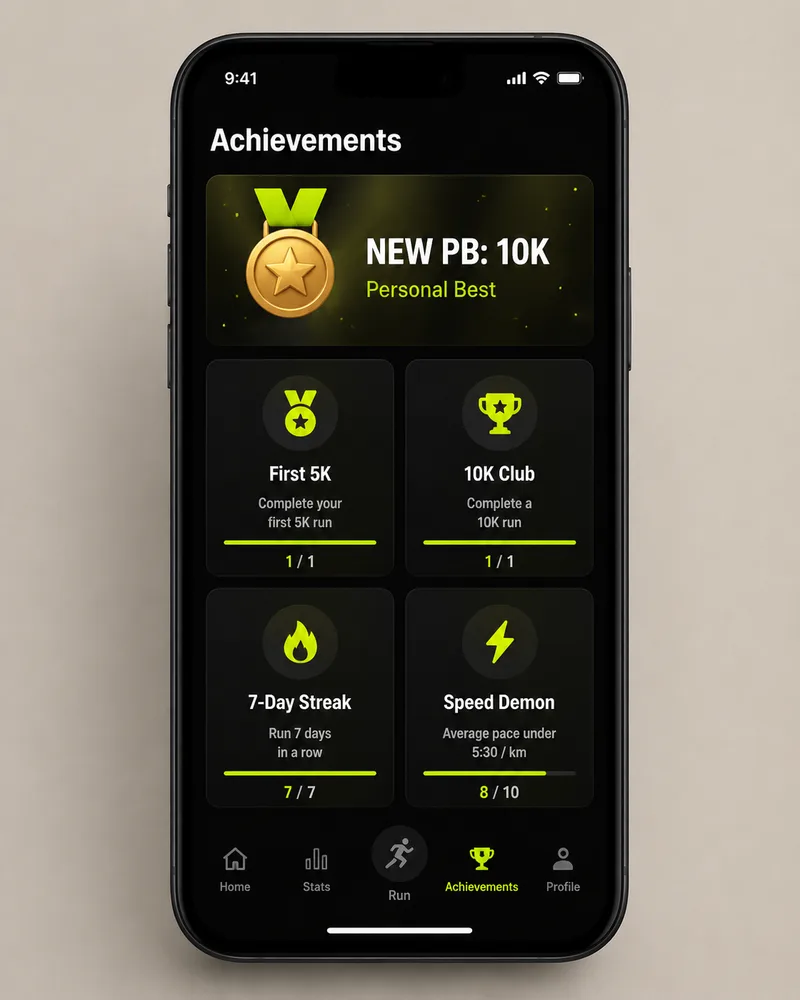
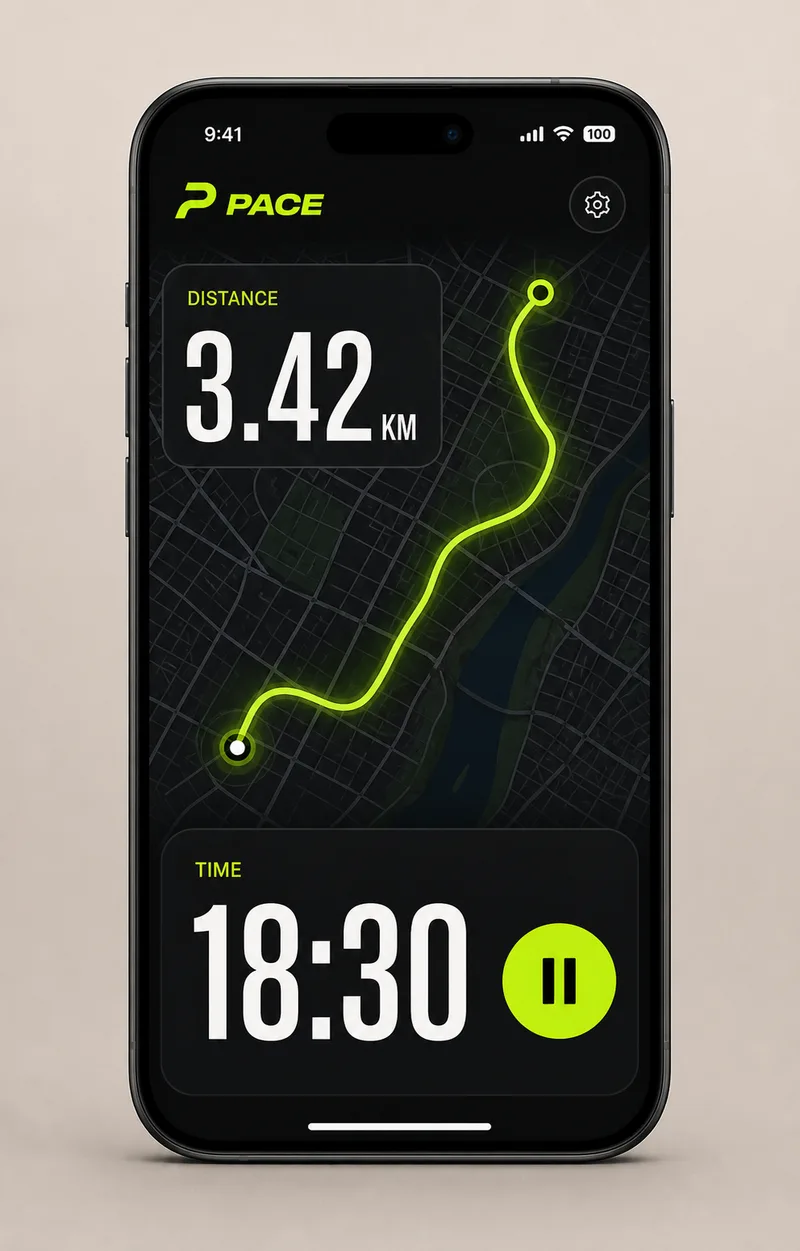
Describe an app or a dashboard and FlowPix designs the screens — mobile or desktop — in one consistent design system, from the home screen to settings.
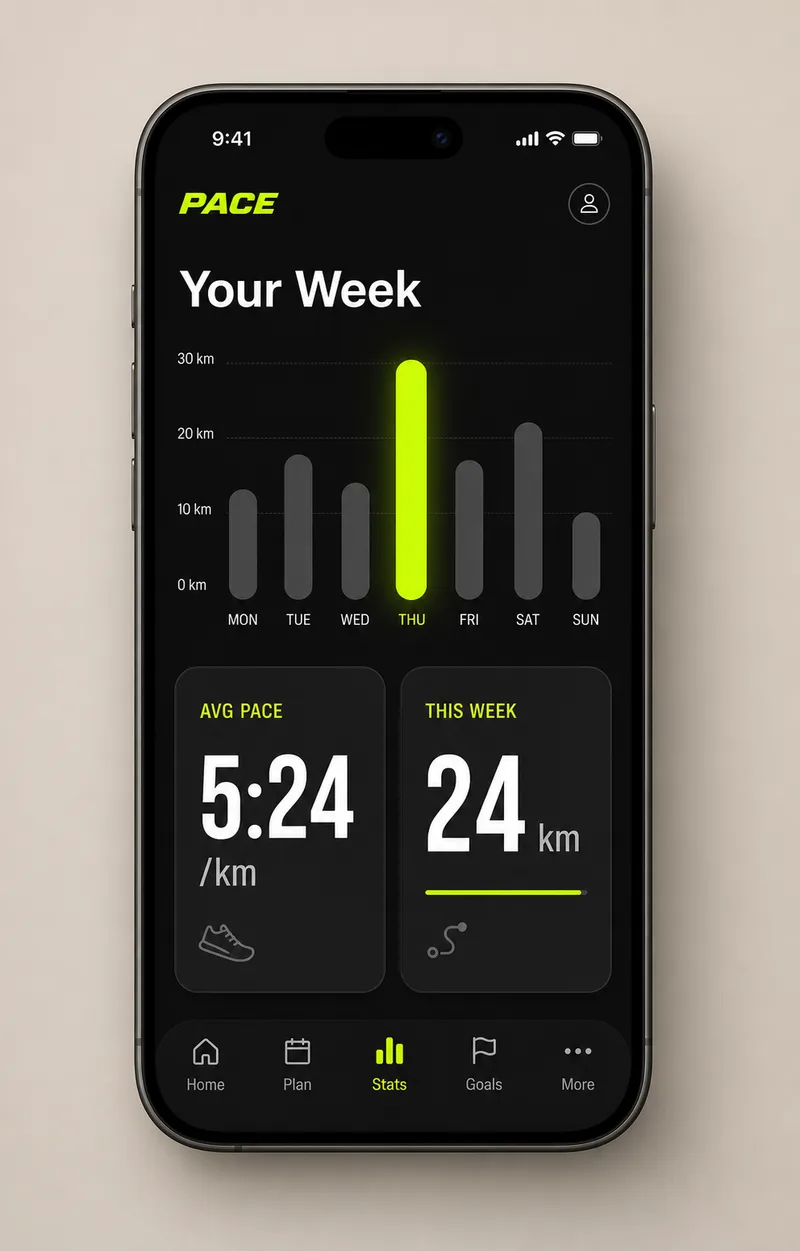
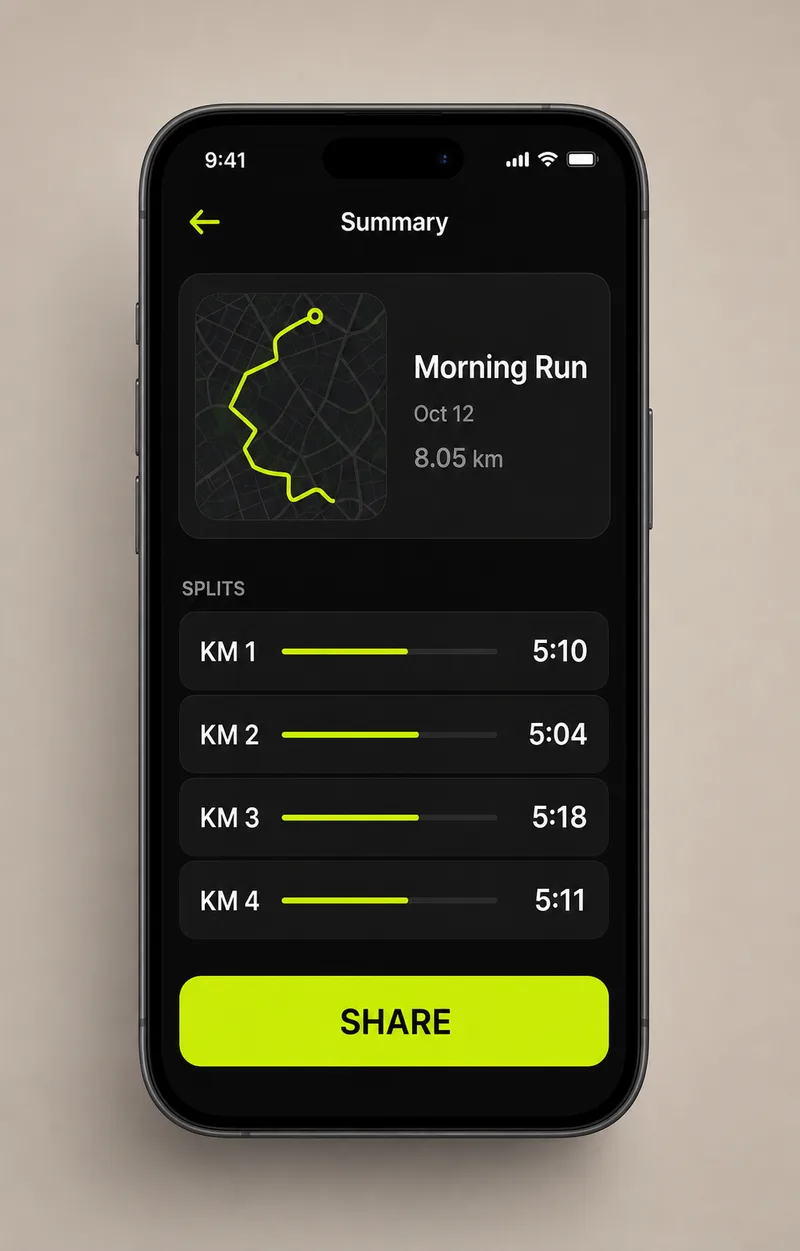
The process is the proof.
Curated workflows keep the brief, exploration, tool steps, selected direction, and final output structure so users can watch or remix the process.
Outputs.
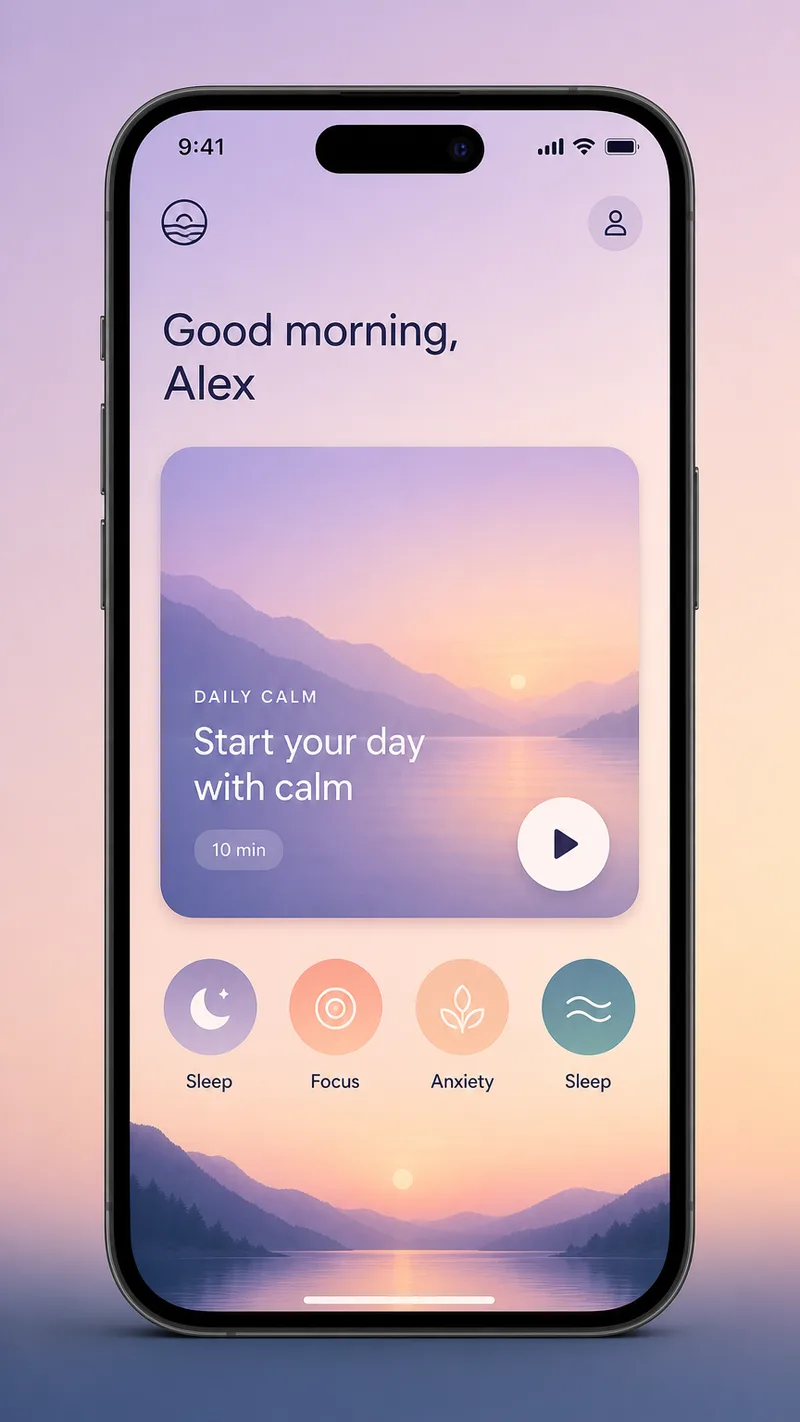
Start from a proven replay.
Mobile app
A phone screen flow.
A 4-screen mobile app UI for a fintech app — dark UI with a mint accent, phone mockups for home, card, insights, and transactions, one design system.
SaaS dashboard
A desktop analytics view.
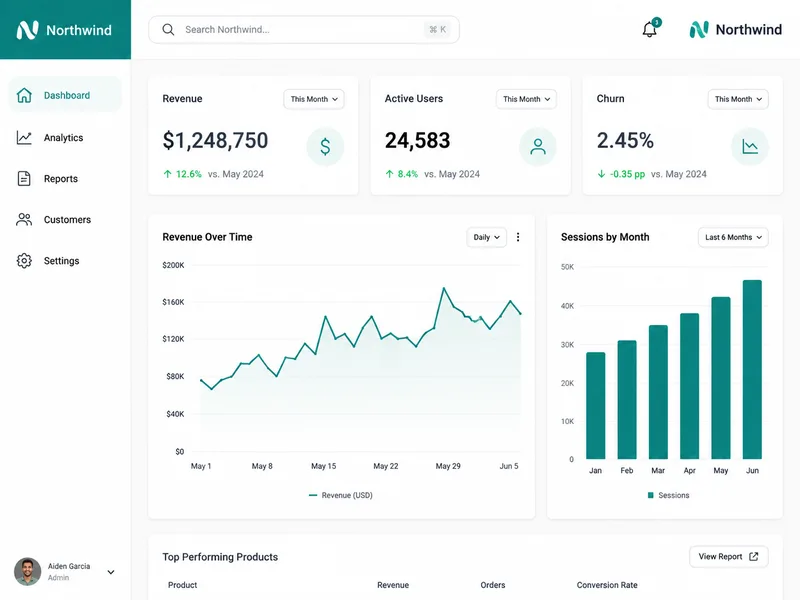
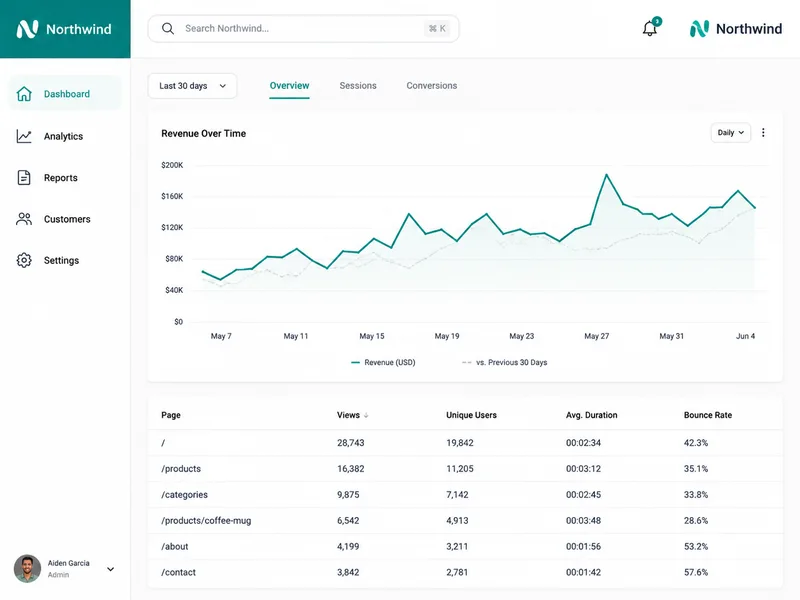
A desktop SaaS analytics dashboard — light theme, one teal accent, a sidebar, KPI cards, a revenue line chart, and a data table.
Onboarding flow
Welcome to first run.
A 3-screen mobile onboarding flow — a soft gradient brand, a welcome screen, a permissions screen, and an all-set screen.
Pitch the product.
Turn an idea into believable app screens for a deck or a landing page.
Explore directions.
Generate a full screen set in one system to react to before you build it.
Align on the look.
A shared mockup so product and engineering picture the same screens.
Related products.
AI Illustration Generator
Describe a scene or a series and FlowPix illustrates it in a consistent style — editorial art, prints, and cohesive sets you can remix.
AI Logo Generator
Describe a brand and FlowPix explores logo directions, refines the selected mark, and turns it into a small identity kit.
AI Brand Kit Generator
Describe a brand and FlowPix builds a cohesive identity board — logo, palette, type, pattern, and mockups — ready to remix into the rest of the system.
gpt-image-2
Best for editorial portraits, product photography, and brand work that needs precise typography. Understands camera vocabulary and renders in-image text reliably.
Product details.
Will the screens share one design system?
Yes. FlowPix anchors each screen to the first, so the layout, palette, type, and components stay consistent across the whole set.
Mobile and desktop?
Both. Ask for phone screens in a device mockup or a wide desktop dashboard — the workflow holds one system either way.
Can it render real UI text?
Yes. Labels, numbers, buttons, and chart legends render legibly and stay editable on the canvas.