


What it means to combine photos: a collage or a new scene
When people search for a way to combine photos, they usually find tools that join two pictures into one frame. They put images side by side, in a grid or in a layout with borders. The photos stay exactly as they were; they are only arranged. That is useful for a before-and-after, a set of holiday snaps or a simple layout.
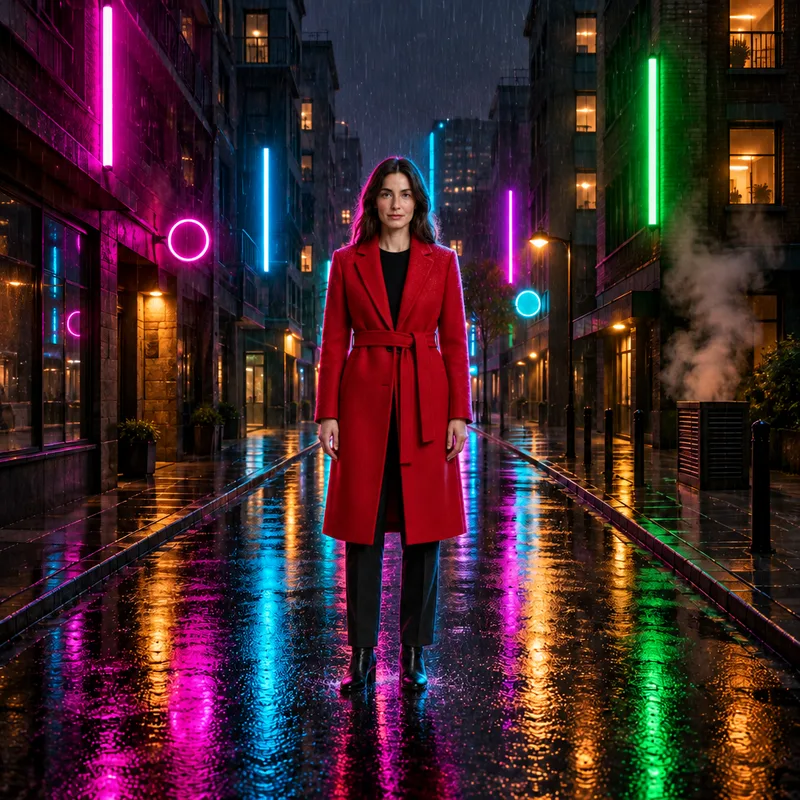
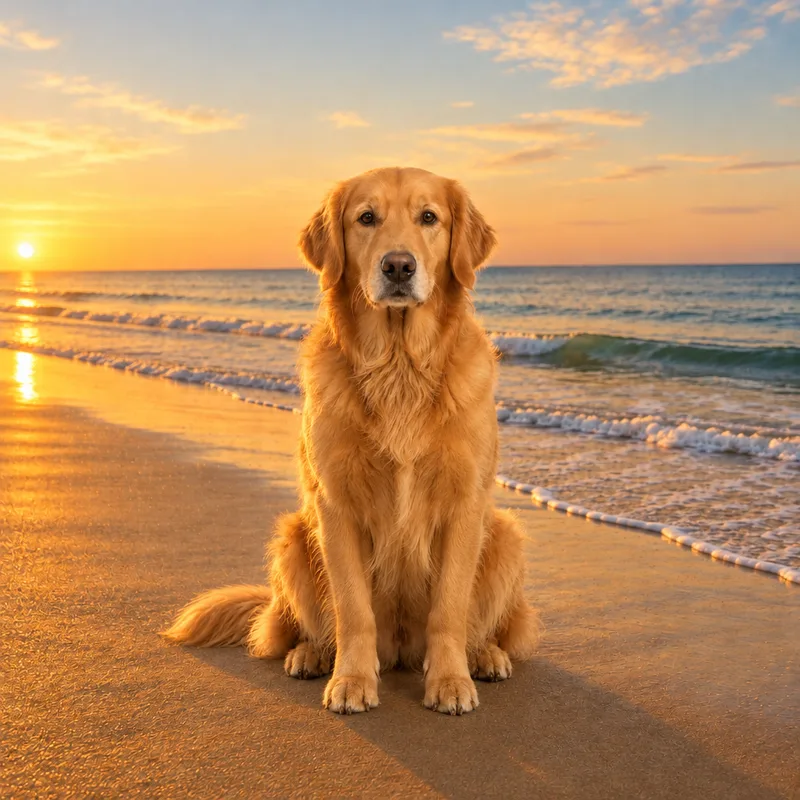
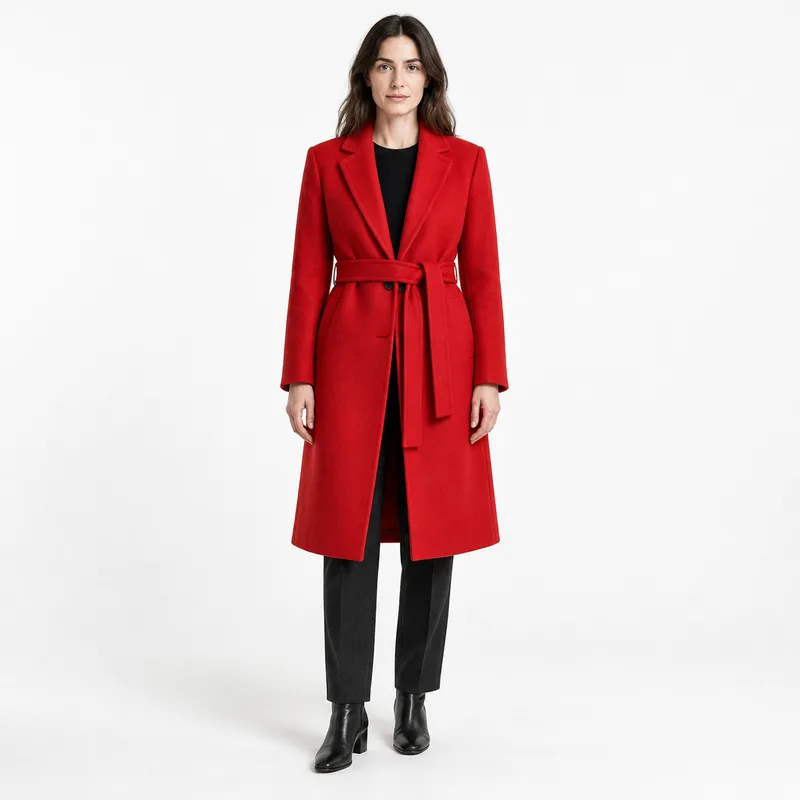
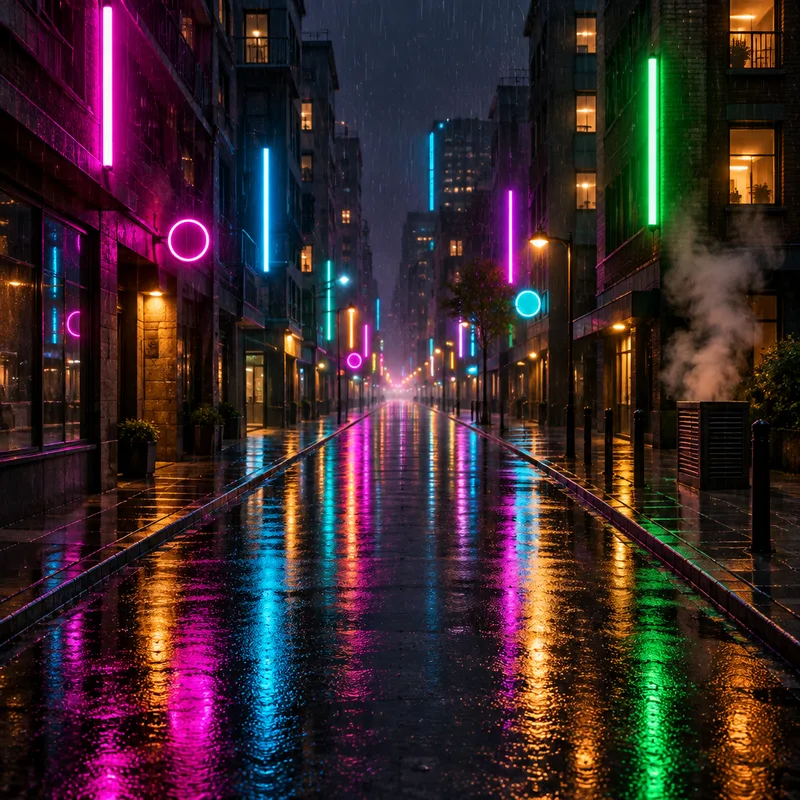
FlowPix does something different. You attach your photos and describe a scene, and the image generator creates a new picture that uses your photos as references. A person from one photo can appear in the setting of another, or two products from separate shots can stand on the same table, lit as if they were there together. The result is one picture, not two pictures placed next to each other.
That also means it is a regenerated picture, not a cut-and-paste. The scene is drawn again, so lighting, pose and small details are redrawn. If you need a plain side-by-side or a grid, a collage tool is the better fit. If you want the pictures to share one natural scene, this is the idea behind a photo combiner here.
How to combine photos in FlowPix
Open FlowPix and start a chat. Attach the photos you want to combine; you can add many at once. Then write the scene in plain words, for example: put the person from the first photo into the street scene of the second photo and match the lighting. Send it, and FlowPix returns a new picture.
Refer to your photos by their order, the first photo and the second photo, so it is clear which one gives the person, which one gives the place and which one gives the object. Say what should happen between them: standing, sitting, placed on a table, walking through a doorway.
The result appears on the canvas next to your sources. If it is close, you can edit it. If it is not, change the sentence and generate again. Each new picture uses credits, so a clear first instruction saves tries.
Choosing and preparing source photos
Good sources make a clearer result. Pick photos where the person or object you want is easy to see, not hidden behind something and not cropped at the edge. A sharp photo with a clean view of the subject gives the generator more to work from than a small, dark or blurry one.
Think about how the photos fit together. A person photographed in bright sun and a room lit by a lamp can still be combined, because the scene is redrawn with one light, but you will have a smoother result if you also say which light you want. If the viewpoints are very different, for instance a top-down shot and a low angle, say how the subject should be seen in the new scene.
You do not need to cut anything out first. Attach the original photos as they are and let the description say what to take from each one.
Describing the scene: placement, light and style
The description is where you direct the picture. Cover three things. First, placement: who or what goes where, and what they are doing. Second, light: morning, evening, soft window light, a bright overcast day, a warm lamp. Third, style: a natural photo, a magazine look, a quiet illustration, a film still.
Name the parts of each photo that matter and leave out the ones that do not. Say keep the jacket from the first photo, use the cafe from the second photo, or place the red mug on the left. Short, concrete sentences work better than a long list of wishes.
If you want the pictures to match, say so: match the lighting, keep the same time of day, use the colours of the second photo. This helps a person from one setting look like they belong in another.
What to expect and where it has limits
The result is a new picture, and it is worth being clear about what that means. The scene is usually convincing as one image. But because it is redrawn, a face can look a little different from the photo, an object can change in small details such as a label, a pattern or a shape, and the pose can shift from the original.
For that reason this works well for mood boards, product scenes, social posts and concept images, where the feel of the picture matters more than an exact copy. It is not the right tool for documents, identity photos or anything that must match the source exactly. A result is also not guaranteed to look like a real photograph in every case; look at it with a critical eye.
If something important is wrong, say what to fix and generate again. A second or third version is a normal part of the process, and you are the one who decides whether the picture is close enough.
Ways people use it
Sellers put products on one table. They photograph each item alone, then ask for them together in a kitchen, on a shelf or on a desk, to show a set or to try a layout before arranging a real shoot. A gift box, a candle and a card can share a scene without anyone moving them.
Others place a person in a new place. A portrait and a photo of a street, a studio or a landscape can become a picture of that person there, which is handy for a social post, a concept, a poster idea or a story.
Travellers make a memory from separate moments: people from one photo, a view from another, one warm picture. Designers and creators build a mood board in a single image, merging a look, a place and a subject to show a direction. In every case the aim is an idea you can look at, not a record of something that happened.
Editing and checking the result
Once you have a combined picture, you can keep working on it by description. Ask for softer light, a different time of day, a calmer background, or to remove something that does not belong. FlowPix makes a new version with that change, and the rest of the picture is redrawn as well, so check it again.
When you are happy with the composition, you can upscale the picture for more detail and a larger size. Upscaling is a separate step, done by a dedicated model.
Finally, compare the result with your sources on the canvas. Look at the faces, the objects, the colours and the small details, and decide whether the picture is accurate enough for what you want to do with it. If it is for a mood board or a post, a close likeness may be fine. If it must match the original, keep the original.