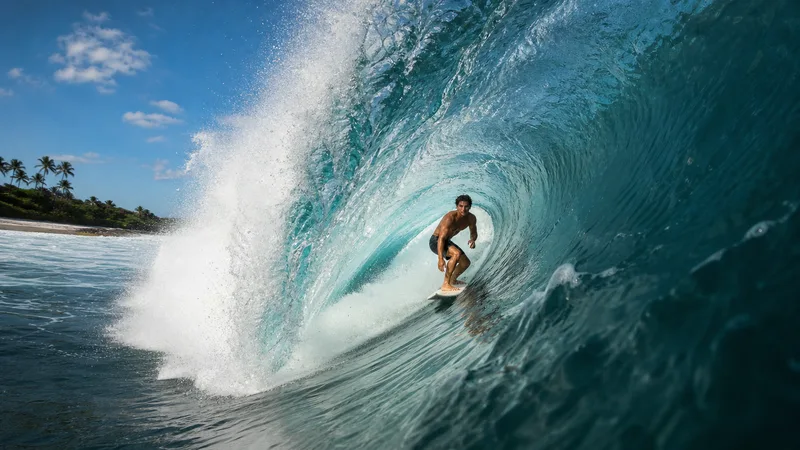
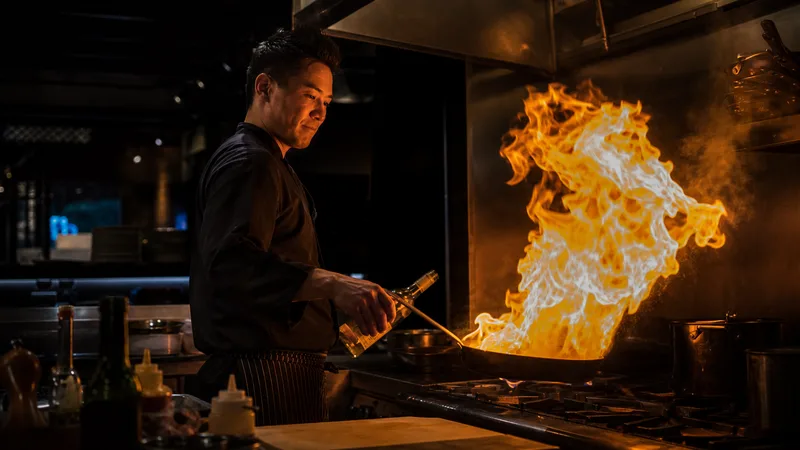
"Start on [frame A], end on [frame B]. Keep [referenced element] consistent."
Omni is built for hitting exact first / last frames.
The all-in-one Kling v3 — combine a start frame, an end frame, and element references in a single generation. Best when you need the clip to hit specific visual marks instead of free-running.
Video models start at Starter.
 ▶ 0:10
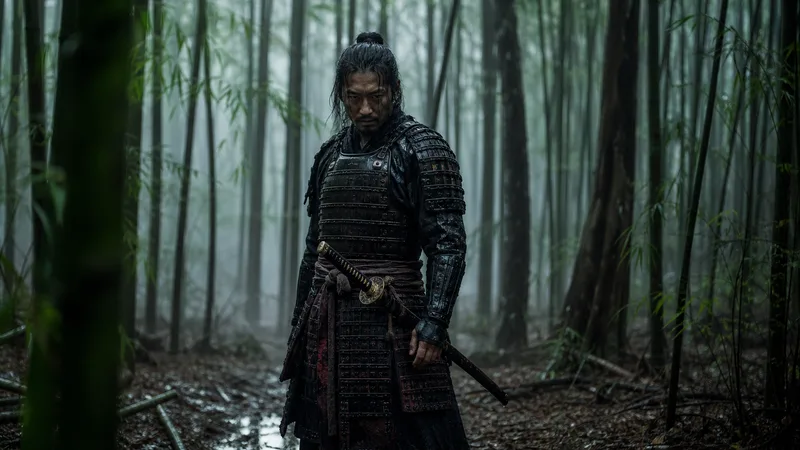 ▶ 0:10
 ▶ 0:10
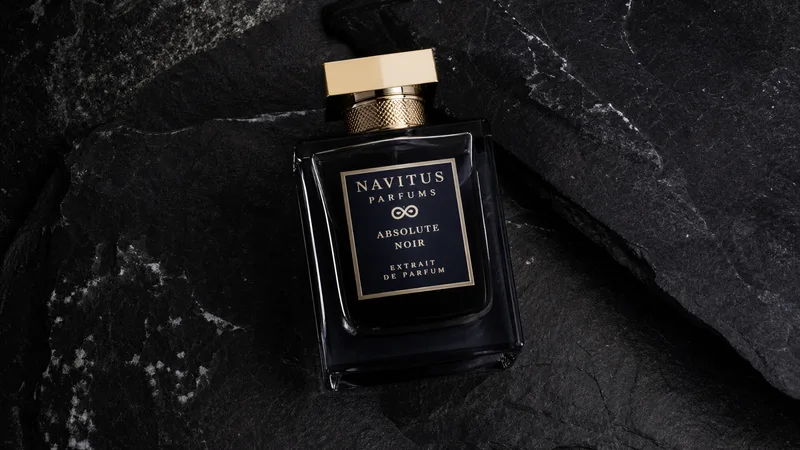 ▶ 0:10
 ▶ 0:10
 ▶ 0:10
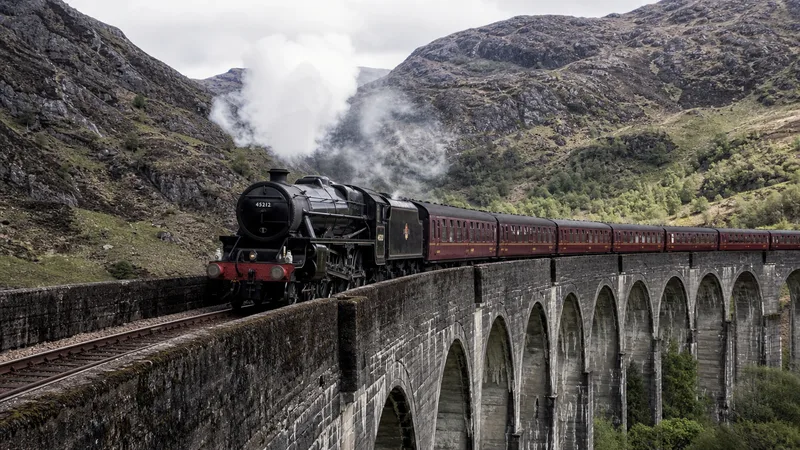 ▶ 0:10
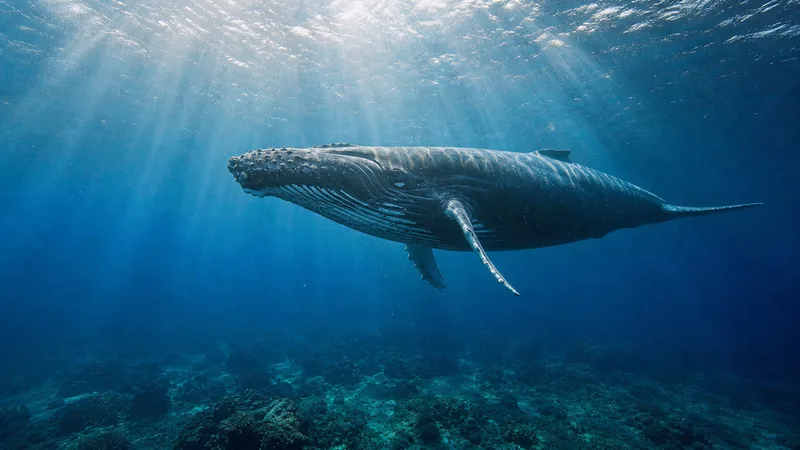 ▶ 0:10
"Start on [frame A], end on [frame B]. Keep [referenced element] consistent."
Omni is built for hitting exact first / last frames.
When your request suits Kling v3 Omni's strengths, or when you name it or pick it. Your choice always wins; otherwise FlowPix starts from its default video model.
Yes. The model picker in any chat lets you pin per-turn or per-session. Set as default in /settings.