What a tattoo stencil is
A tattoo stencil is the outline of a design, drawn as clean lines, that is transferred to the skin so the artist has something to follow. It carries the shapes and the main lines and leaves out colour and soft shading. That is why a photograph cannot be used as it is: a photo is made of tones and colours, and a stencil is made of lines.
People who search for a tattoo stencil maker usually have a photo they like, such as a rose, a wolf, a pet or a face, and want it as lines. They do not want to trace it by hand. They want the photo turned into a black line drawing on white that they can print.
How to turn a photo into a stencil in FlowPix
FlowPix does this with Quick Edit on the canvas. Put your photo on the canvas, select the picture and open Quick Edit in the picture toolbar. Type what you want, for example: Turn this photo into a clean tattoo stencil: thin, even black outlines on a pure white background, no shading, no grey, no filled areas. Then press Run. The button shows the credits it will cost before you press it.
The result comes back as a new picture, and the photo stays as it was. If you do not like it, change the description and run it again. Each run makes a new picture, so you can keep the one you prefer and compare it with the photo.
What we saw in our tests
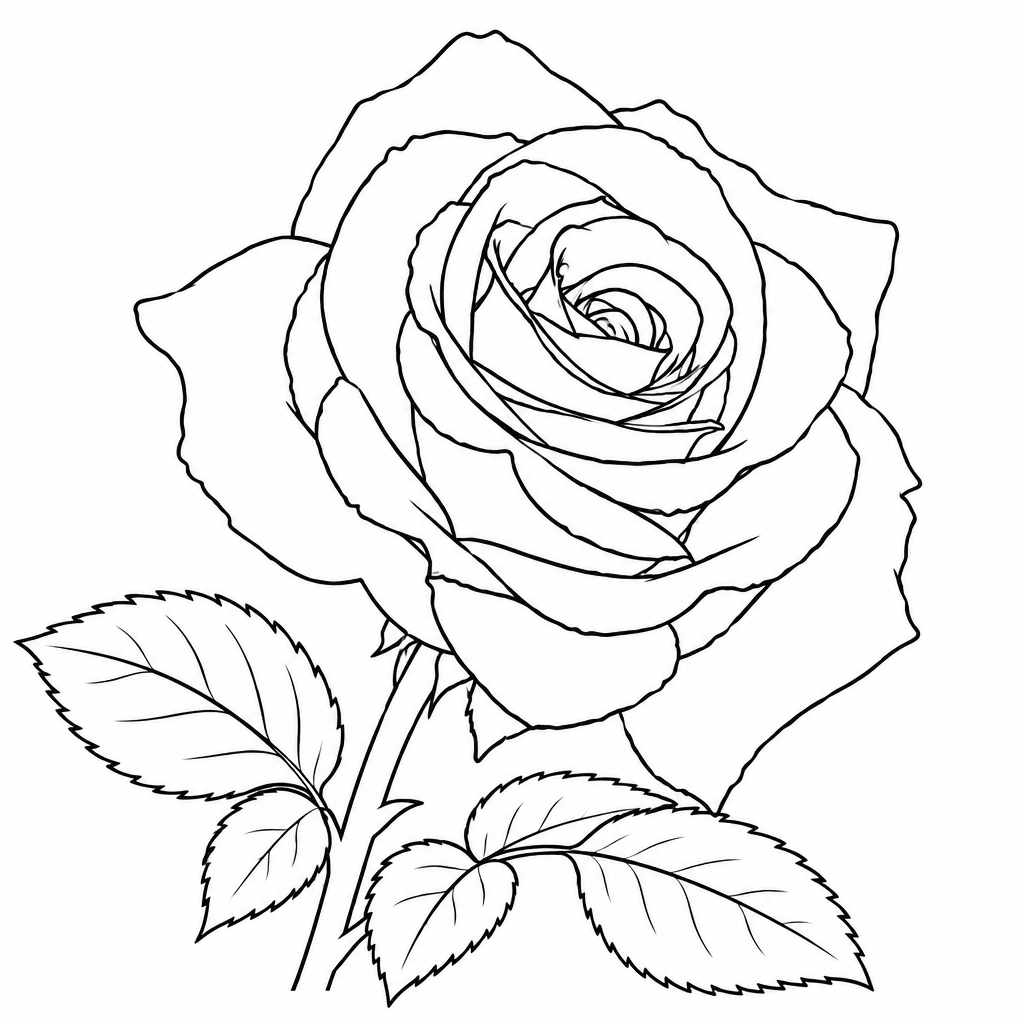
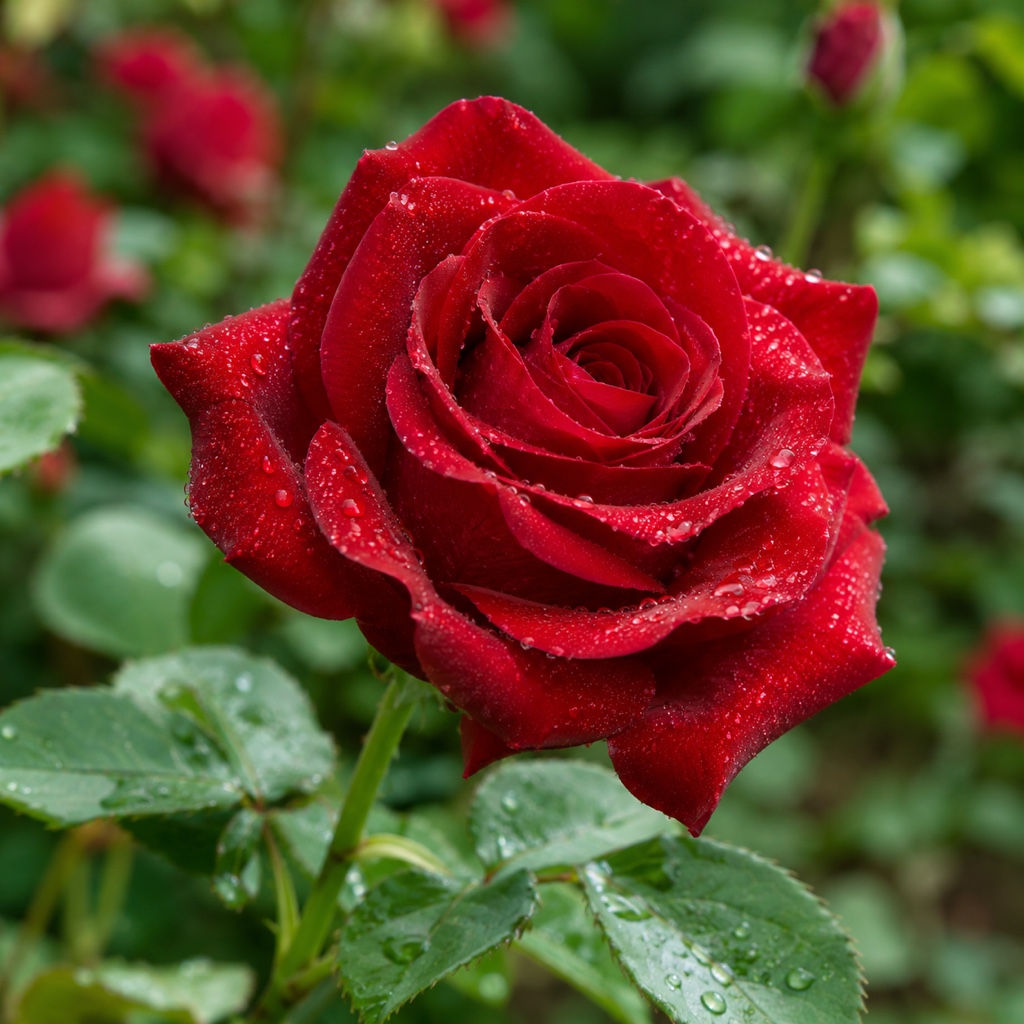
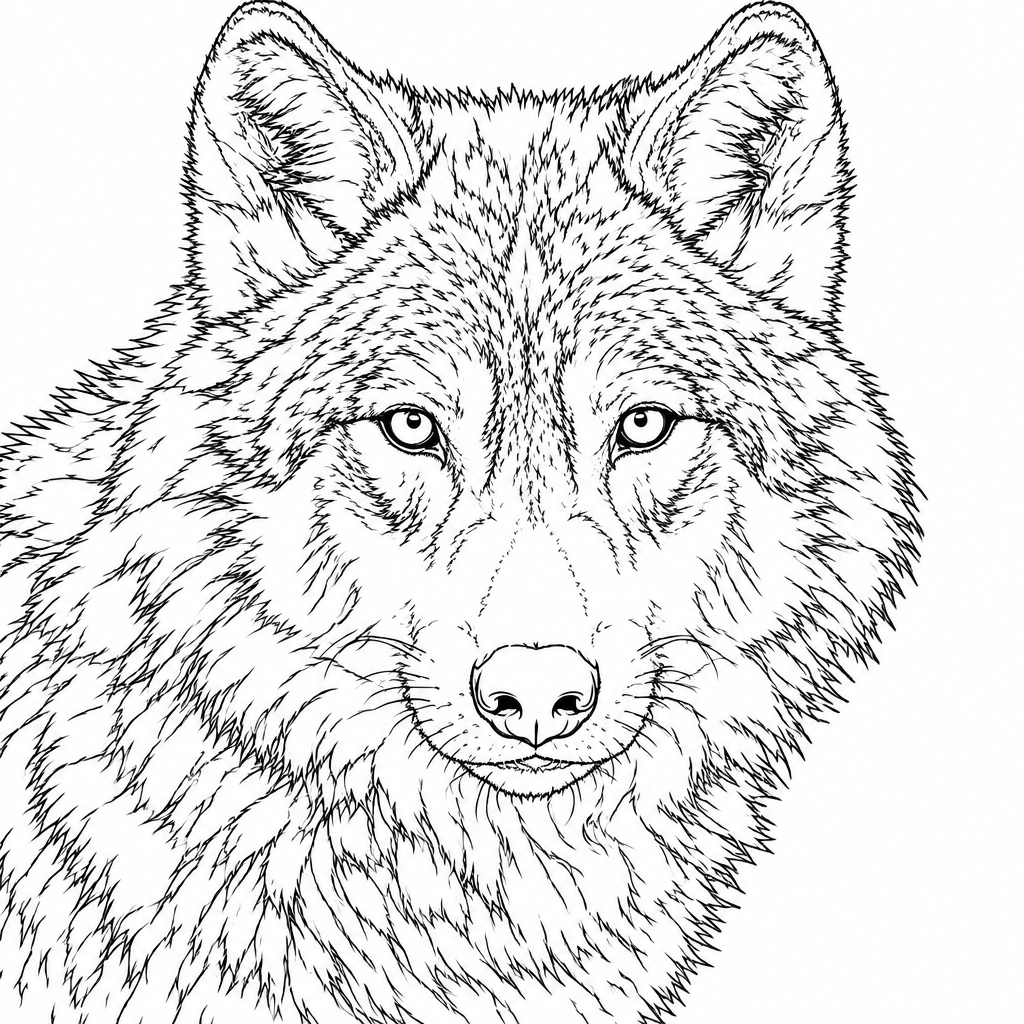
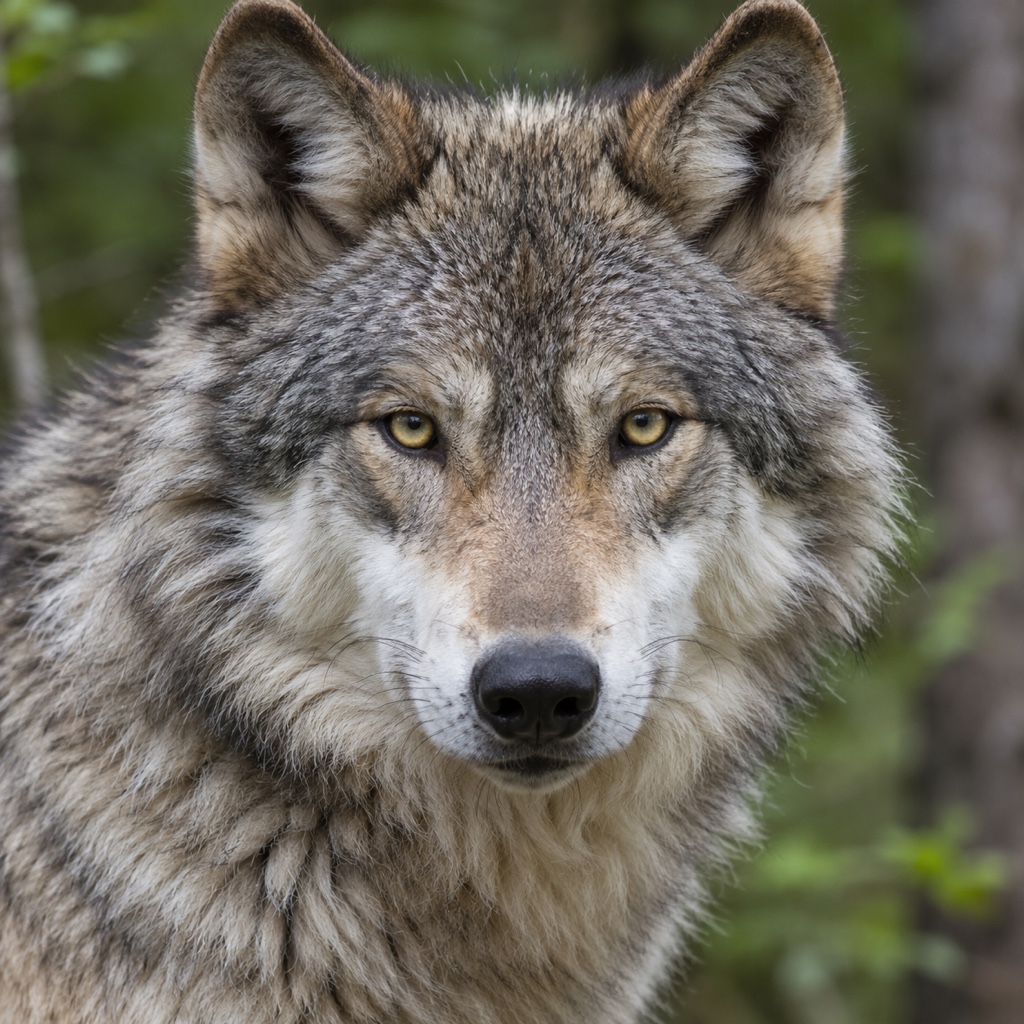
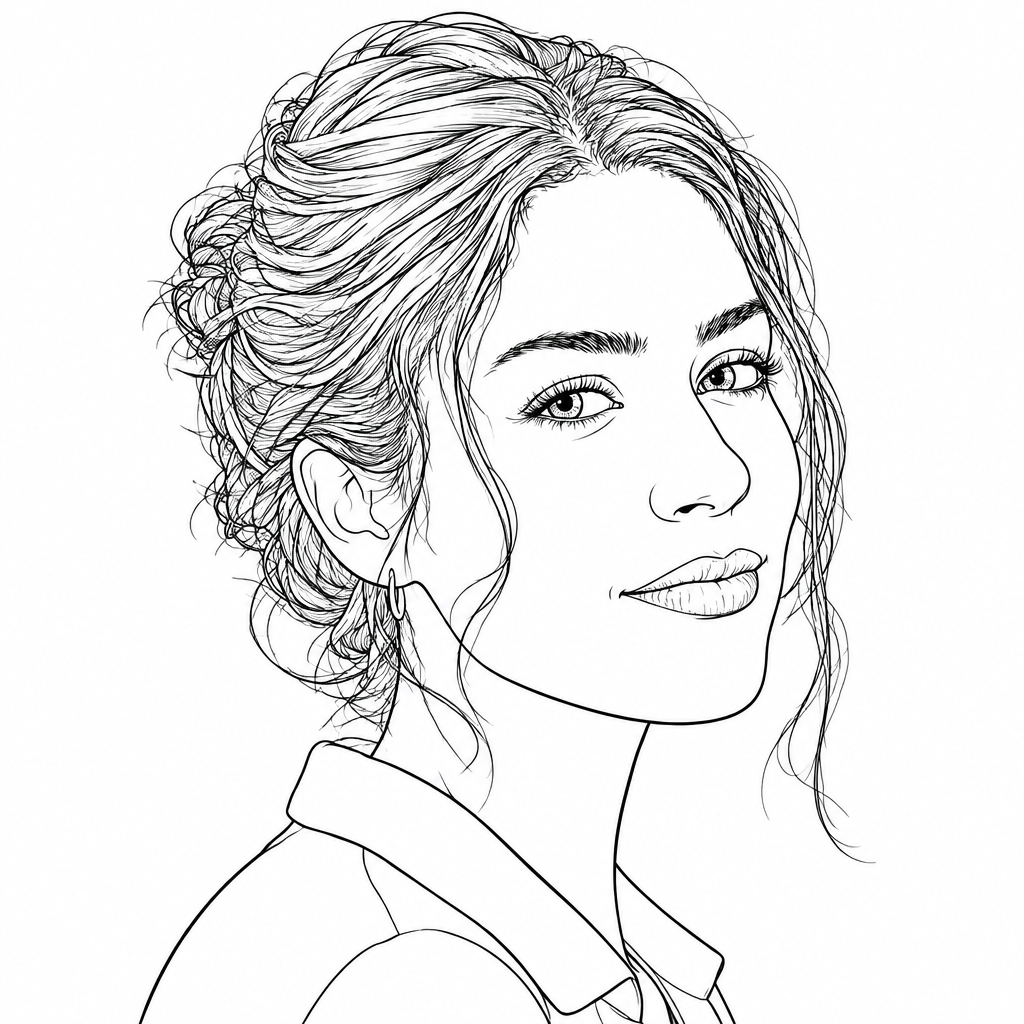
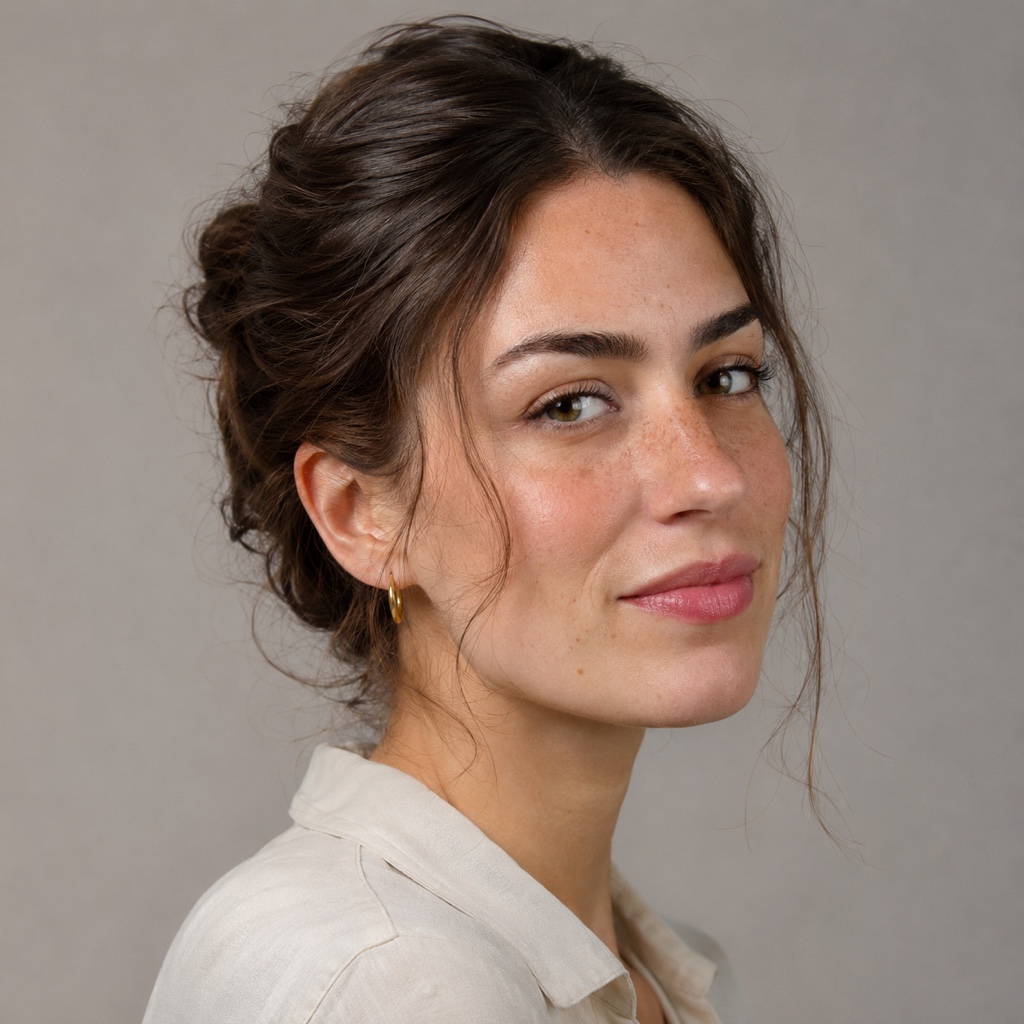
We tried it on three pictures: a rose, the face of a wolf and a portrait of a woman. Each came back as dark outlines on a white background, with no colour in it. The rose came out as bold outlines. The wolf and the portrait came out as much finer lines, with the fur and the hair drawn as many thin strokes.
The sample photos on this page are pictures we generated ourselves, not photographs of real people, so you can see the result without anyone's face in it. The stencils beside them are the real results of those runs, not edited afterwards.
What it does not do
It redraws; it does not trace. The lines are a new drawing of what is in the photo, so they follow the shapes but are not an exact copy. The rose came back with simpler petals, and the portrait came back with a smoother face and without the freckles. If the likeness matters, check the stencil against the photo, and correct what is wrong.
The result is a picture, not a vector file, so it will not scale up without limit. In our tests it came back about a thousand pixels square, which is sharp at a small size and soft when it is enlarged a lot. The edges of fine lines are slightly soft, and the lines are not all the same weight: the thin ones in fur and hair are much finer than the outline of a petal.
We did not test enlarging the stencil afterwards, so if you need a large print, look at the lines closely after you enlarge them.
Getting a better stencil
Start from a clear photo. A single subject with a strong shape against a plain background gives the cleanest lines, and a busy picture with many small things gives a busy stencil. If the first result has more detail than you want, run it again and ask for bolder lines and fewer details.
Say what you want to leave out. Asking for no shading, no grey and no filled areas keeps the result to outlines. Subjects with fur or hair are the hardest, because they turn into many thin strokes, and very thin lines can disappear on skin. For those, a simpler request is usually the better start.
Light matters too. A photo with even light and clear edges between the subject and what is behind it gives lines that follow the shapes. A dark, blurry or crowded picture gives lines that wander, and no description fixes a photo whose shapes cannot be seen. Take a second photo if you can, or crop the picture so that the subject fills most of it.
From stencil to skin
A stencil is a guide. Print it at the size you want and take it to your tattoo artist, who knows how thin a line can be, how much detail a given size can carry and how the design will sit on your body. Many artists will redraw or adjust a stencil anyway, and that is a normal part of the process.
FlowPix does not place the design on a body or make a transfer sheet. What it gives you is the line picture, which you can print, mark up and discuss. Treat it as the first draft of the design rather than the finished one.
Before you print, look at the stencil at the size you will use. A line that looks fine on a screen can be too thin once it is printed small, and a detail that looks sharp can turn into a smudge. If something is too fine, run the stencil again with a simpler request, or ask your artist to draw that part by hand.
Use pictures you have the right to use
Make stencils from your own photos, or from art you have the right to use. A tattoo design someone else drew is their work, and turning a picture of it into a stencil does not make it yours to copy. If you want a design in the style of an artist you like, talk to that artist or to one who works in that style.