
What a business card mockup is for
A business card mockup is a picture that shows how a card design looks as a real object. It can be a stack of cards on a desk, a single card in a hand, a card in a holder, or the front and the back side by side. It lets you judge the colours, the logo and the type on something that looks like paper, show the design to a client, and put it on a portfolio page before a single card is printed.
Freelancers, studios, small businesses and graphic designers use mockups for the same reason: a flat file on a white page says little about how a card will feel, and a picture of a card on a desk says more. A useful mockup answers a few questions at a glance. Is the name easy to read? Do the colours work on paper? Does the back match the front? This page explains how to get such a picture in FlowPix, and where the limits are.
How to make a business card mockup with FlowPix
Open the app and attach your card design as a reference picture. If you want the back as well, attach it too. Then describe the scene the way you would brief a photographer: what the card lies or stands on, the light, and what else is in the frame. FlowPix generates a photo of a card that carries a version of your design. There is no mockup template to choose and no file to drag onto a fixed shape; you say what you want to see and the image generator draws it.
Treat the first result as a draft. Look at it closely and ask for changes in plain words: make the stack a little smaller, use a darker desk, move the plant out of the frame. Each request produces a new picture, so you can keep what works and change one thing at a time.
Standard business card sizes
Before you design a card, know the size it will be printed at. There is no single standard for the size of a business card: it depends on the country. The table gives the usual sizes. A mockup does not know the real size of your card, so use these numbers when you brief your printer, not when you look at a picture.
| Region | Millimetres | Inches |
|---|---|---|
| US and Canada | 88.9 × 50.8 mm | 3.5 × 2 in |
| Western Europe | 85 × 55 mm | 3.35 × 2.17 in |
| Japan | 91 × 55 mm | 3.58 × 2.17 in |
Stack, hand, holder and front-and-back pictures
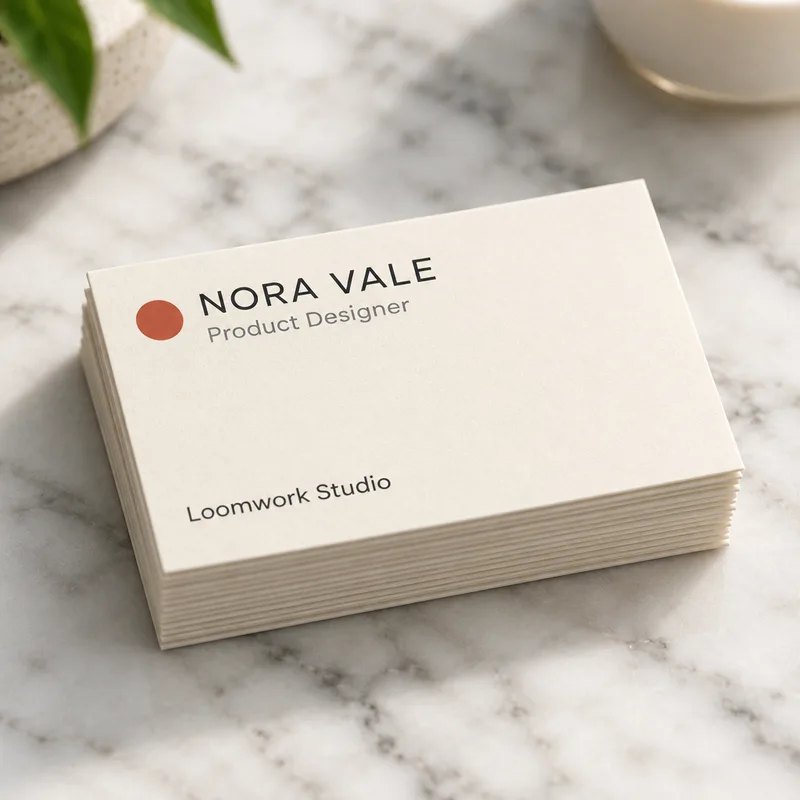
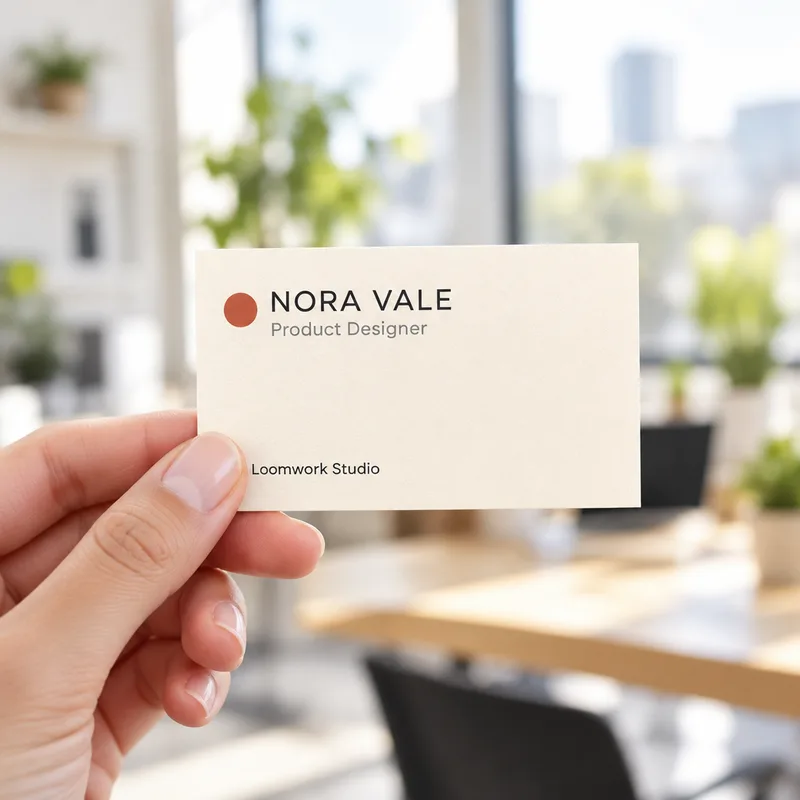
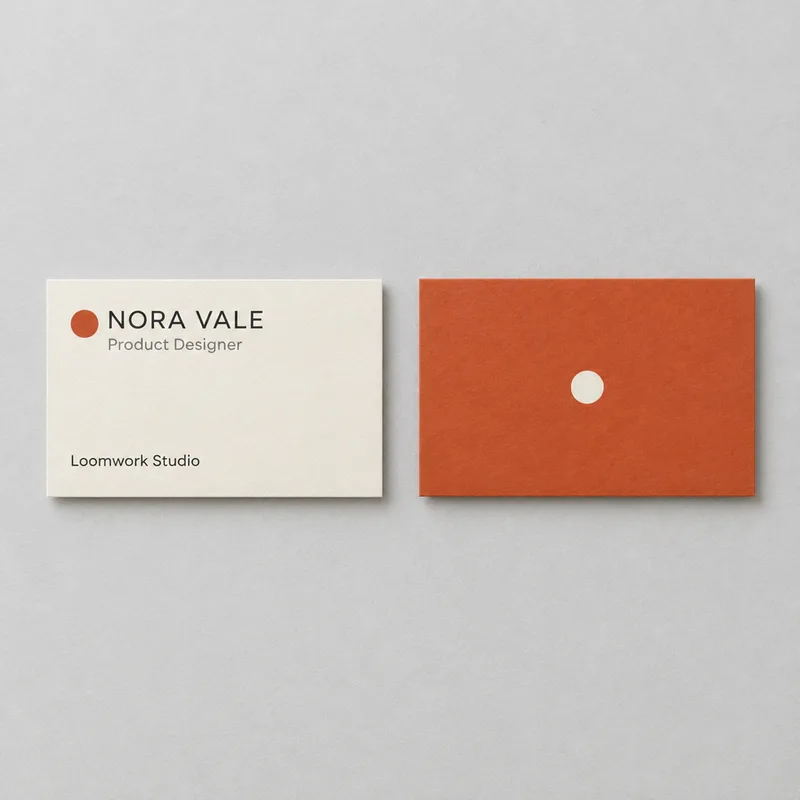
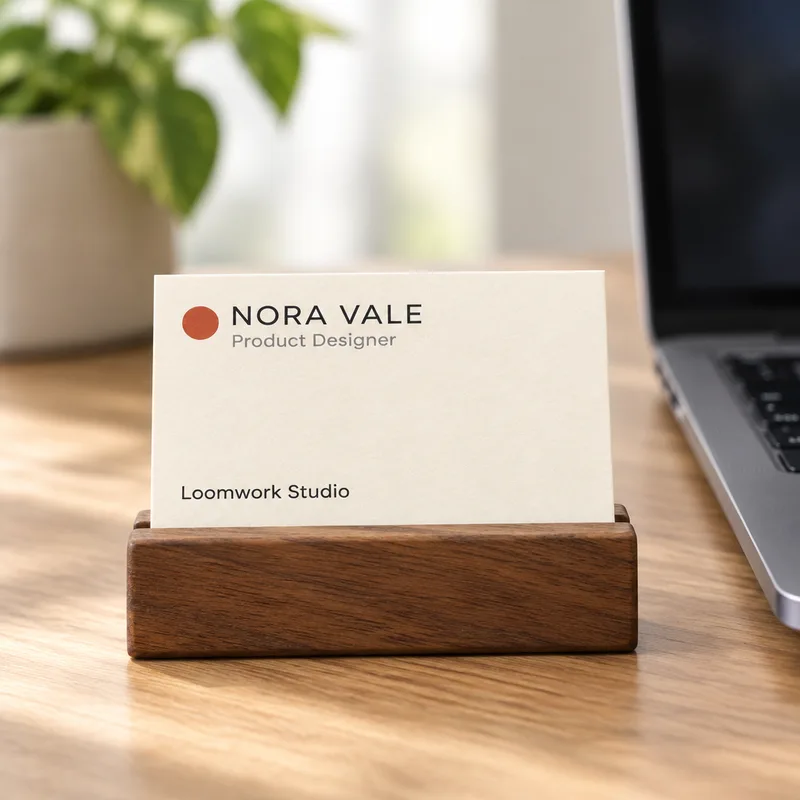
A stack of cards on a desk shows the paper and the edge of the card and suits a portfolio page. A card held in a hand says that it is a real card you can give to someone. A card in a small holder next to a laptop suggests an office. For the front and the back together, attach both designs and ask for two cards side by side on a plain surface, the first design on the left and the second on the right.
Name the surface and the light, such as a marble desk with soft daylight, and keep that wording the same across a set if you want the pictures to feel like one shoot.
What we saw in our tests
We tried four scenes with one card design: a stack on a marble desk, a card in a hand, the front and the back side by side and a card in a wooden holder. The design is one we made for the test, with an invented name and studio, and the four pictures on this page are the real results of those runs, not edited afterwards.
In all four the name, the job title and the studio name came out right, and the colours and the logo mark matched the design. The front and the back appeared together in one picture. But the cards were drawn again each time, so the position and the size of the type changed a little from picture to picture. We did not put a phone number or an e-mail address on the test card, and those are the lines most likely to break, so check them letter by letter on your own card.
What it does not do
FlowPix does not place your file onto a fixed card shape, so it does not keep the exact pixels of your design. It does not make a print file, a bleed or a cut line, and it does not know the real size of your card. It is also not a photo of a real printed card, which matters if you show it to a client as proof of how a print will look. Paper, ink and finish, such as a thick stock or a matte coat, can look different from what a generated picture shows.
If the text on your card is small, it may come out broken or changed, so look at the result at full size. If you publish a mockup, use sample contact details, not your private ones.
Design the card first
A mockup needs a design to show. If you do not have one yet, start with our AI business card generator, which designs a card from a short brief. Then bring the design you chose here and put it on a stack, in a hand or in a holder.