
What a photo to sketch means
Turning a photo into a sketch means getting a picture that looks as if it were drawn with a pencil: soft shading, visible strokes, a paper feel. People do it for gifts, for avatars, for cards and posters, and to see a scene as light and shade instead of as color.
There are two quite different ways to get there. One changes the photo with a filter or a stack of layers. The other asks a model to draw the picture again. Which one you want depends on whether the result has to follow the photo pixel by pixel or only has to look like a drawing of the same scene.
The usual way: Photoshop
A common method in Photoshop goes like this. Duplicate the photo layer and use Image, Adjustments, Desaturate to make it gray. Duplicate that layer again, use Image, Adjustments, Invert on the top copy and set its blend mode to Color Dodge. The picture turns almost white. Then convert the layer to a Smart Object and apply a Gaussian Blur to it: a small radius gives finer lines, a larger one a softer, more photographic look.
Many tutorials then add a Levels adjustment layer set to Multiply, to darken the sketch, and some bring color back with a Color layer. The result is a filtered photo: each line follows an edge of the photo.
How to turn a photo into a sketch in FlowPix
FlowPix does it with Quick Edit on the canvas. Put your photo on the canvas, select the picture and open Quick Edit in the picture toolbar. Type what you want, for example: Turn this photo into a pencil sketch: graphite on white paper, soft shading and visible pencil strokes. Keep the composition and the faces as they are. Then press Run. The button shows the credits it will cost before you press it.
The result comes back as a new picture beside your photo, and the photo is not changed. You can put the two side by side, change the description and run it again, and keep the one you like best.
What we saw in our tests
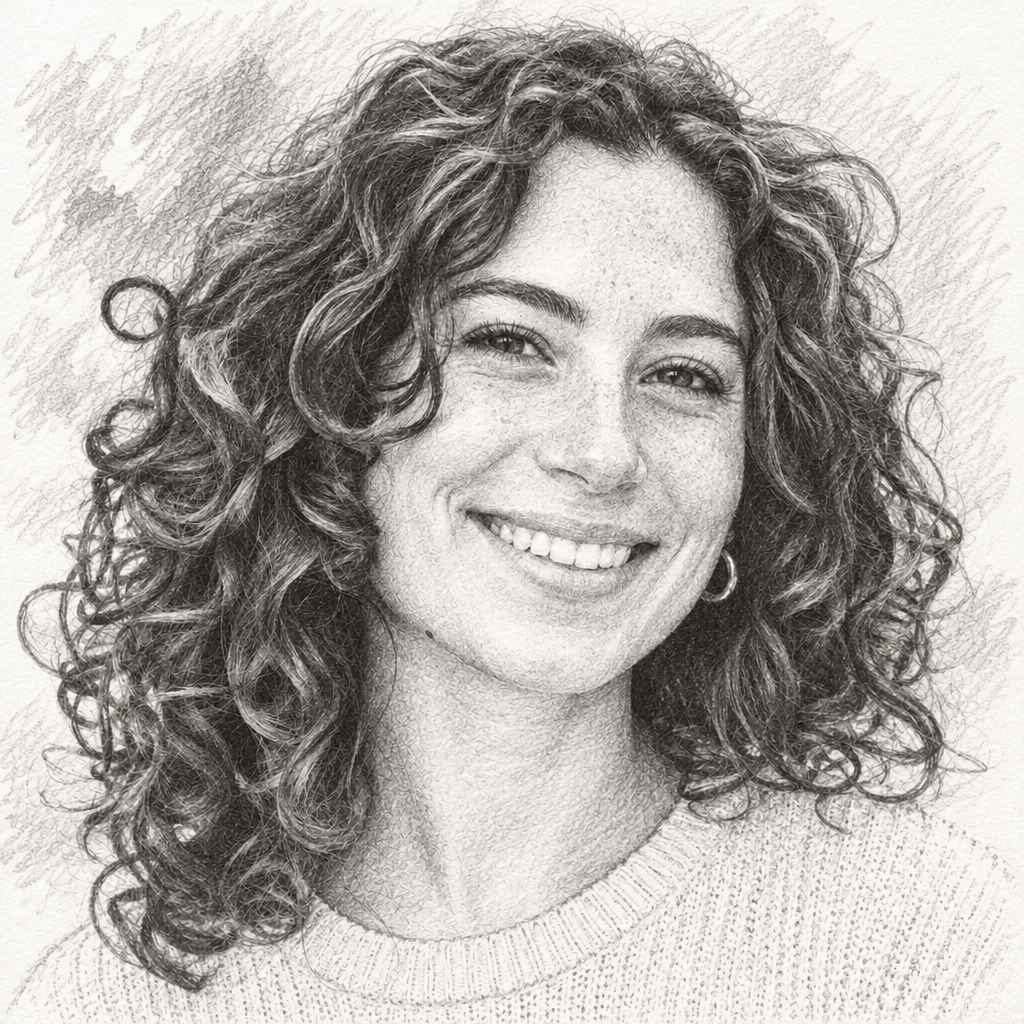
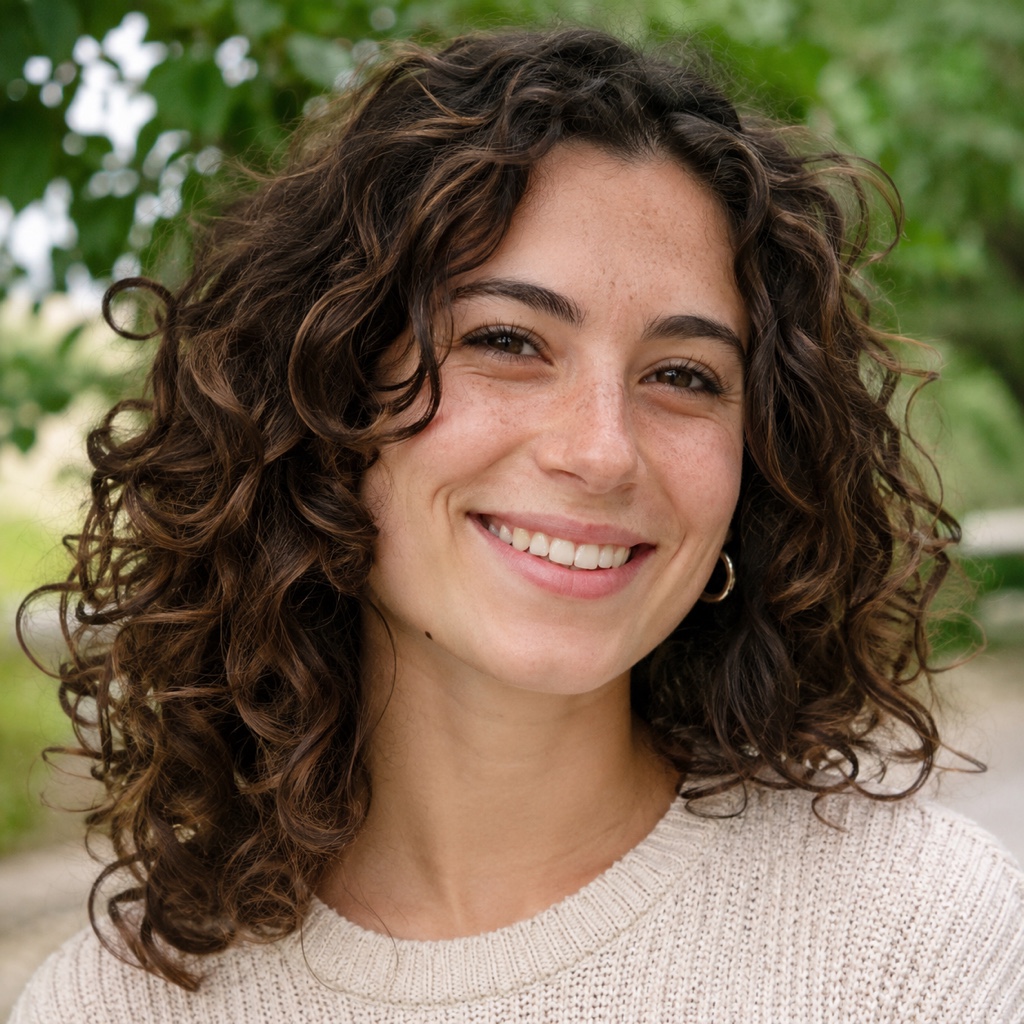
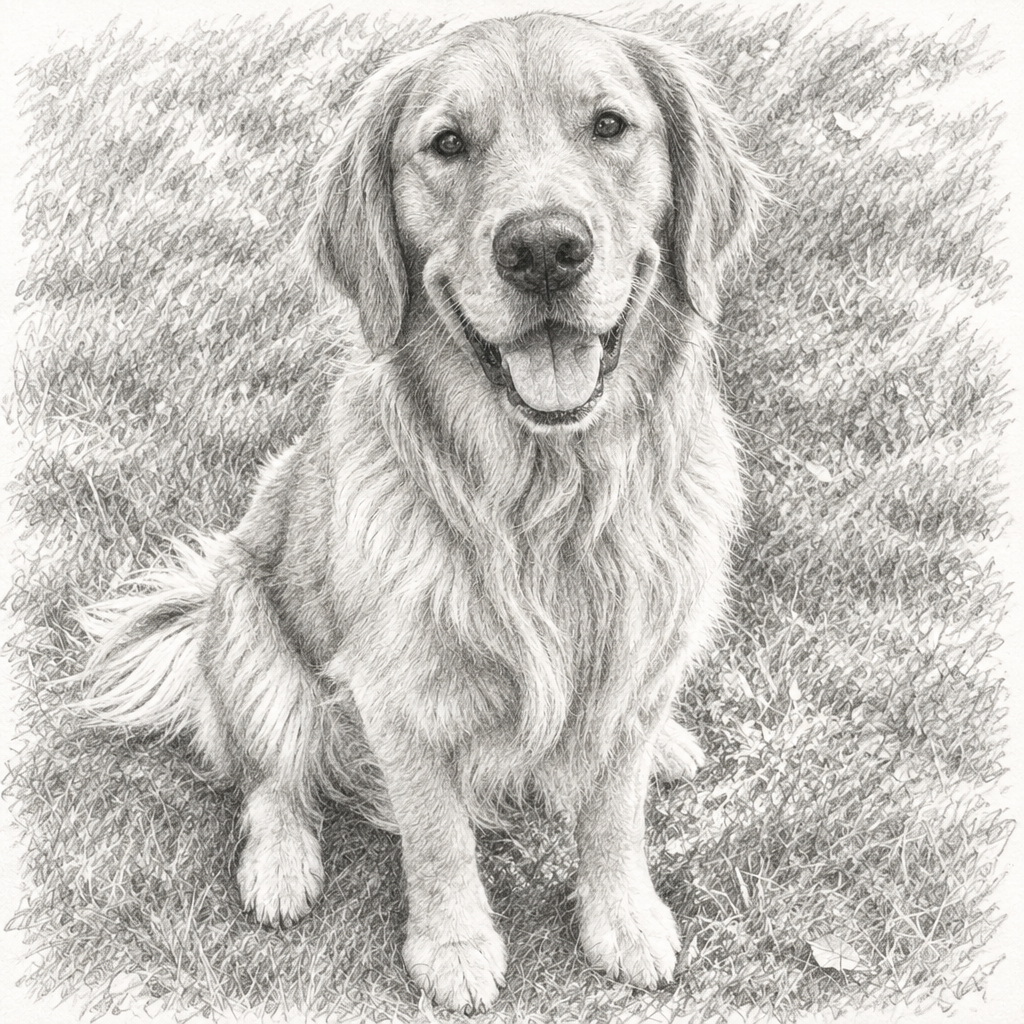
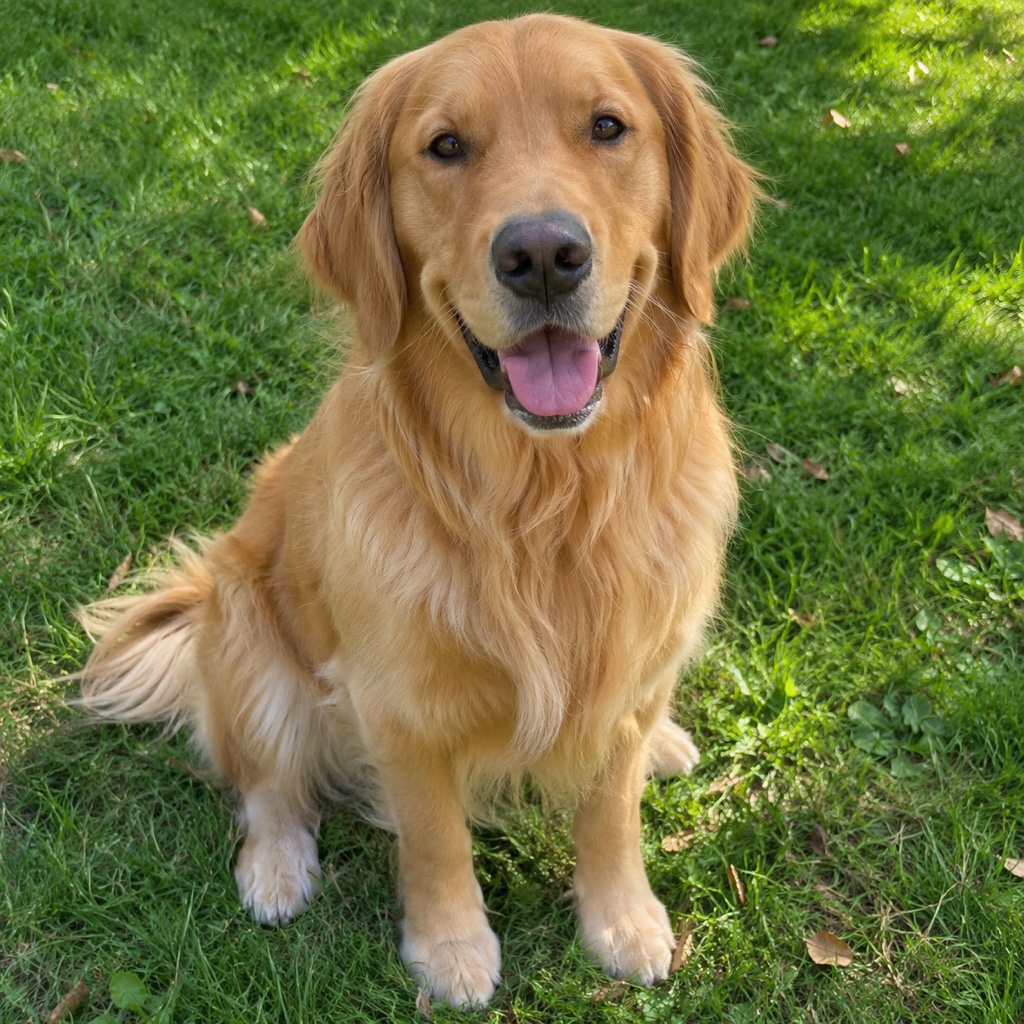
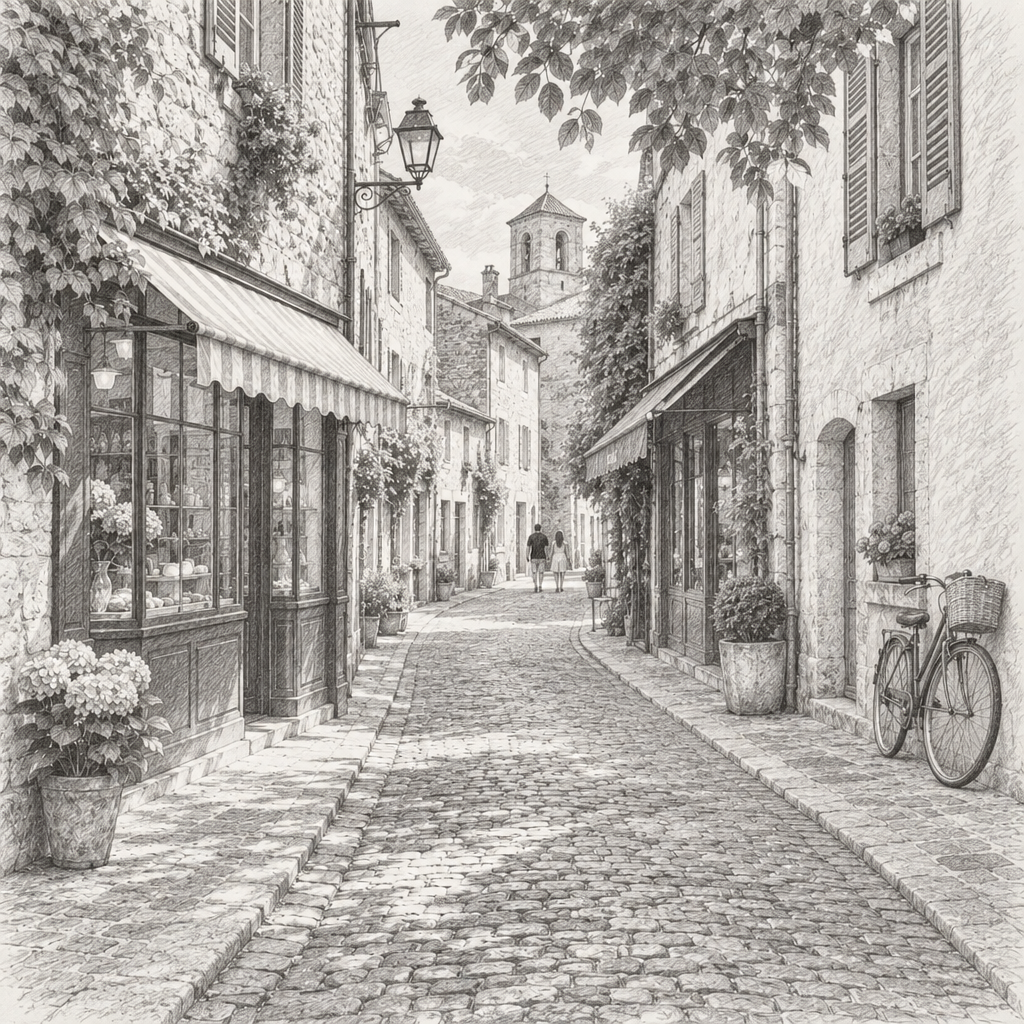
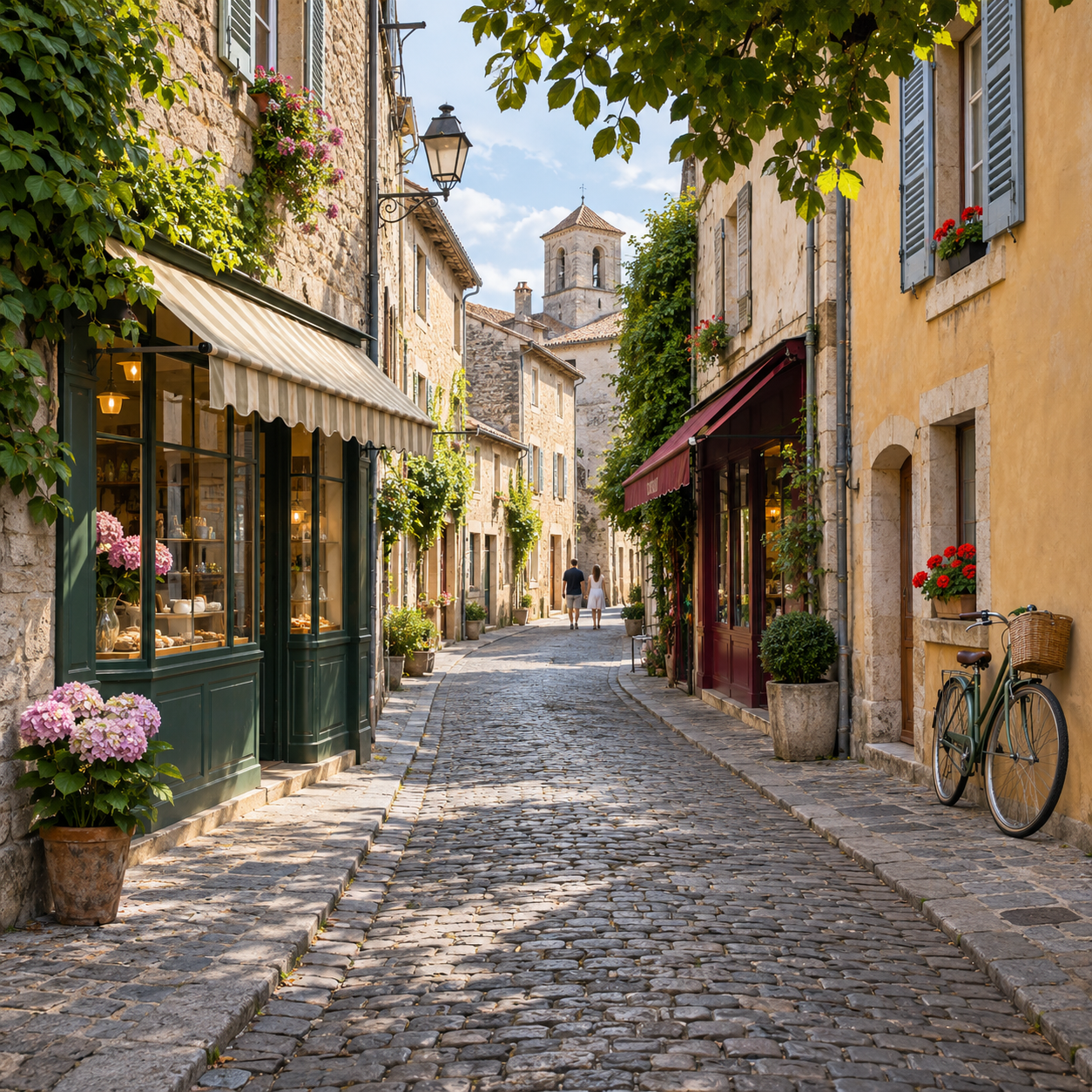
We tried it on three pictures that we generated ourselves, not photos of real people: a portrait of a woman, a golden retriever on a lawn and a street in an old town. We used the sentence above for all three, and the pictures on this page are the real results of those runs, not edited afterwards.
The composition stayed in all three: the same pose, the same framing, the same street with its houses and its bicycle. Each came back as a gray pencil drawing on a white, slightly textured background. The face of the woman was recognizable as the same face, with the same smile, but the eyes, the teeth and the nose were drawn a little differently, and her curls were not the same curls. The dog kept its pose and its face, with the paws and the fur drawn again. In the street the buildings, the awnings and the bicycle stayed where they were, but small things such as windows, flower pots and the basket on the bicycle were drawn again and simplified.
The grass behind the dog and the leaves behind the woman became pencil hatching, which is part of the look. We tried one description only, a graphite pencil, so we cannot say how charcoal or ink would come out.
What it does not do
It is a redrawing, not a filter and not a trace. FlowPix draws the whole picture again, so it does not keep every detail of your photo and it cannot promise that a face stays exact. Each run is drawn again, so two runs of the same description give two different sketches.
You do not get layers, a line-density slider or the exact control of the Photoshop method. You get a new picture and a description to change. Do not use it for pictures that have to stay true to the original, such as an ID photo or evidence, and keep your original photo.
It is also not the same as a clean line drawing. If you want outlines to trace or print, see our tattoo stencil maker, which turns a photo into black lines on white.
Getting a better sketch
Start from a clear photo with one subject and good light. Say what kind of sketch you want, graphite pencil on white paper for example, and say that the composition and the faces should stay as they are. A description with a few concrete words gives you a more predictable result than a vague one.
Try a few descriptions and compare each result with the photo. Look at the eyes, the mouth and the hands first, because those are the parts that drift. Keep the ones you like as pictures of their own.
Look at the result at full size before you share it, and keep your original photo. If you want several sketches that look like a set, use the same style words in every description, which gives them a better chance of matching, although each picture is drawn again and they will not be identical.
Use pictures you have the right to use
Use only photos you took or have the right to use. A sketch drawn from someone else's picture is still based on it, and a picture of another person needs their permission before you share it.