Slides that swipe as one.
Describe a topic and FlowPix designs a full multi-slide carousel — a cover plus content slides — that share one design system so the whole set swipes as a single story.

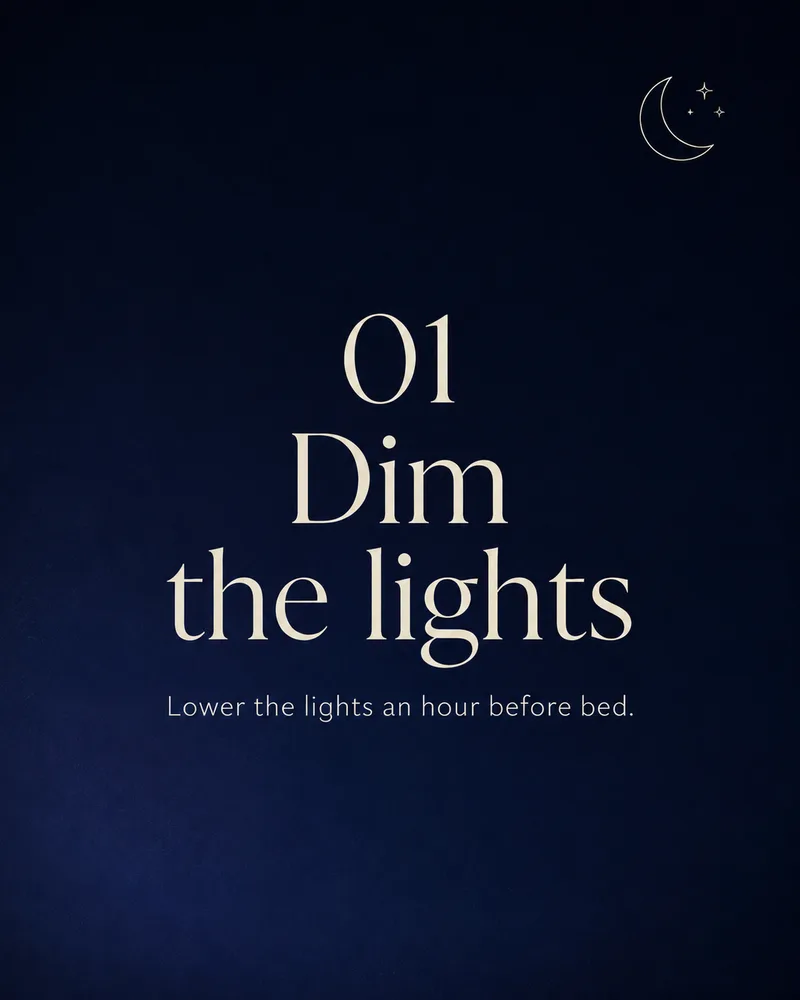
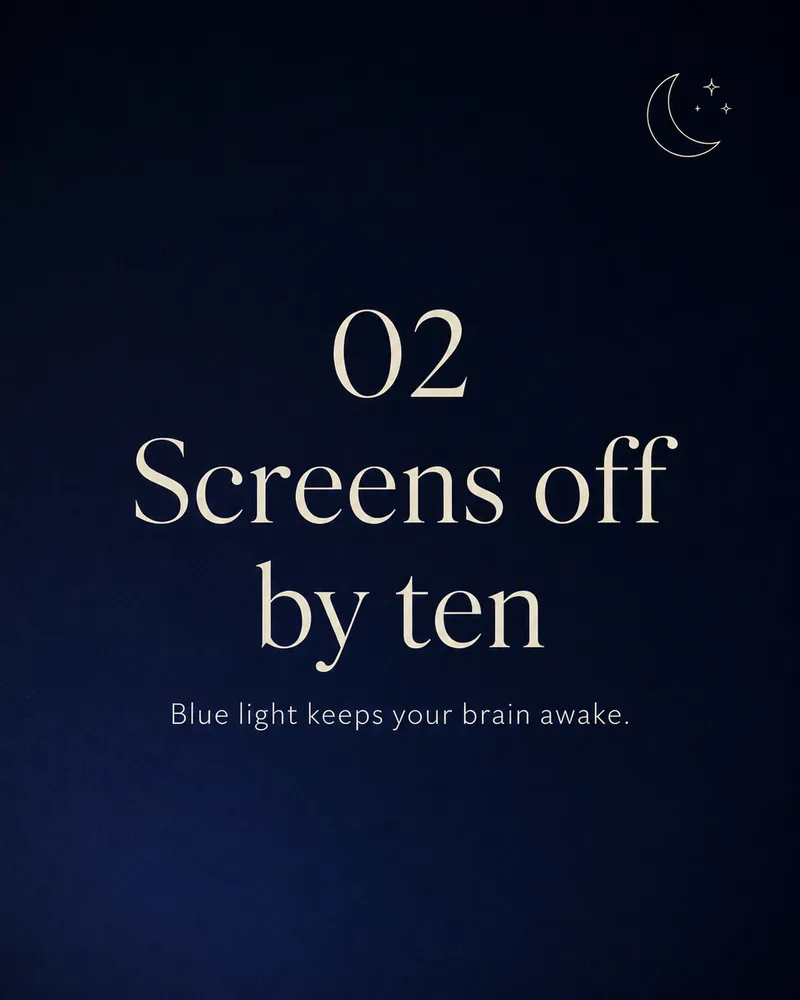
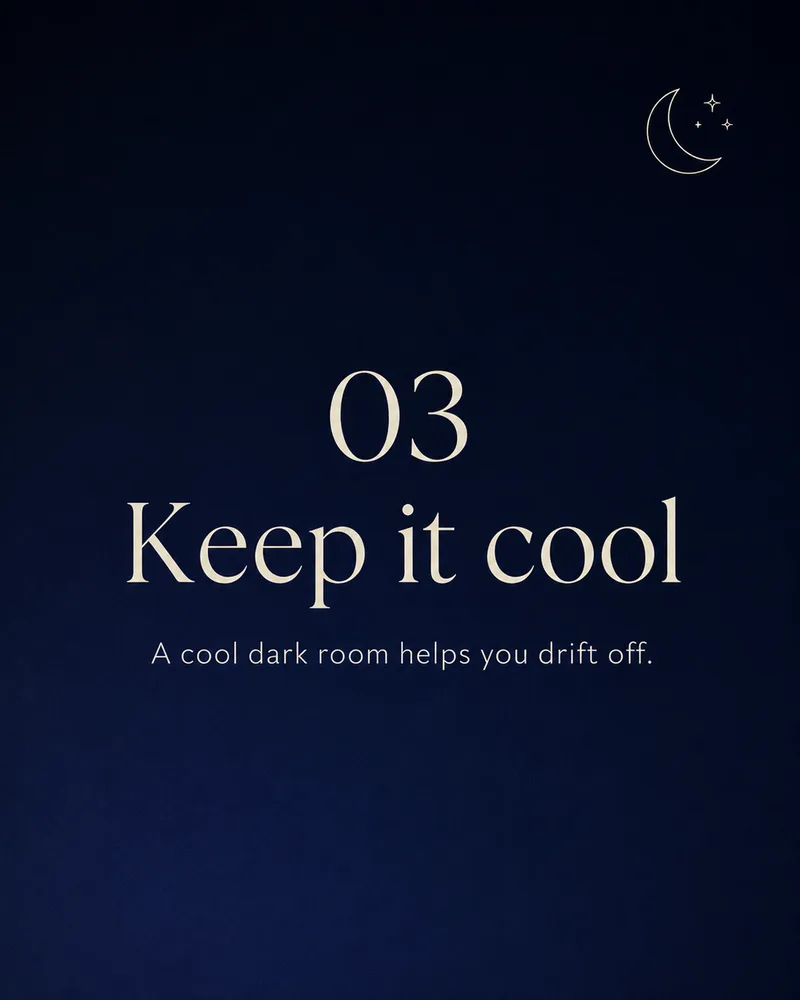


The process is the proof.
Curated workflows keep the brief, exploration, tool steps, selected direction, and final output structure so users can watch or remix the process.

Start from a proven replay.
Tip carousel
A cover plus numbered tips.
A 5-slide educational carousel titled Houseplant Care 101 — soft botanical style, a cover then four numbered care tips, one consistent layout.
Trends listicle
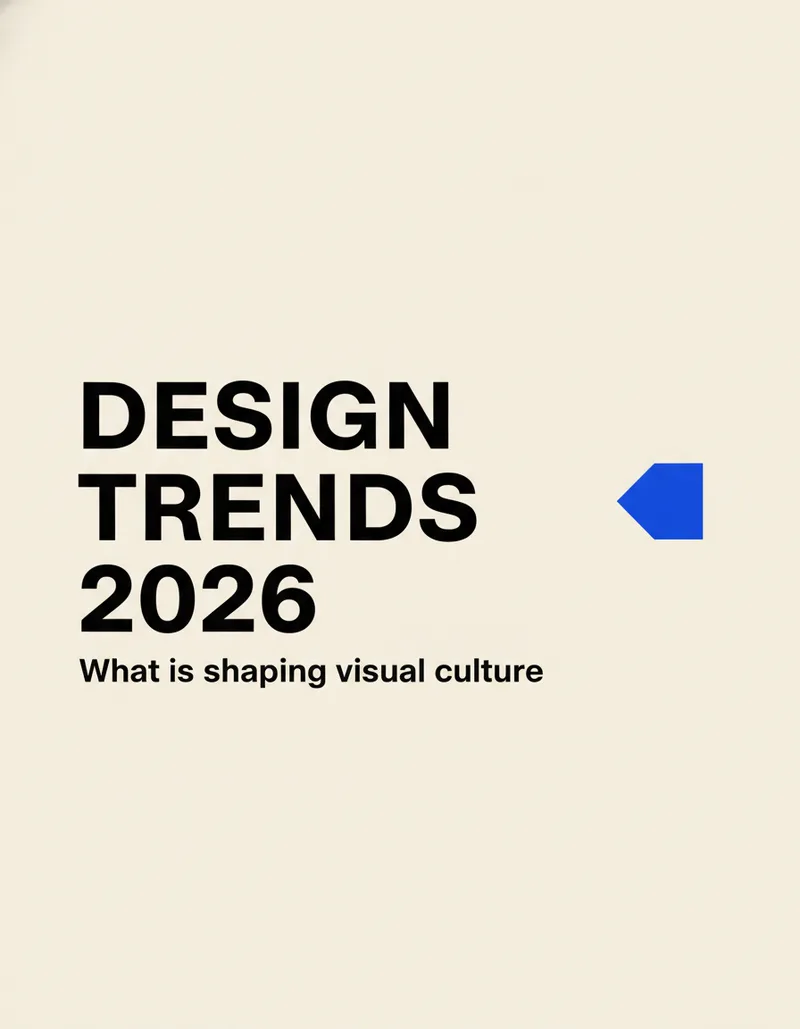
Bold, typographic slides.
A 4-slide carousel titled Design Trends 2026 — warm off-white background, oversized bold type, one cobalt accent, a cover plus three trends.
Photo carousel
Full-bleed photos, one grade.
A 4-slide travel carousel about a weekend in Kyoto — full-bleed photos sharing one warm cinematic grade, a small serif caption on each.
Teach in a swipe.
Tip and how-to carousels where every slide shares one clean template.
Launches that flow.
Cover-to-CTA sequences that read as one campaign across every slide.
A story per slide.
Travel, editorial, and photo carousels with a consistent grade and caption.
Related products.
AI Social Media Post Generator
Describe a brand and FlowPix generates a cohesive set of social posts — quote cards, product posts, tips, and promos — that all read as one brand.
AI Poster Maker
Describe an event, film, or campaign and FlowPix explores poster directions, sets the typography, and exports a print-ready layout you can remix.
AI Illustration Generator
Describe a scene or a series and FlowPix illustrates it in a consistent style — editorial art, prints, and cohesive sets you can remix.
gpt-image-2
Best for editorial portraits, product photography, and brand work that needs precise typography. Understands camera vocabulary and renders in-image text reliably.
Product details.
Will every slide match?
Yes. FlowPix anchors each slide to the first so the background, palette, type, and layout stay identical across the whole carousel.
Can it render the slide text?
Yes. Headlines, slide numbers, and short body lines render legibly and stay editable in the canvas.
How many slides and what size?
Ask for any number of slides — a cover plus content. Portrait 4:5 is the carousel default, and the canvas keeps each slide so you can re-export.