One click, clean cutout.
Drop in any image and FlowPix isolates the subject with clean edges — products, people, objects — and hands back a transparent PNG ready to drop anywhere.
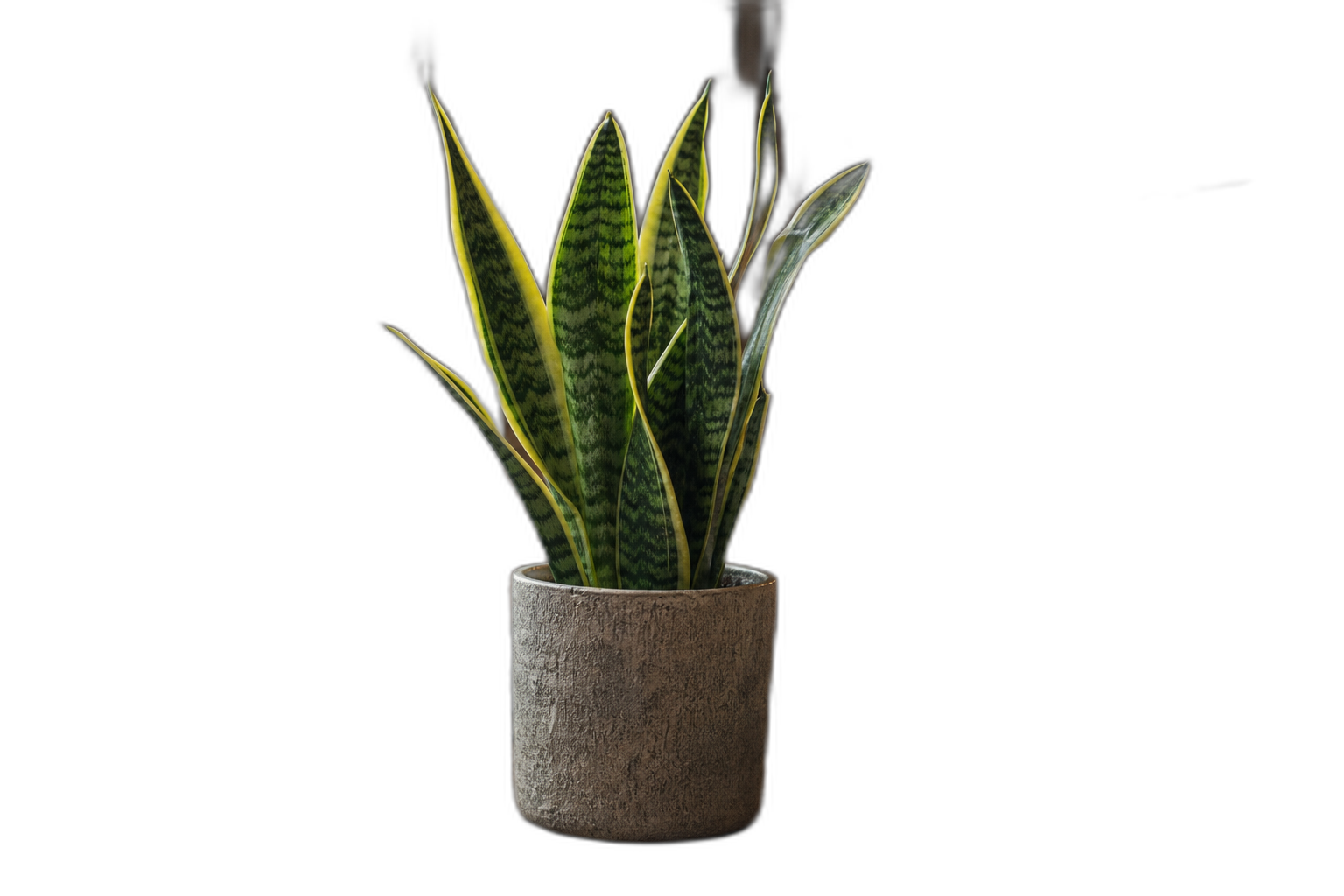
 OriginalRemoved
The process is the proof.
Curated workflows keep the brief, exploration, tool steps, selected direction, and final output structure so users can watch or remix the process.
Start from a proven replay.
Product cutout
Isolate for listings.
Remove the background from this product photo and place the item on a clean transparent background with a soft contact shadow.
Portrait cutout
Clean edges, even hair.
Cut out the person in this photo with clean edges around the hair and hand back a transparent PNG.
Swap the background
Cut, then re-place.
Remove the background from this photo, then place the subject on a warm studio gradient.
Clean product shots.
Isolate products for listings, catalogs, and marketplaces in one step.
Drop subjects anywhere.
Cut out a subject and place it into posters, ads, and social graphics.
Crisp headshots.
Clean portrait cutouts with tidy edges for avatars and team pages.
Related products.
AI Product Photo Generator
Generate product photography directions, variants, and campaign-ready images with a reusable replay workflow.
AI Product Listing Generator
Describe a product and FlowPix generates a consistent listing set — hero, detail, lifestyle, and feature callouts — the same product across every frame.
AI Poster Maker
Describe an event, film, or campaign and FlowPix explores poster directions, sets the typography, and exports a print-ready layout you can remix.
gpt-image-2
Best for editorial portraits, product photography, and brand work that needs precise typography. Understands camera vocabulary and renders in-image text reliably.
Product details.
Does it handle hair and fine edges?
Yes. The cutout keeps clean edges around hair, fur, and thin details, not a rough outline.
Do I get a transparent PNG?
Yes. The subject comes back on a transparent background you can drop onto any canvas or export directly.
What can I remove the background from?
Products, people, animals, food, objects — any clear subject works, from product shots to portraits.