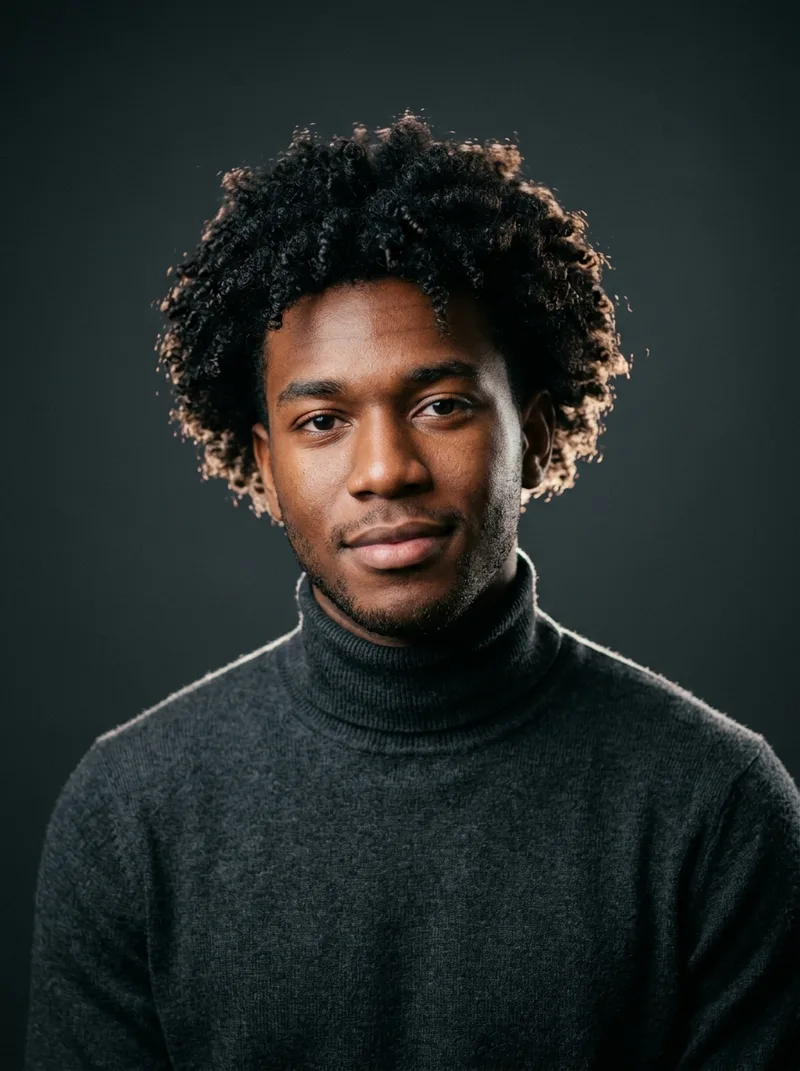
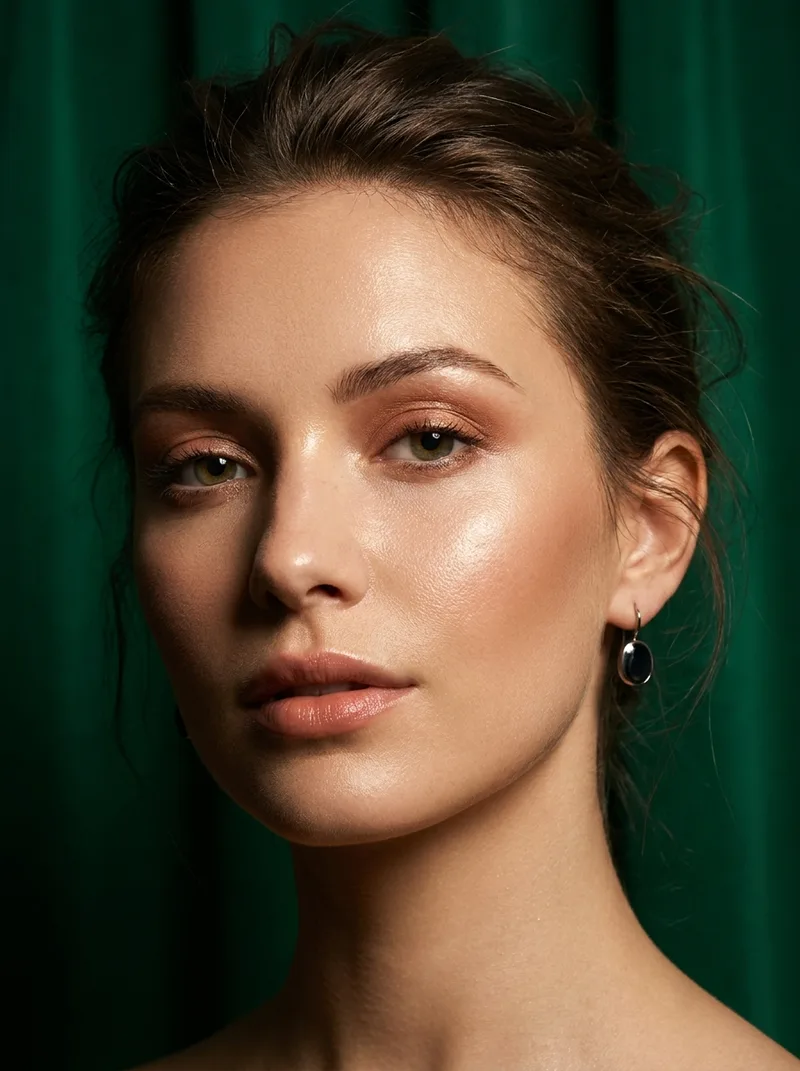
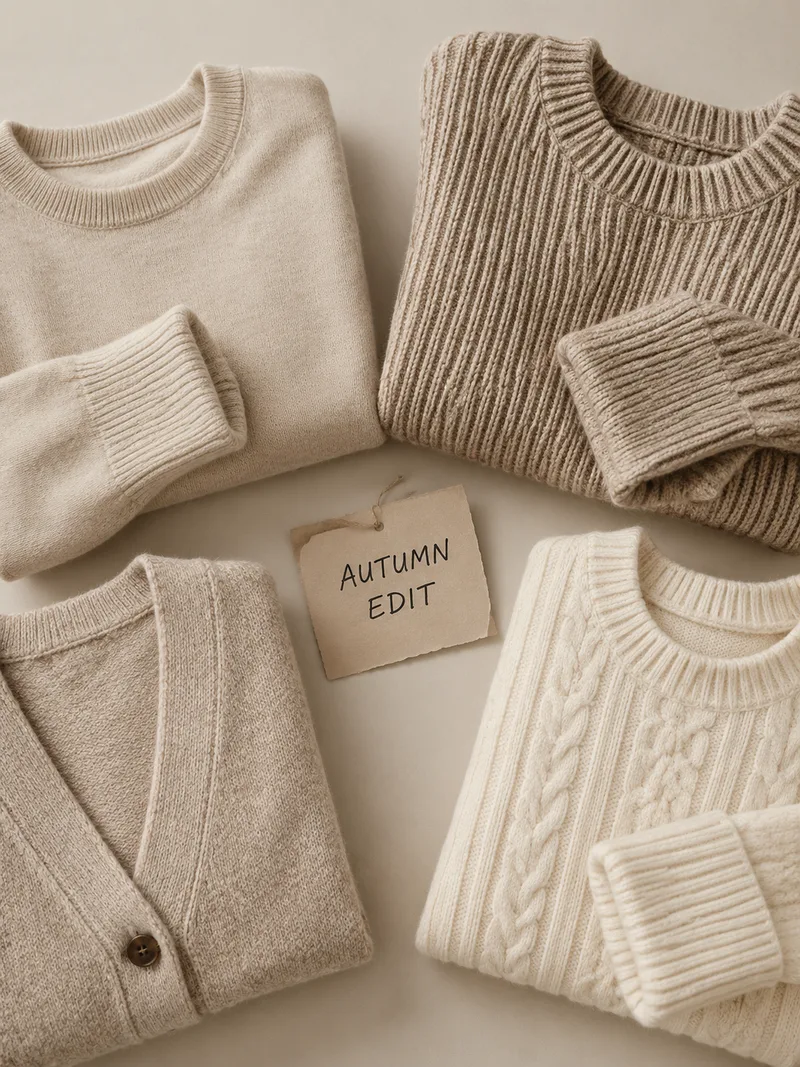
"Studio product photo of a [object], [light direction] light, [angle] angle, neutral seamless background, 4 variants"
Names the angle + light explicitly. GPT Image 2 understands camera vocabulary precisely.

Superseded by GPT Image 2.5. It has left the model picker, but you can still ask for it by name.
Best for editorial portraits, product photography, and brand work that needs precise typography. Understands camera vocabulary and renders in-image text reliably.
Our two test pictures at 1K (the first two below) came back in 27 s and 28 s. The label read MORNING ROAST · 250 g, right on a single line. The portrait has the yellow raincoat, rain drops and misty harbour the prompt asked for. It added props we did not ask for (a plant, a mug, a chopping board). Two prompts are a small test.
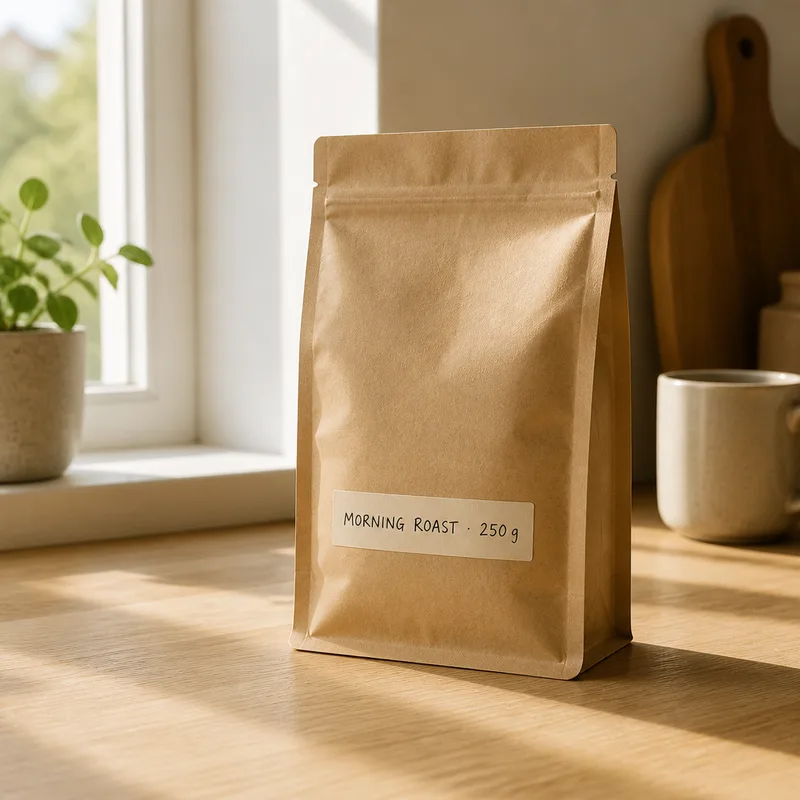
"A kraft-paper coffee bag on a pale oak counter in soft morning window light, a small handwritten-style label that reads exactly "MORNING ROAST · 250 g". No other text."
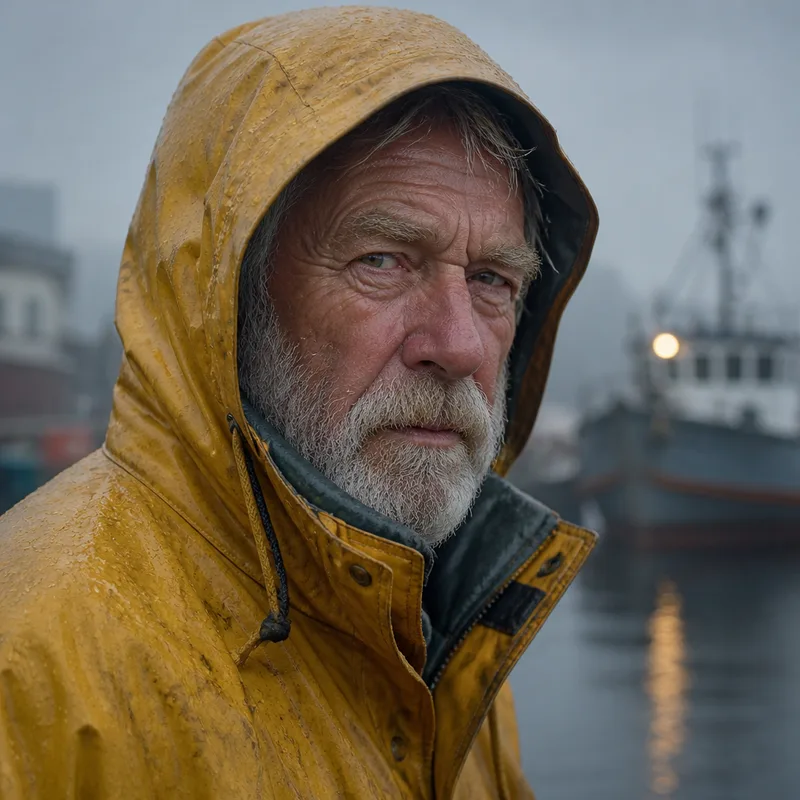
"A close portrait of an invented older fisherman in a yellow raincoat on a misty harbour, fine skin texture and rain drops, shallow depth of field."


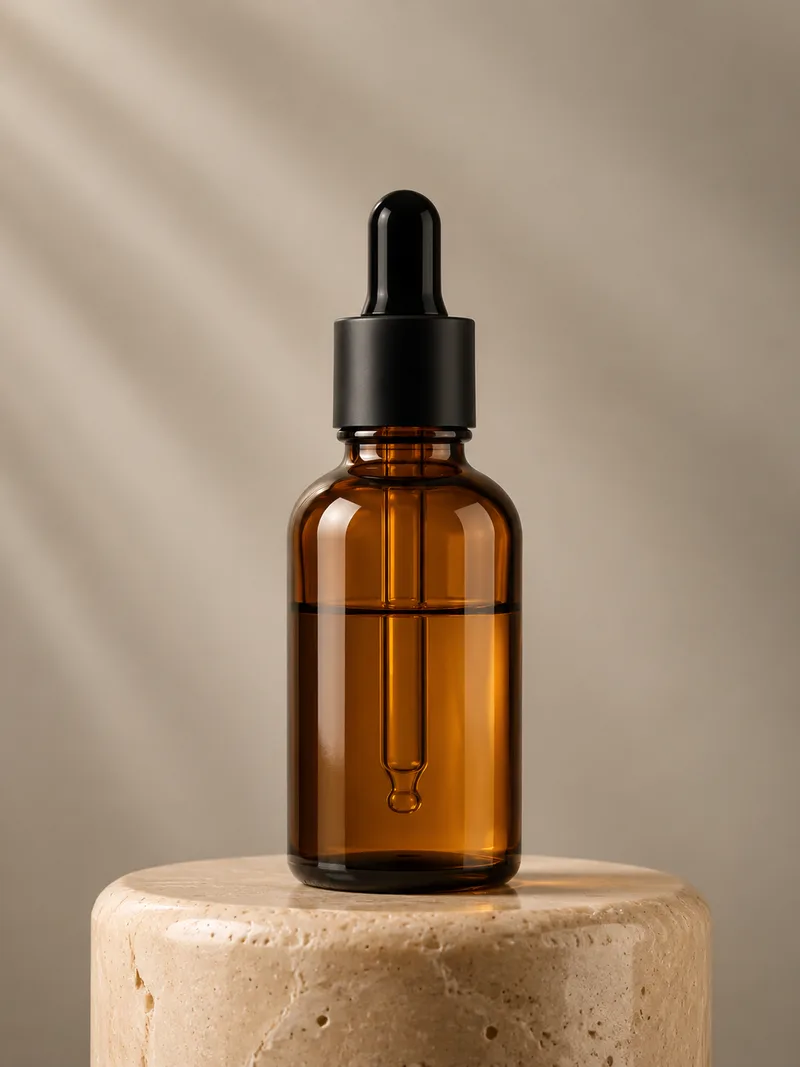

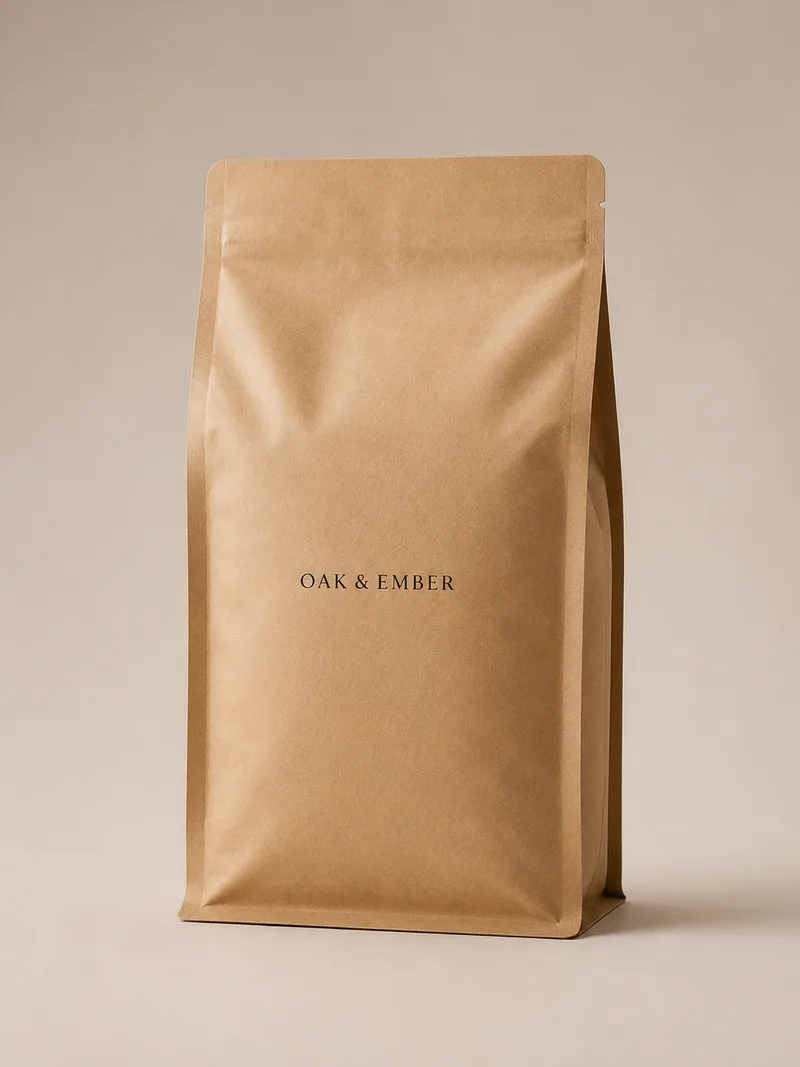
Example prompts stay in English, which is what the models handle best.
"Studio product photo of a [object], [light direction] light, [angle] angle, neutral seamless background, 4 variants"
Names the angle + light explicitly. GPT Image 2 understands camera vocabulary precisely.
"A poster reading "[exact text]" in [font style] on [background]. The text must be sharp and legible."
Quote the text. Specify font feel. The "sharp and legible" clause helps a lot.
"Replace the background with [scene]. Keep the subject untouched. Match the original lighting direction."
For edits, the "keep X untouched" clause is the difference between good and clean.
When your request plays to GPT Image 2's strengths. Name it in your message or pick it in the composer; FlowPix never switches models on its own, and uses its default image model when you choose none.
Yes. The model picker in any chat lets you pin per-turn or per-session. Set as default in /settings.