Turn product shots into motion.
Drop a product photo and FlowPix animates it into a short clip — a slow orbit, a reveal, a lifestyle moment — with image-to-video routing across Kling v3, Veo 3.1, and Seedance 2.0. Built for storefronts, ads, and social.
Video models start at Starter.
 ▶
▶ ▶
▶ ▶
▶ ▶
▶The process is the proof.
Curated workflows keep the brief, exploration, tool steps, selected direction, and final output structure so users can watch or remix the process.
Outputs.
▶Product orbit
▶Feature reveal
▶Lifestyle motion
▶Ad cutdown
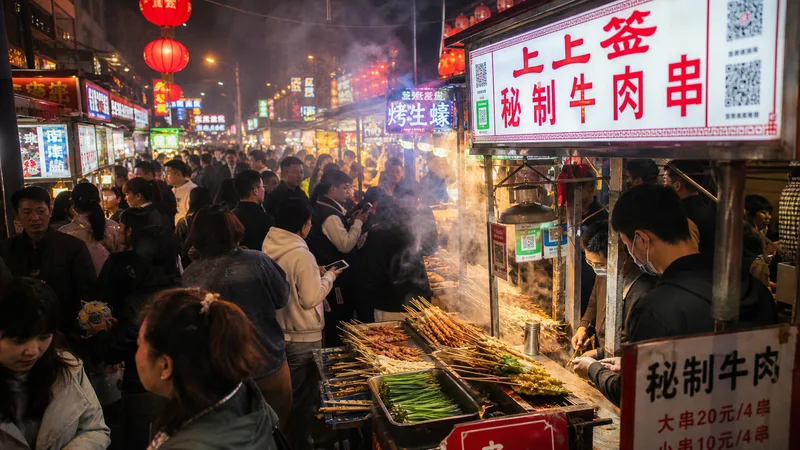 ▶
▶Product orbit
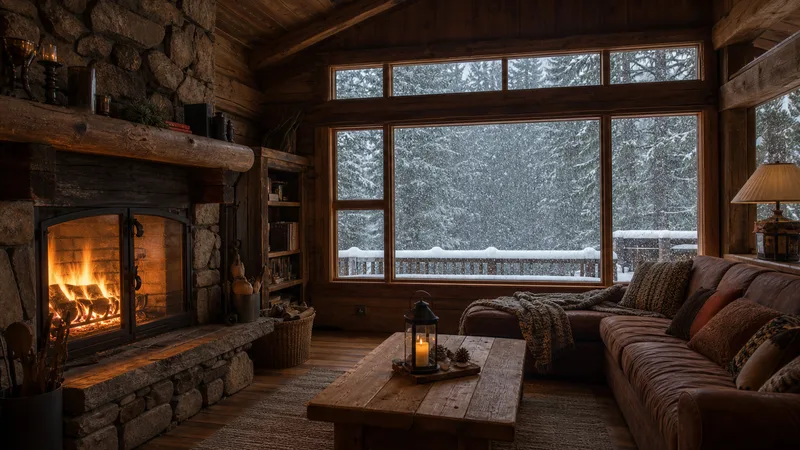 ▶
▶Feature reveal
Start from a proven replay.
Hero orbit
A clean 360 on the product.
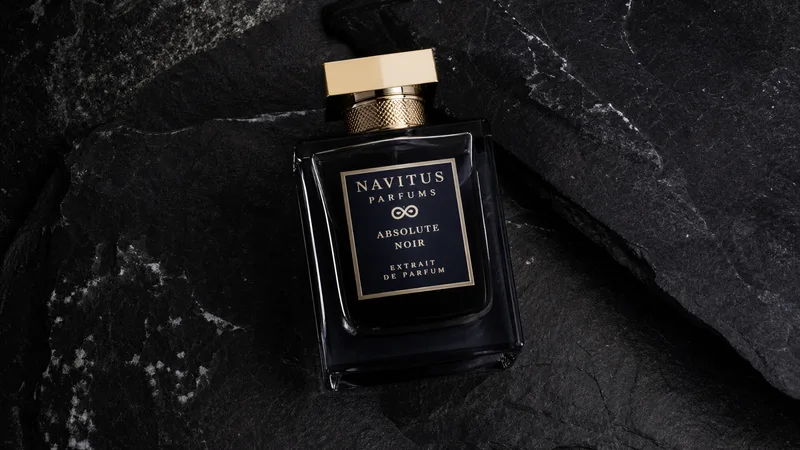
A slow 360° orbit around a luxury perfume bottle on black stone, dramatic studio light, a glint sweeping across the glass, seamless loop.
Lifestyle moment
The product, in the world.
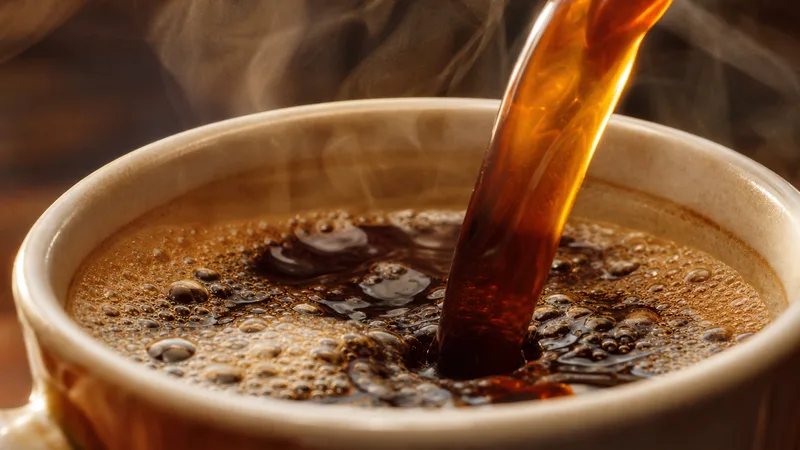
Warm morning light, coffee being poured into a branded cup, rising steam, shallow depth of field, a cozy cafe in soft focus behind.
Feature reveal
Push in on the detail.
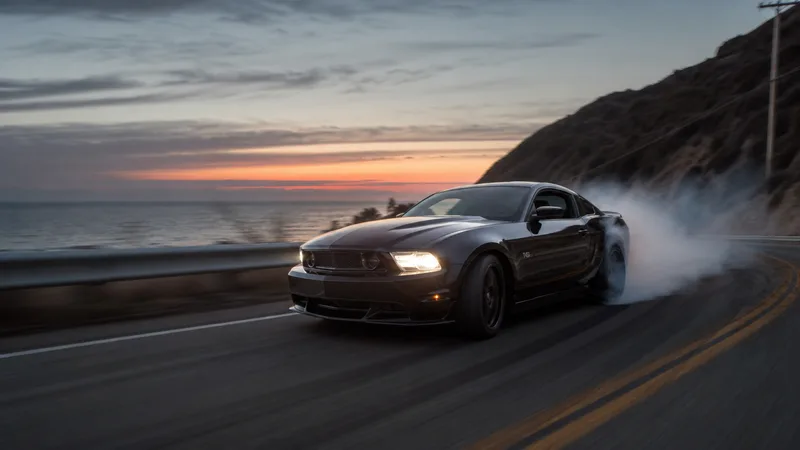
A cinematic push-in on a sports car detail at dusk, reflections sweeping across the paint, motion blur on the wheels, coastal road.
Motion for the storefront.
Turn a flat catalog shot into a scroll-stopping product clip in one brief.
Ads without a shoot.
Generate product motion for paid social without a studio, a rig, or a crew.
Stand out in the grid.
Give a listing a short animated hero that reads instantly against static rivals.
Related products.
Image to Video
Turn an image into motion with model-routed video generation and editable prompt context.
AI Product Photo Generator
Generate product photography directions, variants, and campaign-ready images with a reusable replay workflow.
Kling v3
Kuaishou Kling v3 — the flagship for believable motion: fluid bodies, real weight, and clean image-to-video. The router picks it when the shot lives or dies on how the movement reads.
Veo 3.1
Google DeepMind Veo 3.1 — the highest realism in the suite, and the only model that generates synced audio with the visuals. Picked by the router when the prompt asks for "cinematic", "live action", names a real-world camera move, or needs sound.
Product details.
Do I start from my own product photo?
Yes. Upload a product shot (or generate one with the AI Product Photo Generator), then run image-to-video to animate it — the router keeps your product faithful while adding motion.
Which model is best for products?
Kling v3 for strong, physics-aware motion and Veo 3.1 for polished realism are the go-to picks; Seedance 2.0 for long, reference-driven clips. The router chooses, and you can override.
What aspect ratios can I export?
Square and vertical for social, widescreen for site heroes — set the frame on the canvas before you animate.