"A poster reading "[exact text]" in [font style], smaller line below reading "[subtitle]". [Paper and ink colours]. The text must be sharp and perfectly legible."
兩行文案都用引號寫出來。"sharp and perfectly legible" 這一句,是乾淨渲染和糊成一團之間的分界。
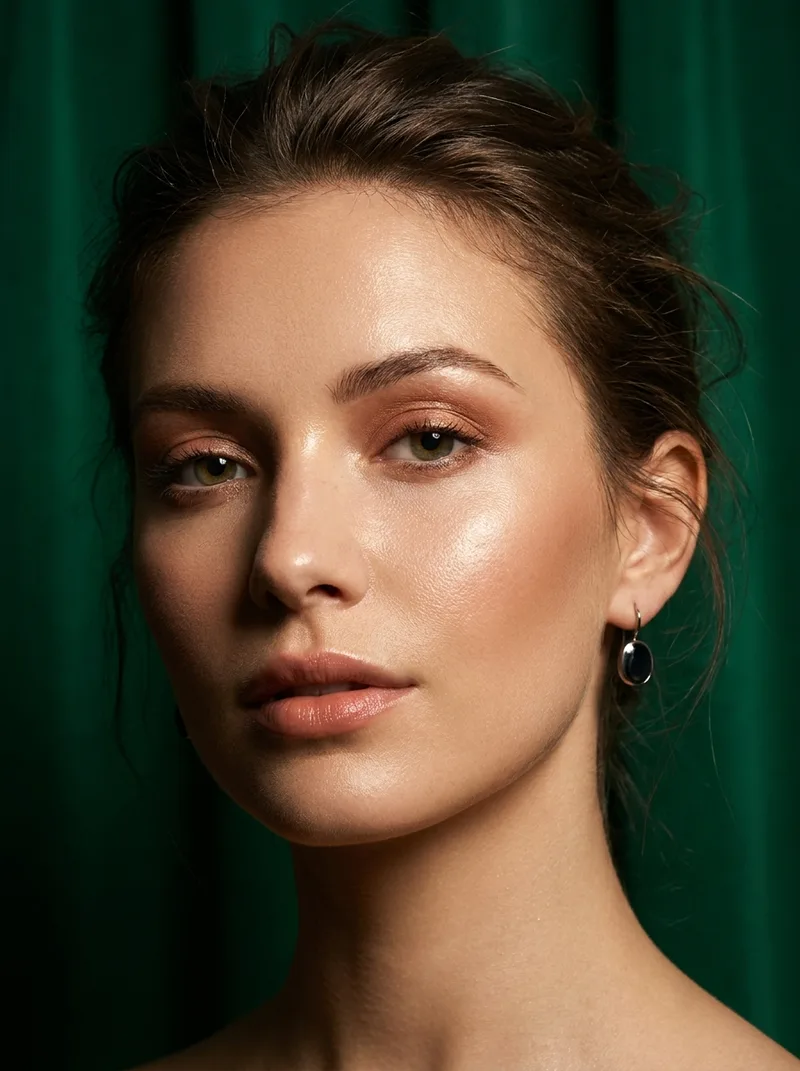
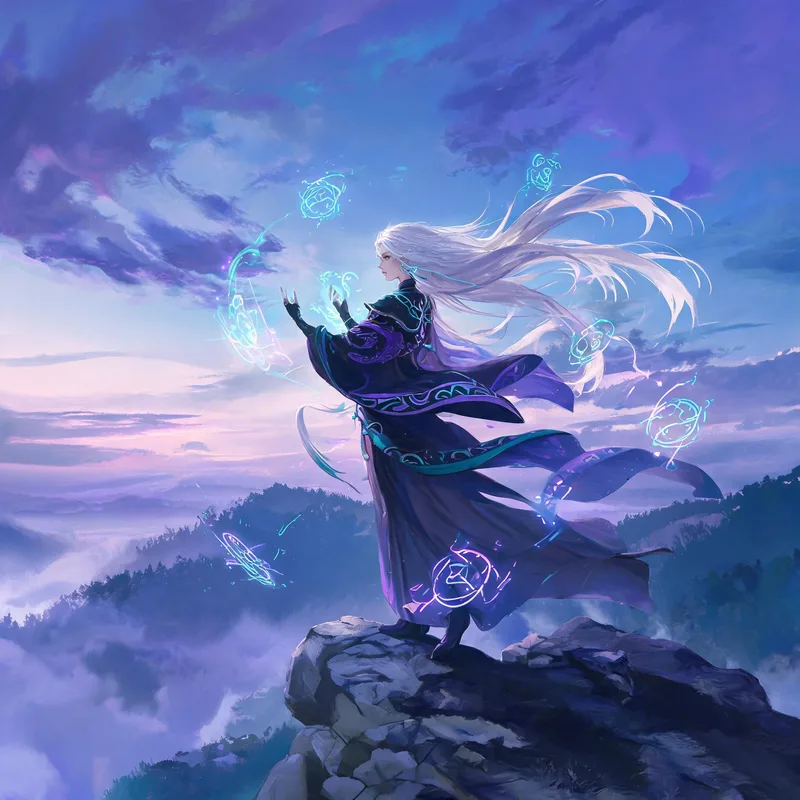
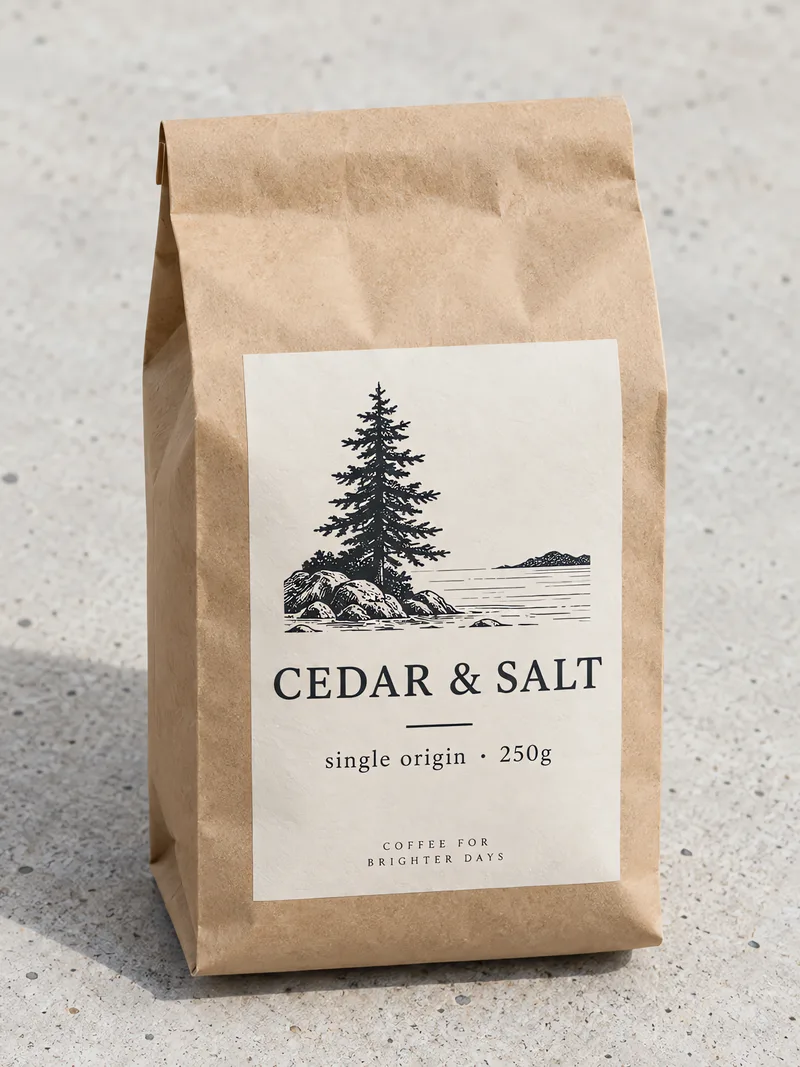
我們的兩張 1K 測試圖片(下方前兩張)分別耗時 23 秒和 35 秒。標籤上的 MORNING ROAST · 250 g 正確地顯示在一行。肖像中有黃色雨衣和港口裡的一艘船,雨衣濕漉漉且有皺褶。它添加了我們沒有要求的咖啡濾杯。兩條提示詞的測試規模很小。
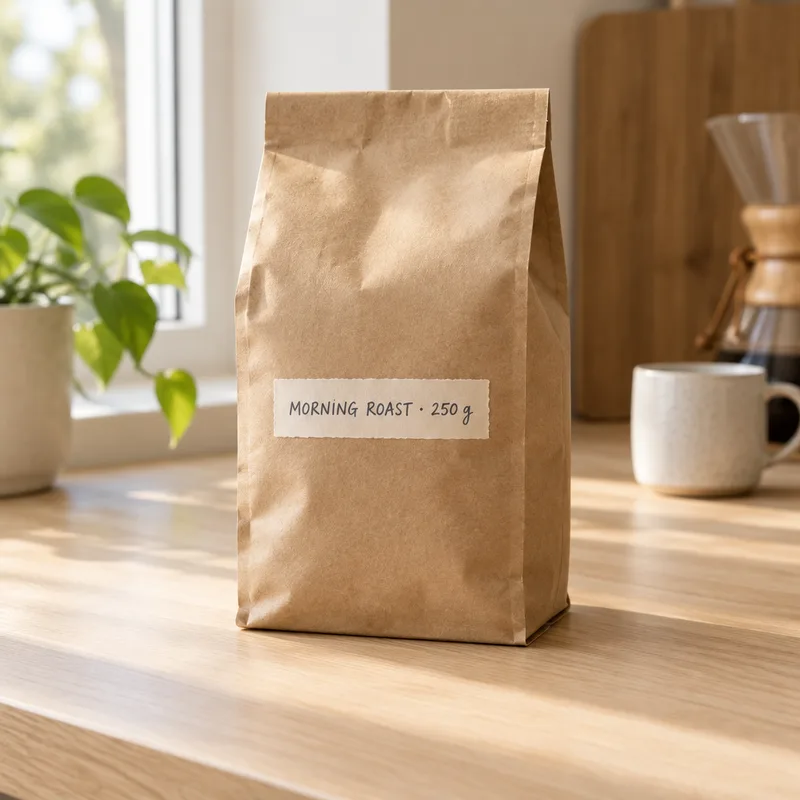
"A kraft-paper coffee bag on a pale oak counter in soft morning window light, a small handwritten-style label that reads exactly "MORNING ROAST · 250 g". No other text."
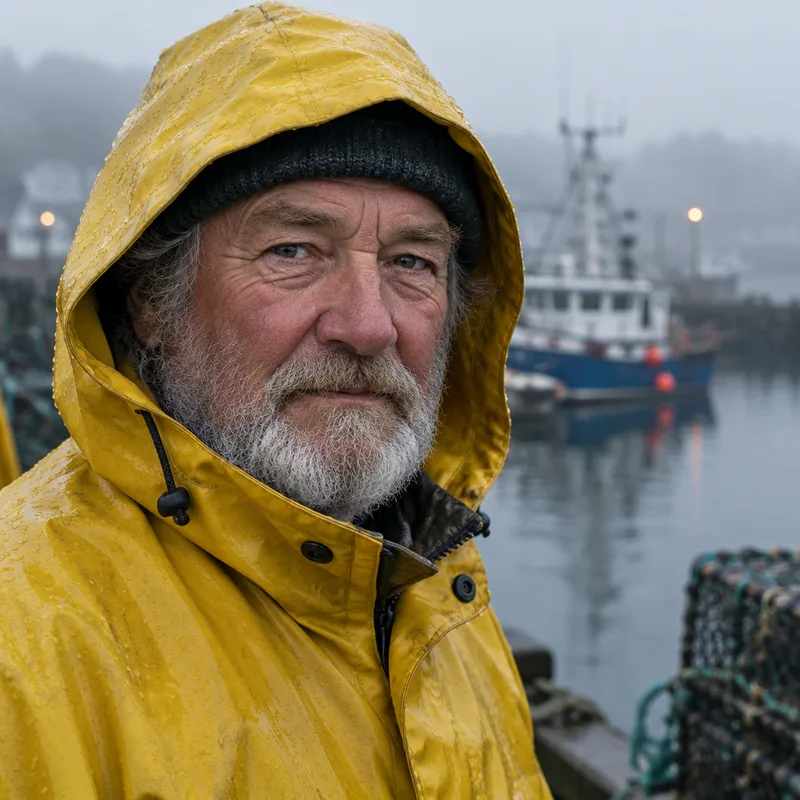
"A close portrait of an invented older fisherman in a yellow raincoat on a misty harbour, fine skin texture and rain drops, shallow depth of field."
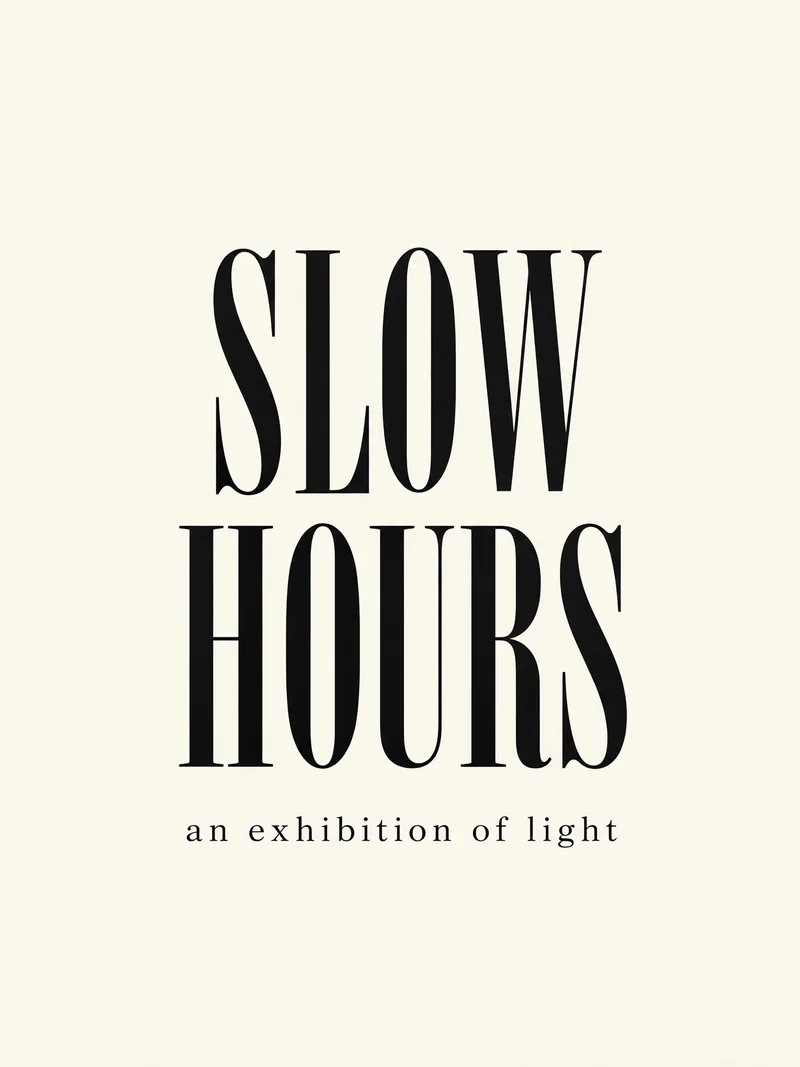
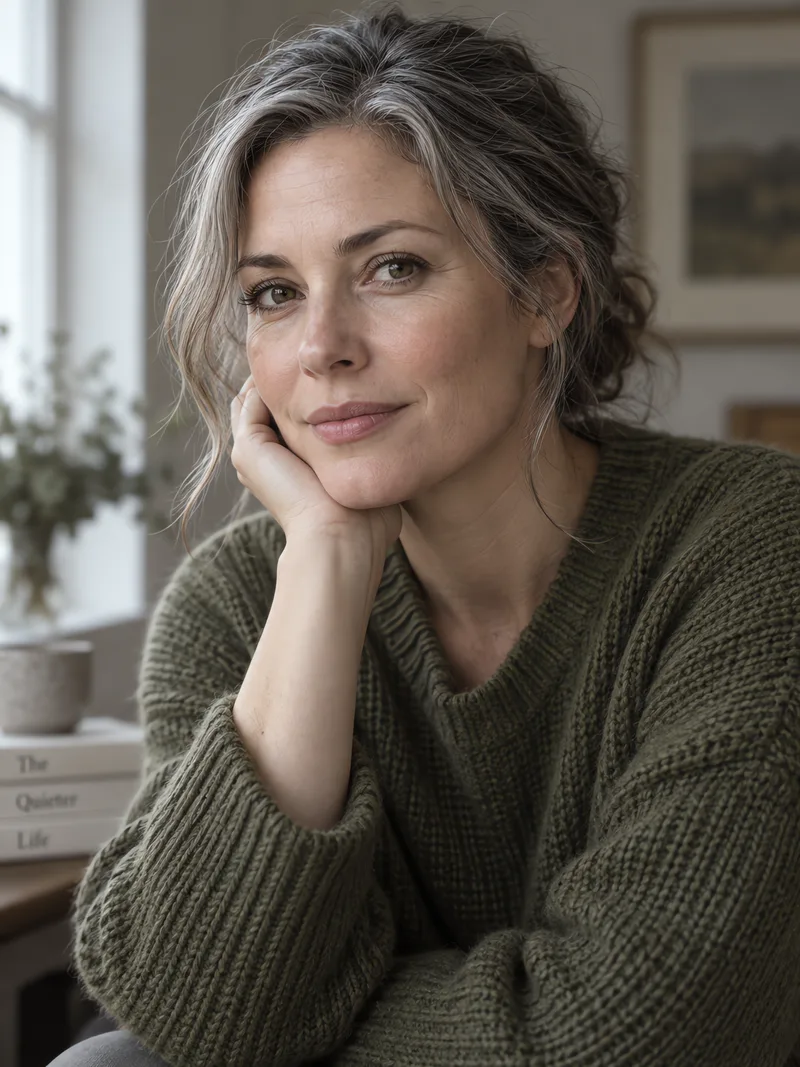
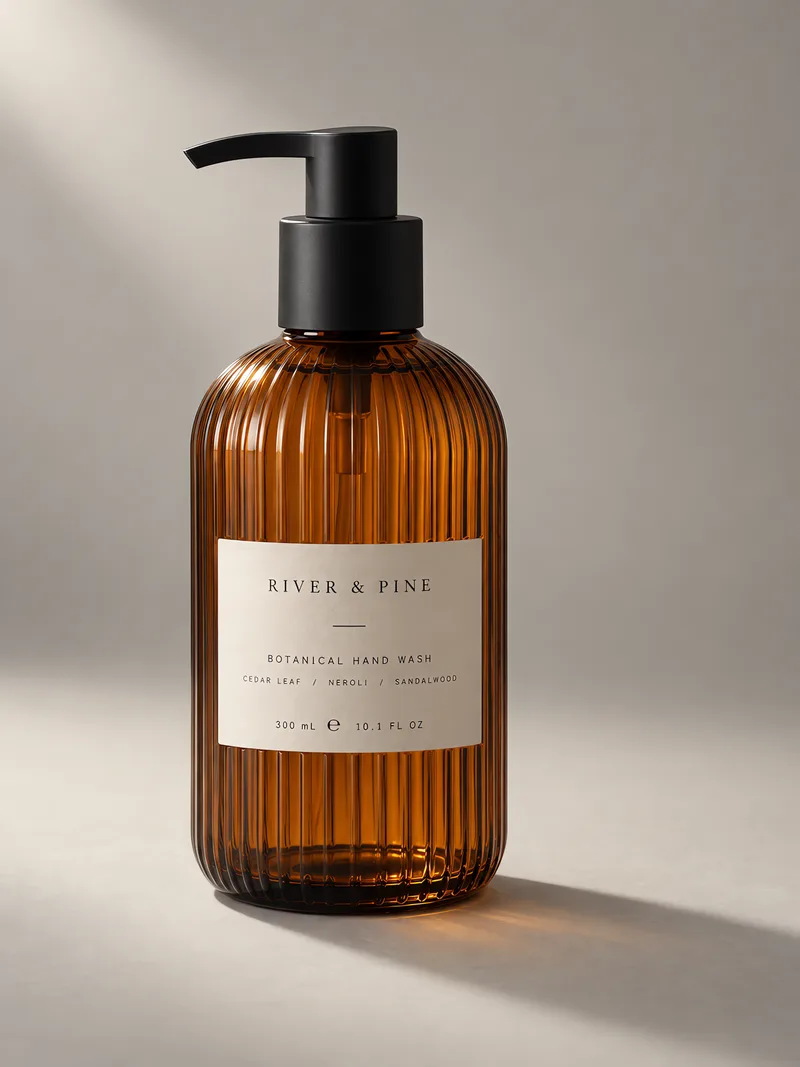
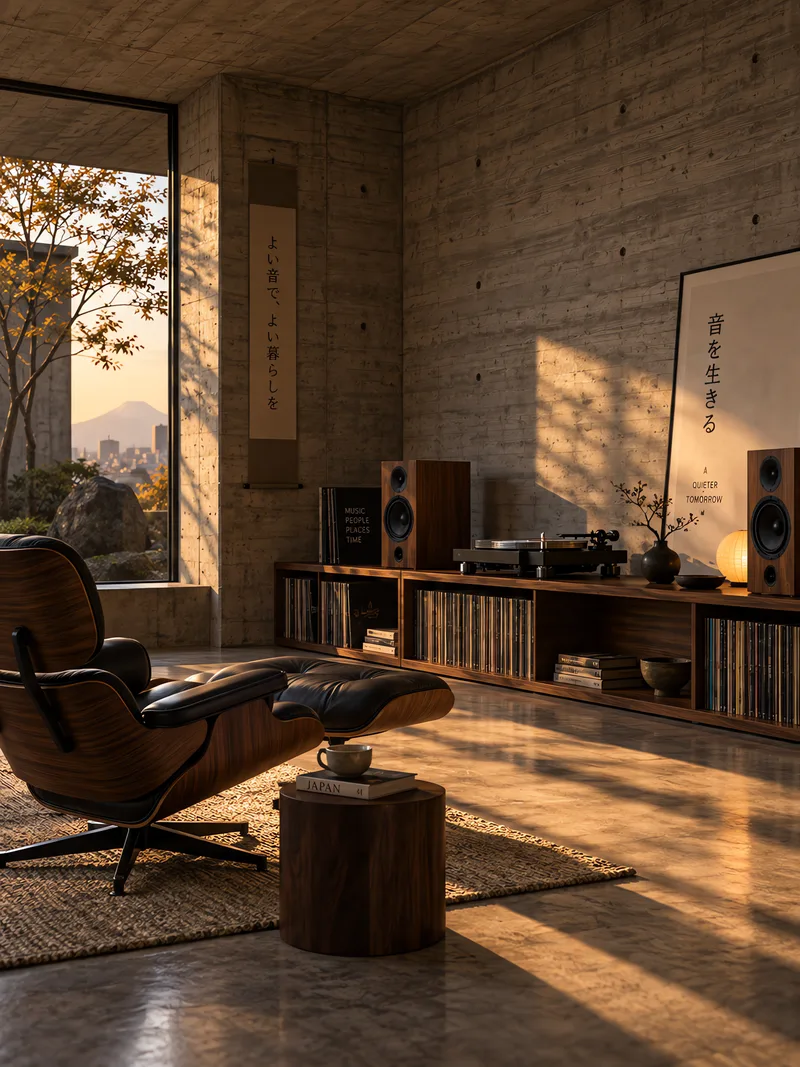
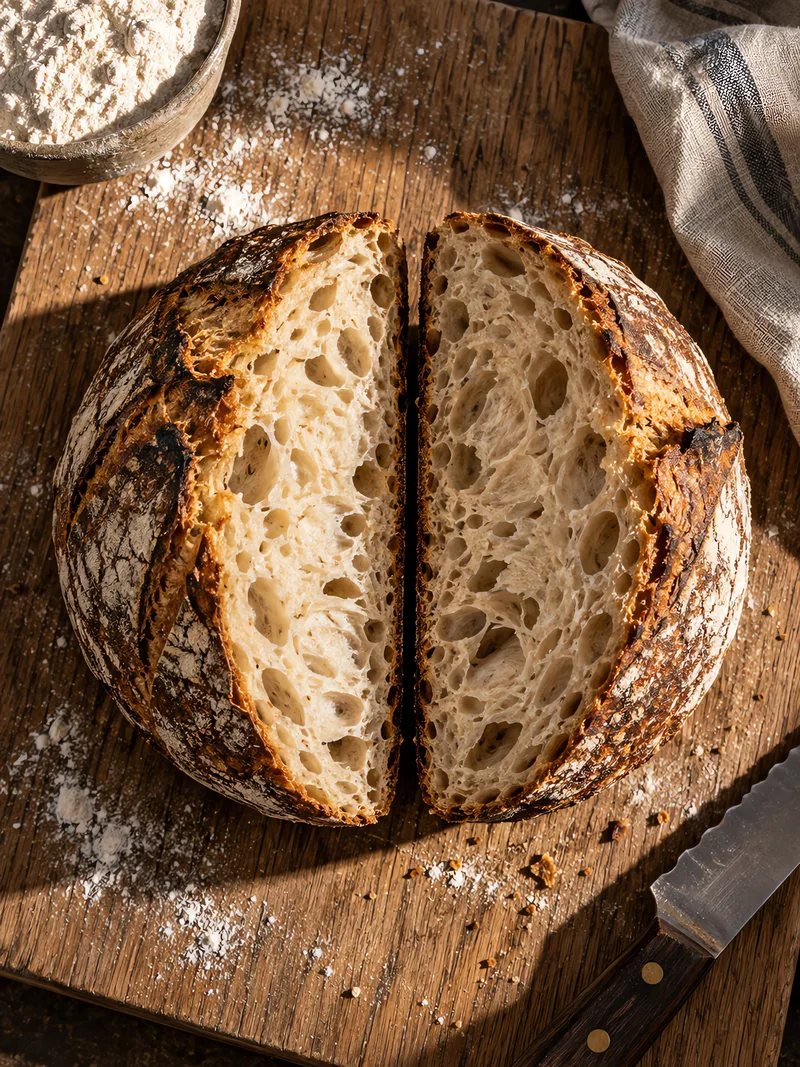
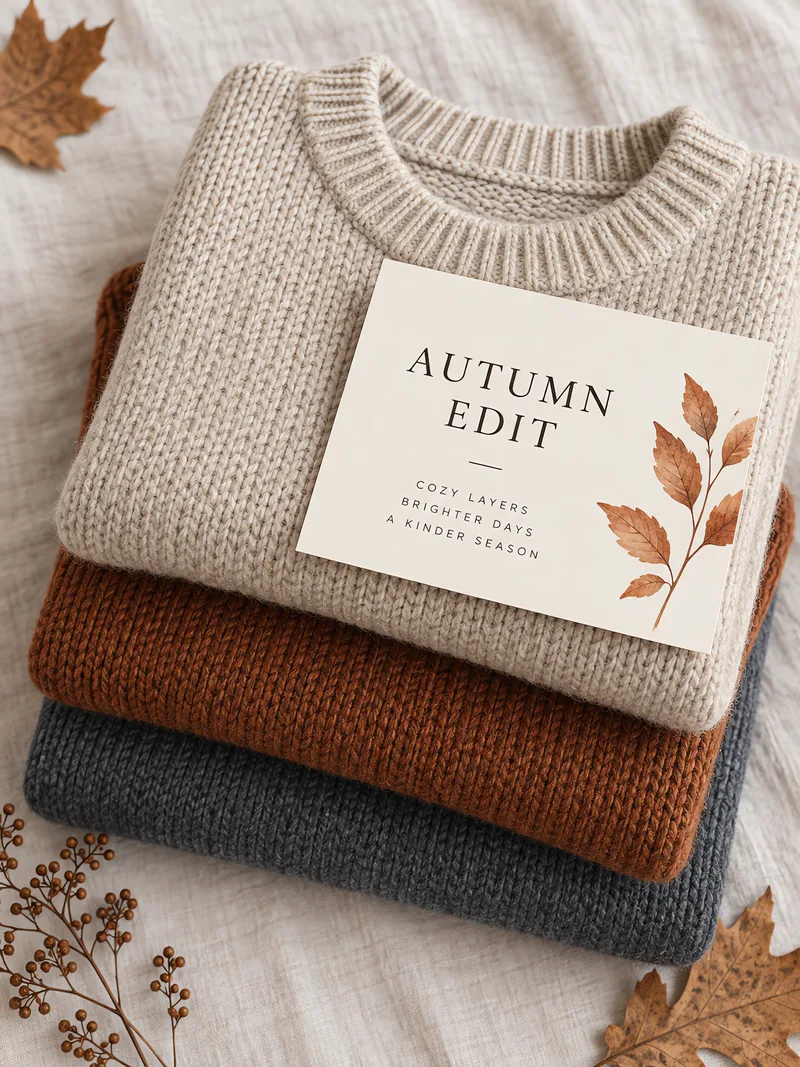
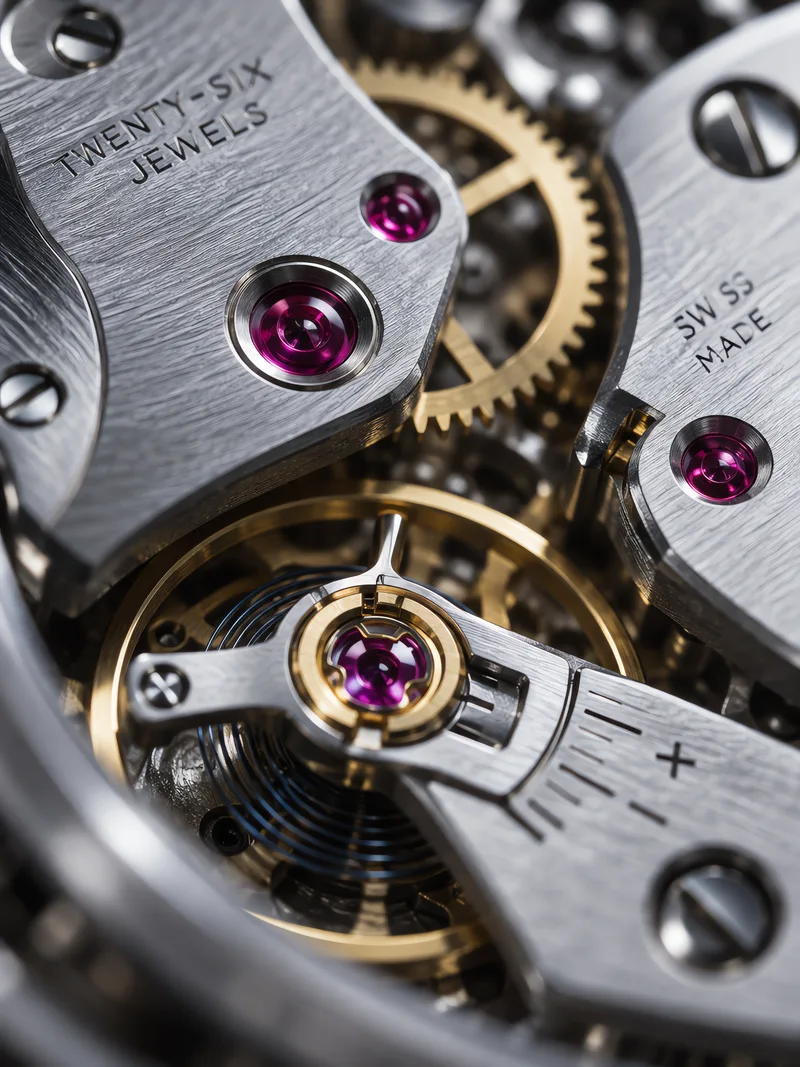
範例提示詞保持英文:模型對英文的效果最好。
"A poster reading "[exact text]" in [font style], smaller line below reading "[subtitle]". [Paper and ink colours]. The text must be sharp and perfectly legible."
兩行文案都用引號寫出來。"sharp and perfectly legible" 這一句,是乾淨渲染和糊成一團之間的分界。
"A [package type] on [surface], printed label reading "[brand]" with smaller text "[details]" beneath, [light description]. Text must be crisp and readable."
包裝上同時有兩級字級。把品牌名、小字、承載面和光位一起寫清楚,小字那一行才立得住。
"[Subject and scene], [light direction], shallow depth of field. — then ask the assistant for high quality."
預設的 Low 做草稿綽綽有餘。High 細節更多,花費也更高,所以留給你真正要保留的那一格。
它是更新的模型,也是預設模型。Medium 檔它比 GPT Image 2 更省。兩者目前都只能出 1K。另外少了 2:1、1:2、9:21 三種比例,也不接受像素尺寸,所以遮罩局部重繪和擴展畫布仍留在 GPT Image 2。
預設是 Low。Medium 和 High 花費更高,只有你在訊息裡提出要求才會用更高的品質出圖,點數會在你選擇生成時顯示;Medium 或 High 生成失敗時點數會退回,不會降檔重跑。
當你的請求正好能發揮 GPT Image 2.5 的強項時。在訊息裡點名它,或在輸入框裡選它;FlowPix 從不自行切換模型,你什麼都不選時就用預設的圖像模型。
可以。任何對話裡的模型選擇器都能按單輪或整段工作階段固定,也可以在 /settings 裡設為預設。