"Studio product photo of a [object], [light direction] light, [angle] angle, neutral seamless background, 4 variants"
把角度和光位寫明白。GPT Image 2 對攝影術語的理解相當精準。

已由 GPT Image 2.5 取代。它已從模型選擇器中移除,但你仍可以在訊息中直接點名使用。
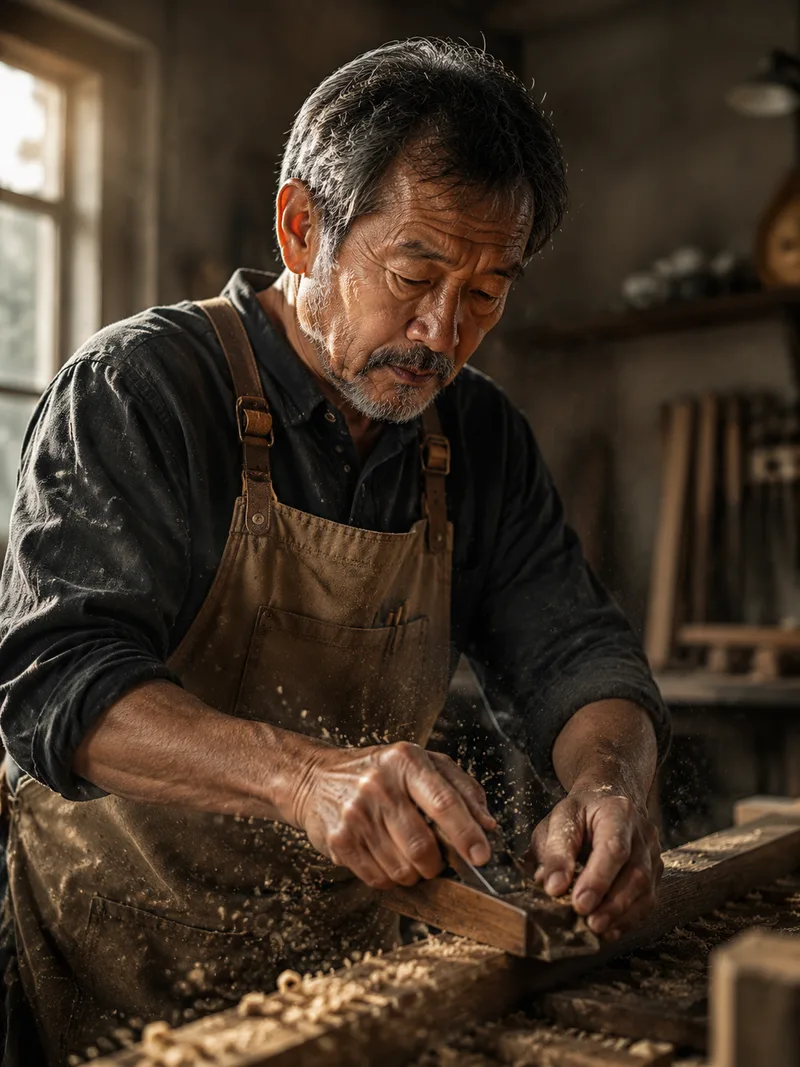
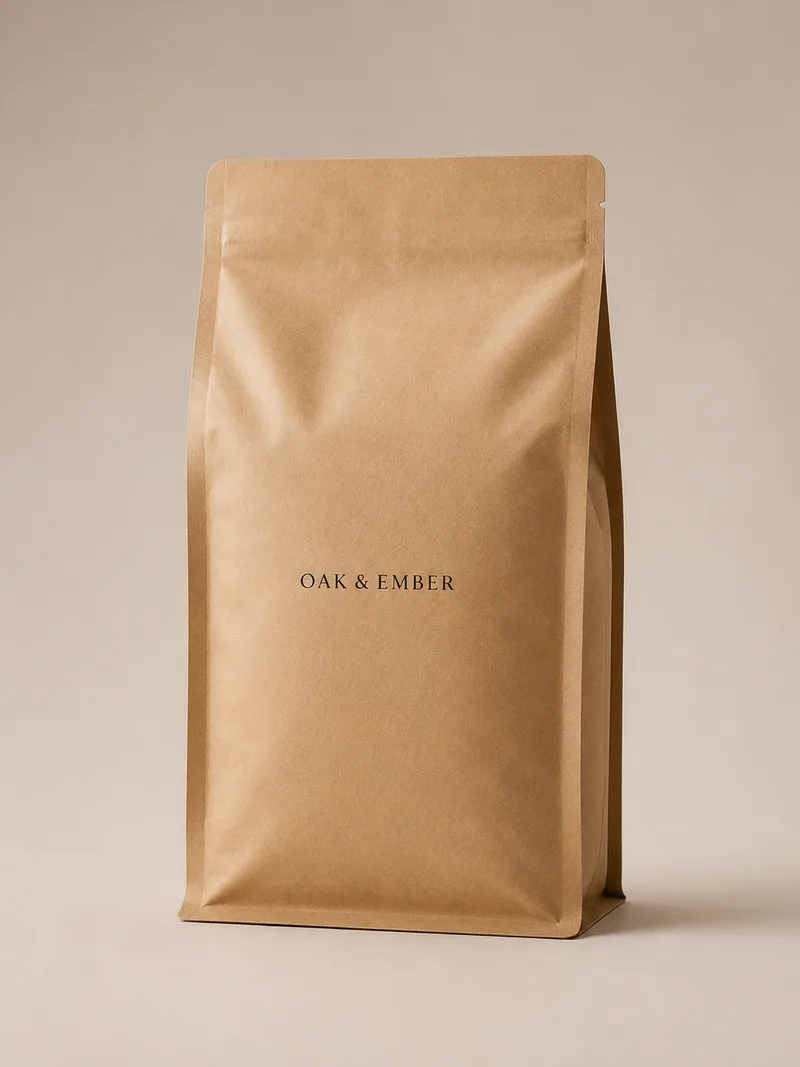
我們的兩張 1K 測試圖片(下方前兩張)分別耗時 27 秒和 28 秒。標籤上的 MORNING ROAST · 250 g 正確地顯示在一行。肖像中有提示詞要求的黃色雨衣、雨滴和霧濛濛的港口。它添加了我們沒有要求的道具(一盆植物、一個馬克杯和一塊砧板)。兩條提示詞的測試規模很小。
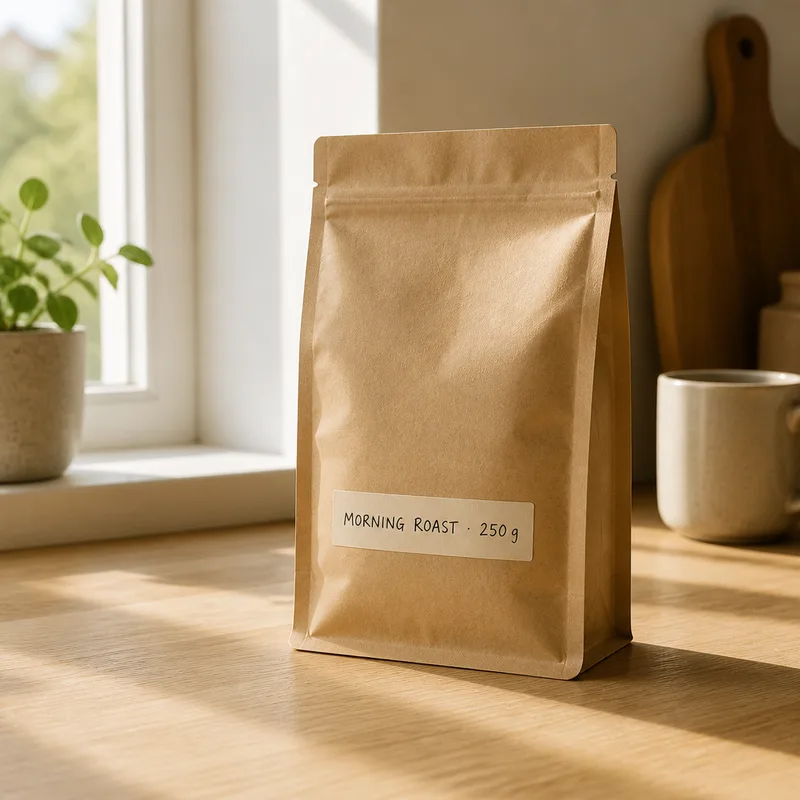
"A kraft-paper coffee bag on a pale oak counter in soft morning window light, a small handwritten-style label that reads exactly "MORNING ROAST · 250 g". No other text."
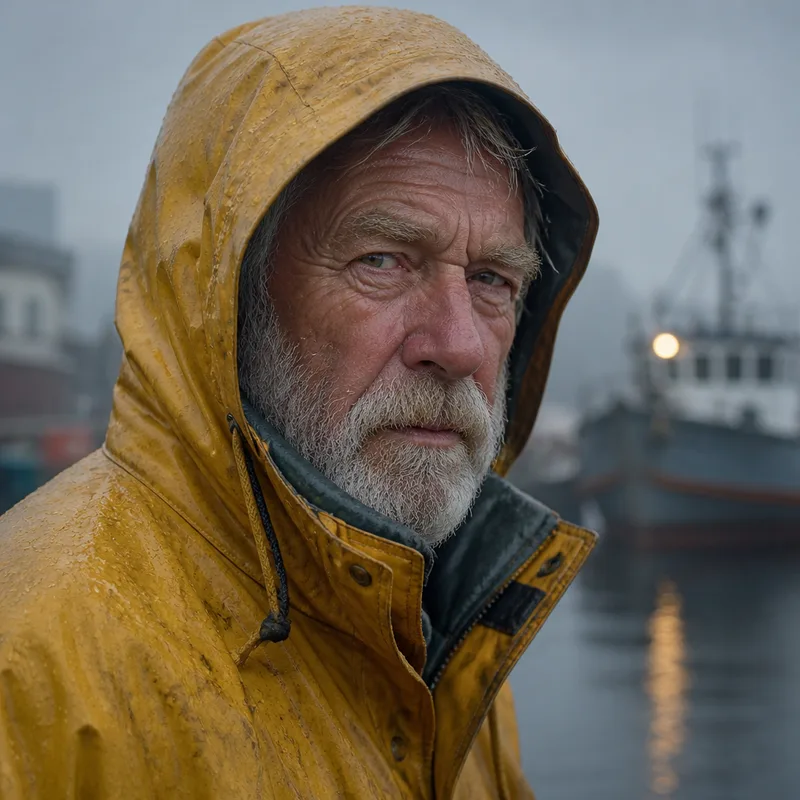
"A close portrait of an invented older fisherman in a yellow raincoat on a misty harbour, fine skin texture and rain drops, shallow depth of field."
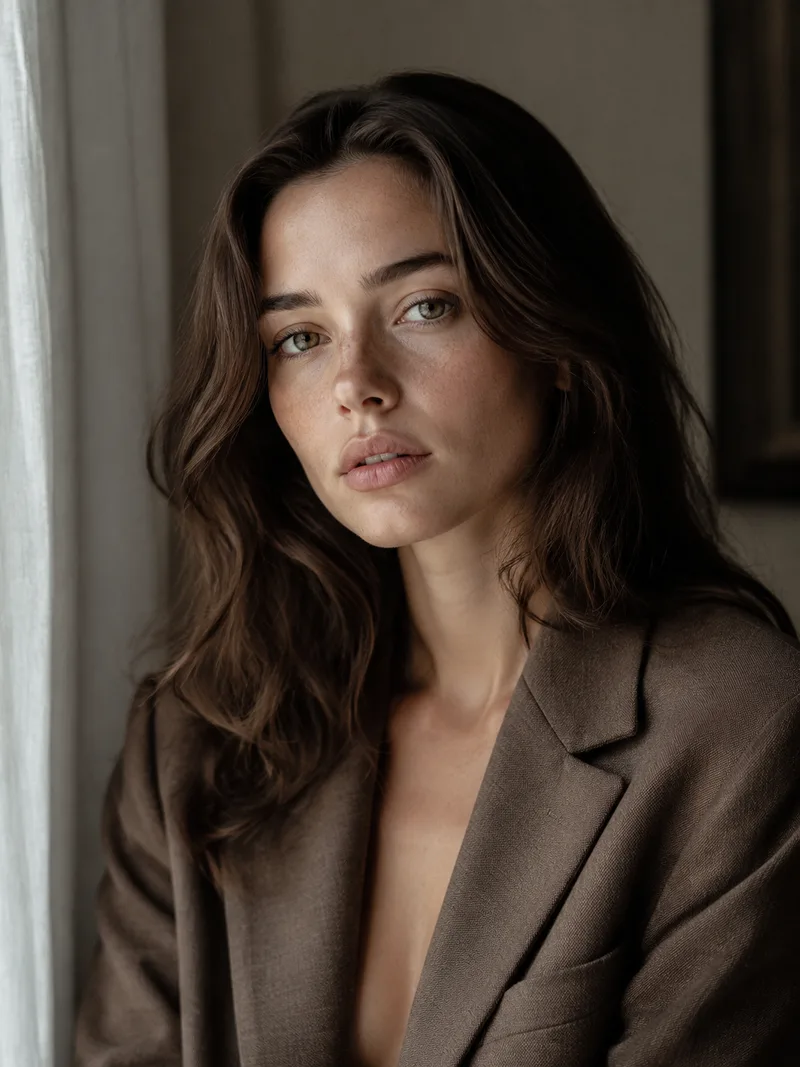
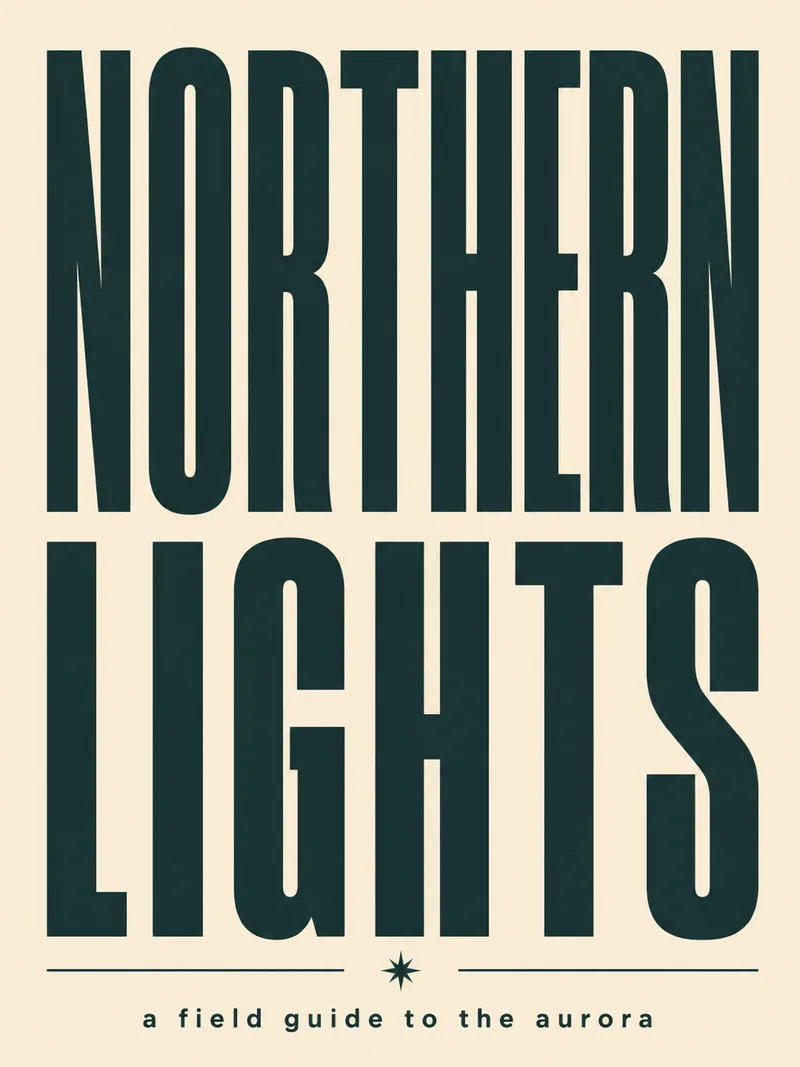
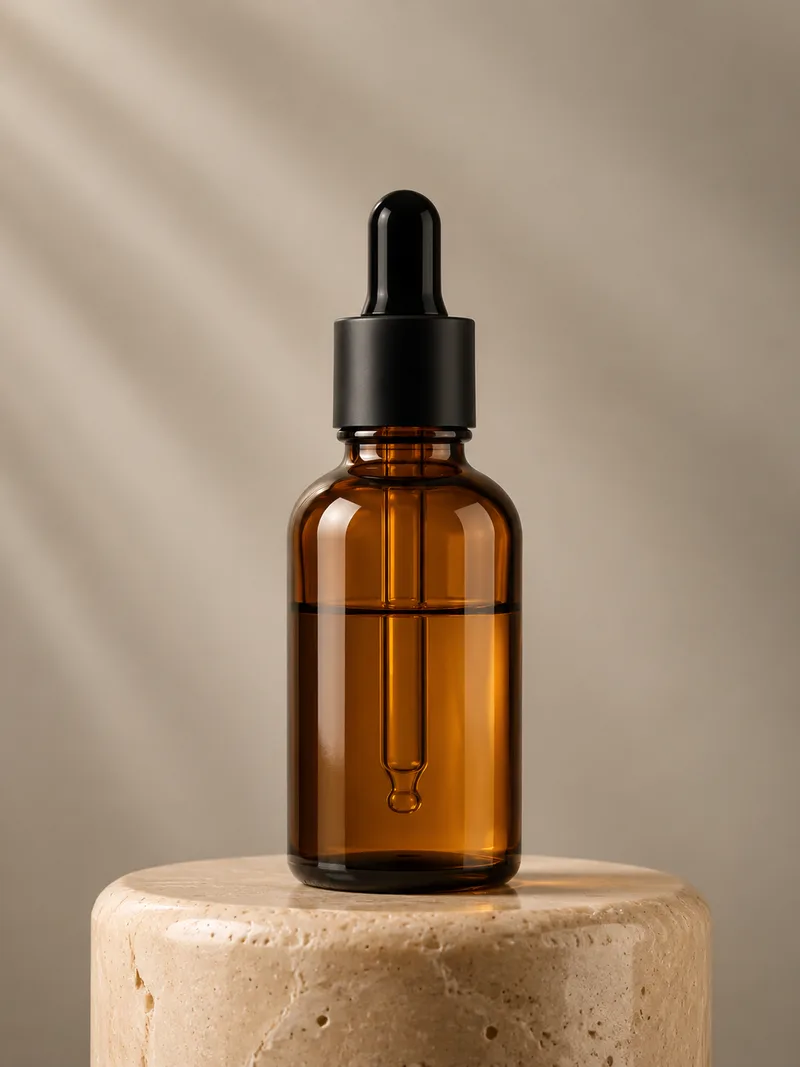
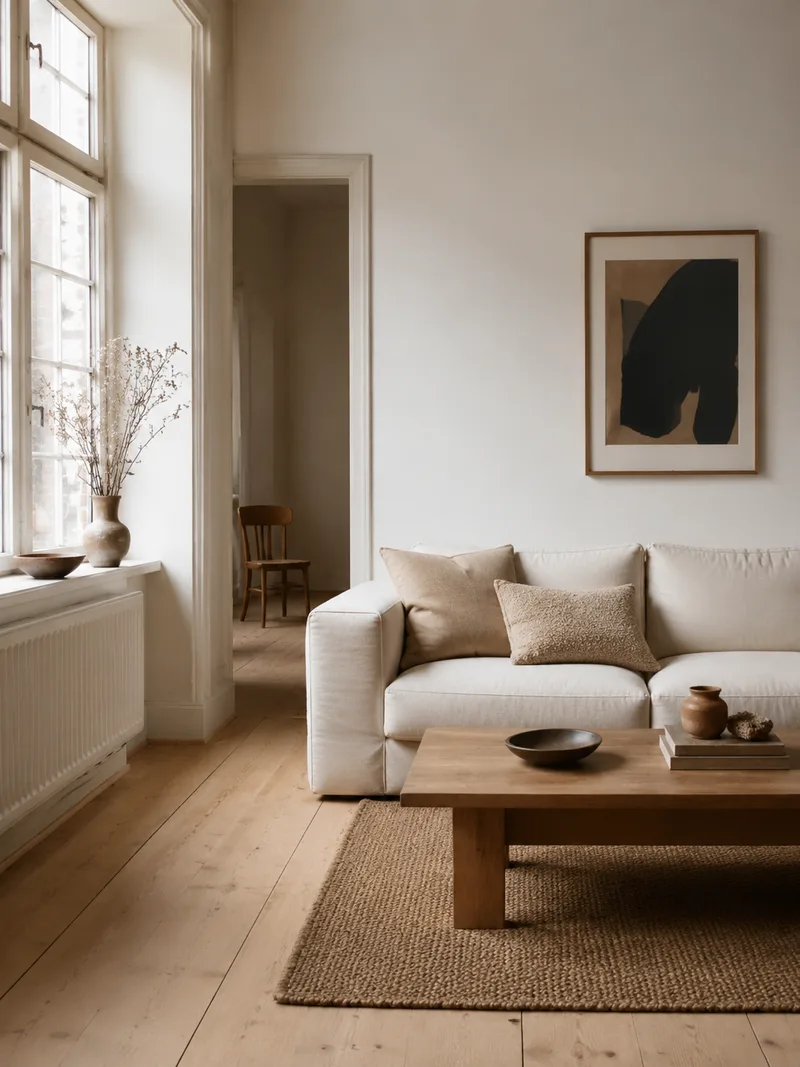
範例提示詞保持英文:模型對英文的效果最好。
"Studio product photo of a [object], [light direction] light, [angle] angle, neutral seamless background, 4 variants"
把角度和光位寫明白。GPT Image 2 對攝影術語的理解相當精準。
"A poster reading "[exact text]" in [font style] on [background]. The text must be sharp and legible."
把文案用引號括起來,並說明字體的感覺。加上「sharp and legible」這一句幫助很大。
"Replace the background with [scene]. Keep the subject untouched. Match the original lighting direction."
做編輯時,加上「keep X untouched」,成品是「還可以」還是「乾淨俐落」就差在這一句。
當你的請求正好能發揮 GPT Image 2 的強項時。在訊息裡點名它,或在輸入框裡選它;FlowPix 從不自行切換模型,你什麼都不選時就用預設的圖像模型。
可以。任何對話裡的模型選擇器都能按單輪或整段工作階段固定,也可以在 /settings 裡設為預設。