"Studio product photo of a [object], [light direction] light, [angle] angle, neutral seamless background, 4 variants"
アングルと光を明示的に指定します。GPT Image 2はカメラ用語を正確に理解します。

GPT Image 2.5 に置き換わりました。モデルピッカーからは外れましたが、名前を指定すれば今も使えます。
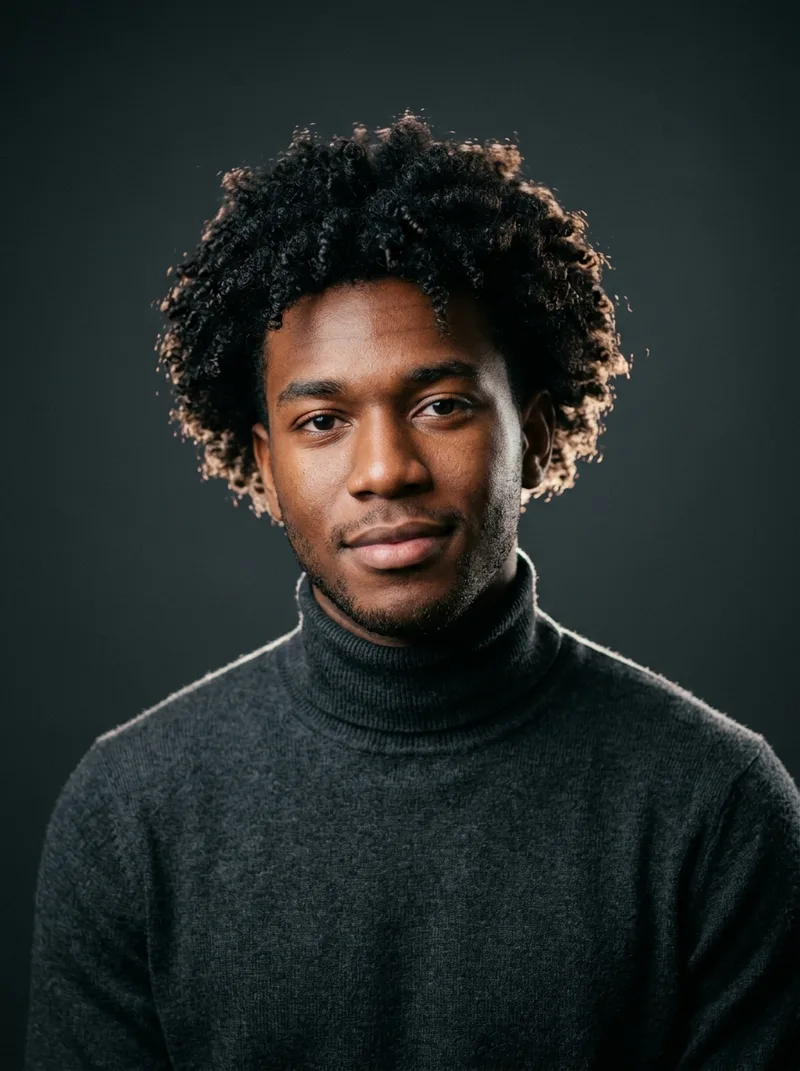
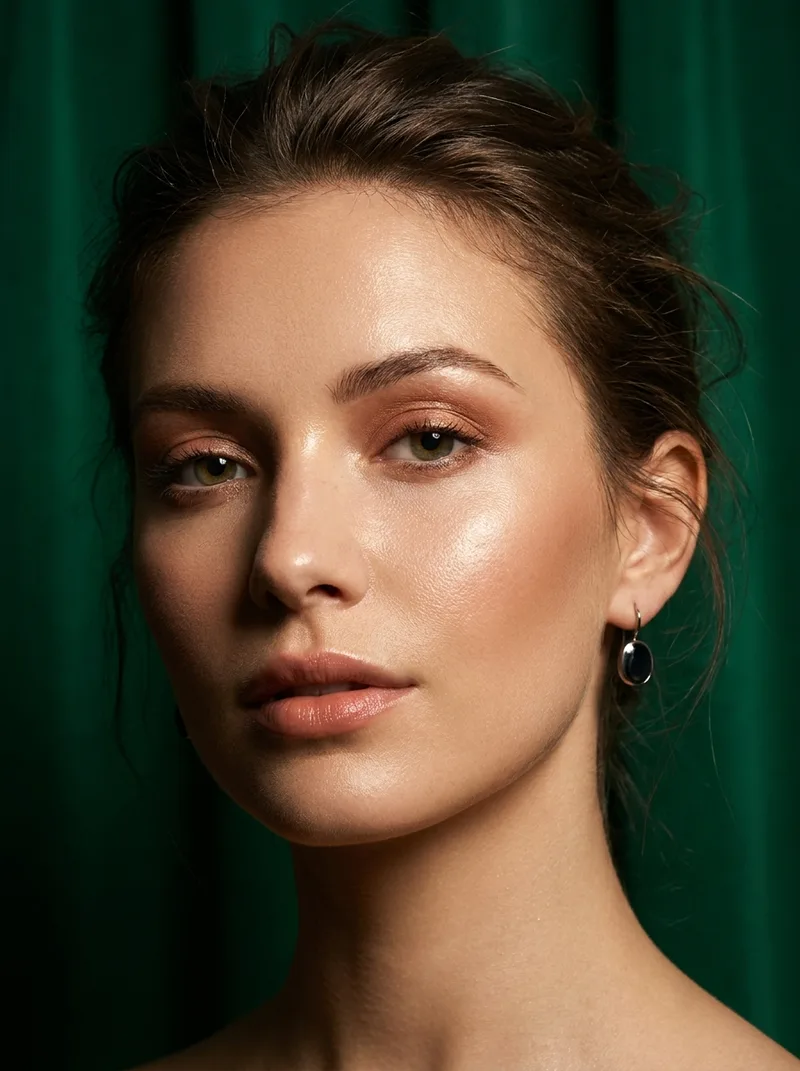
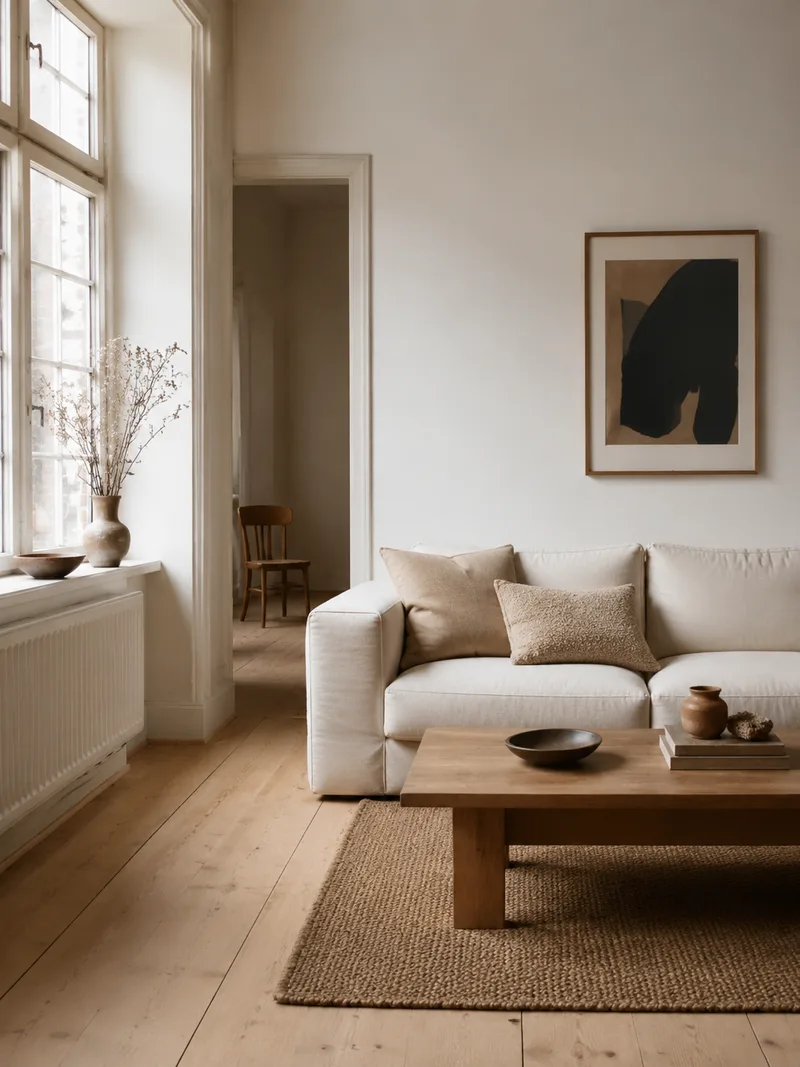
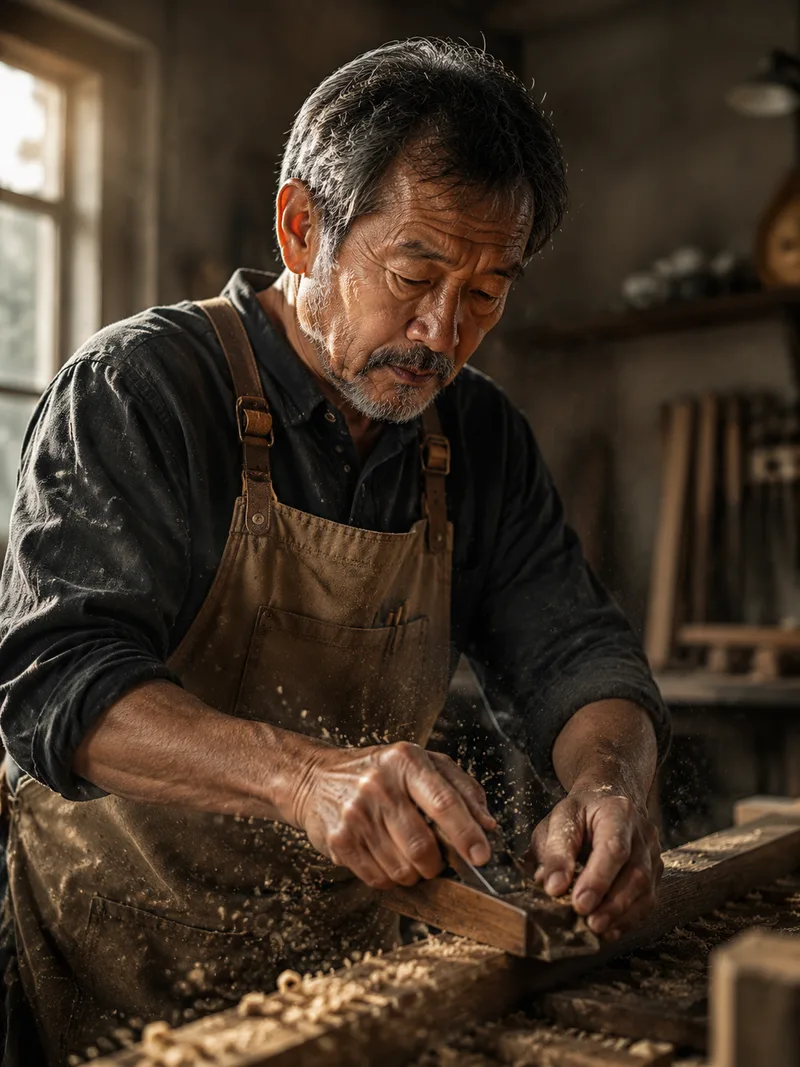
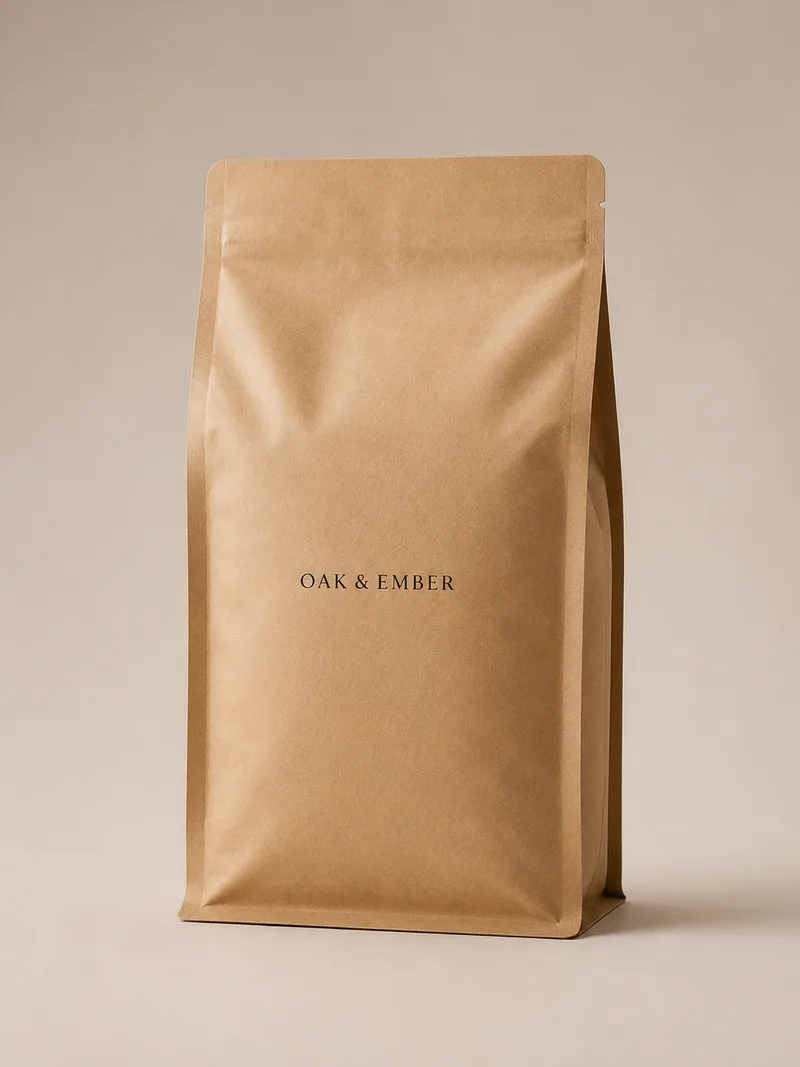
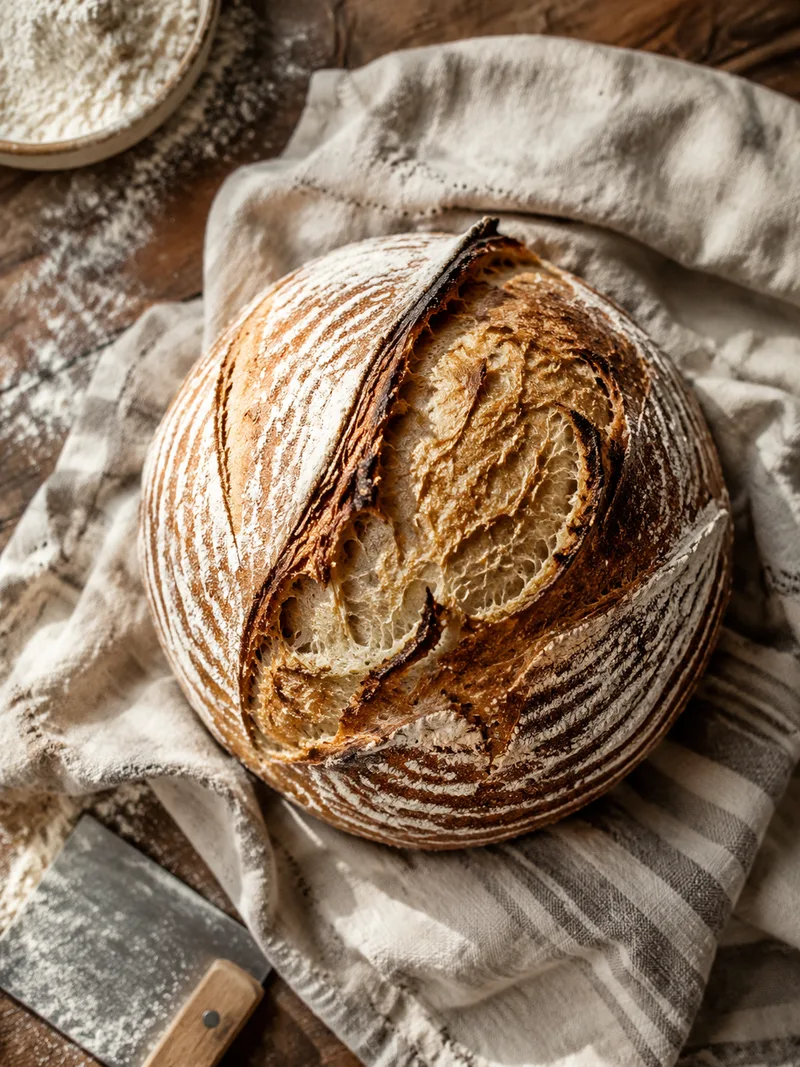
1K で生成したテスト画像2枚(下の最初の2枚)は、それぞれ27秒と28秒で完成しました。ラベルには MORNING ROAST · 250 g と、正しく1行で書かれていました。ポートレートには、プロンプトで指定した黄色いレインコート、雨粒、霧のかかった港があります。指定していない小物(植物、マグカップ、まな板)が追加されました。2つのプロンプトでは小規模なテストです。
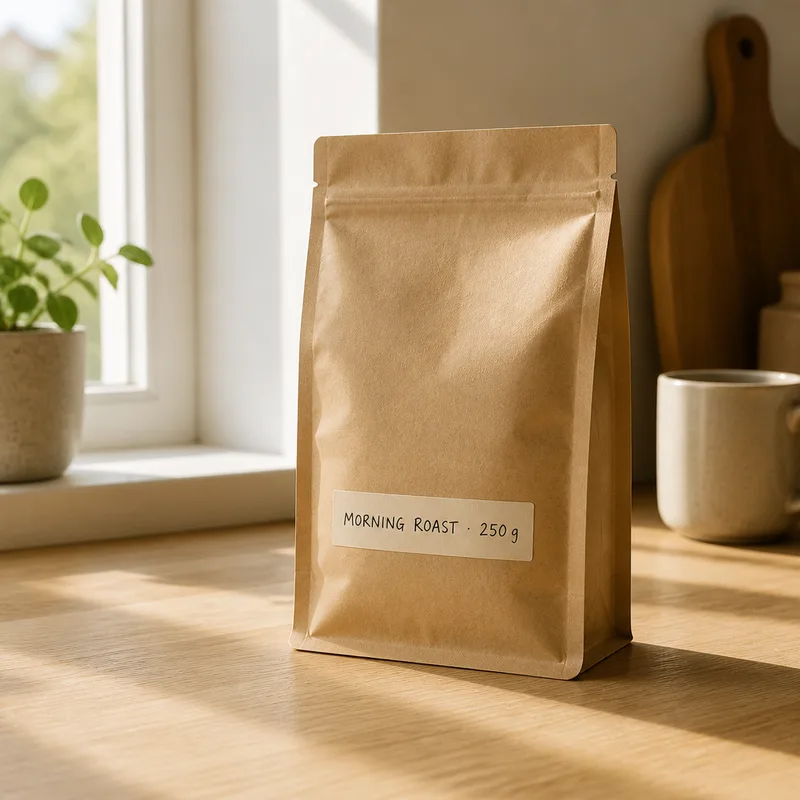
"A kraft-paper coffee bag on a pale oak counter in soft morning window light, a small handwritten-style label that reads exactly "MORNING ROAST · 250 g". No other text."
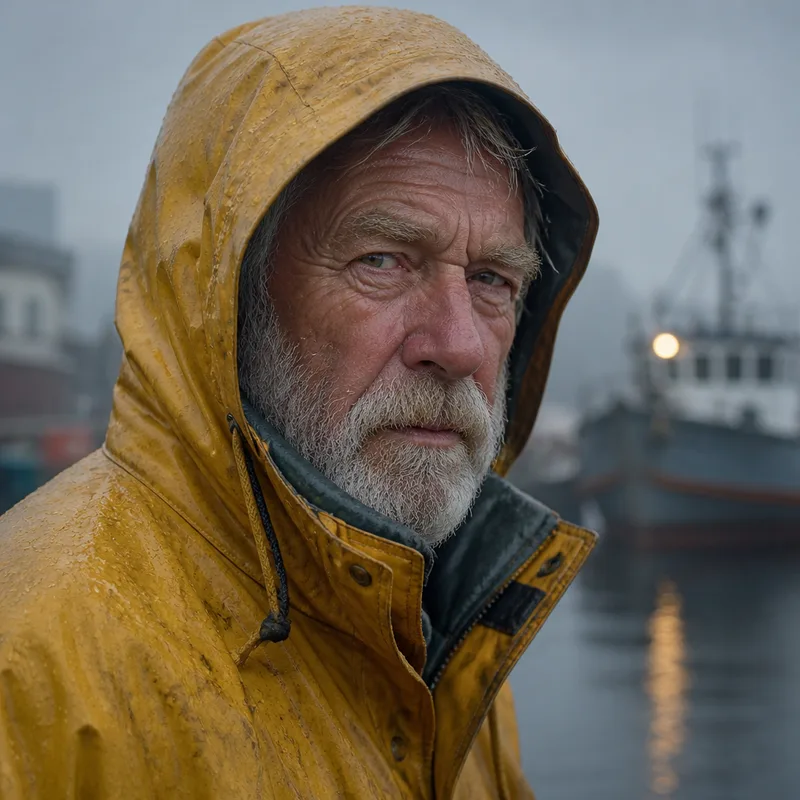
"A close portrait of an invented older fisherman in a yellow raincoat on a misty harbour, fine skin texture and rain drops, shallow depth of field."
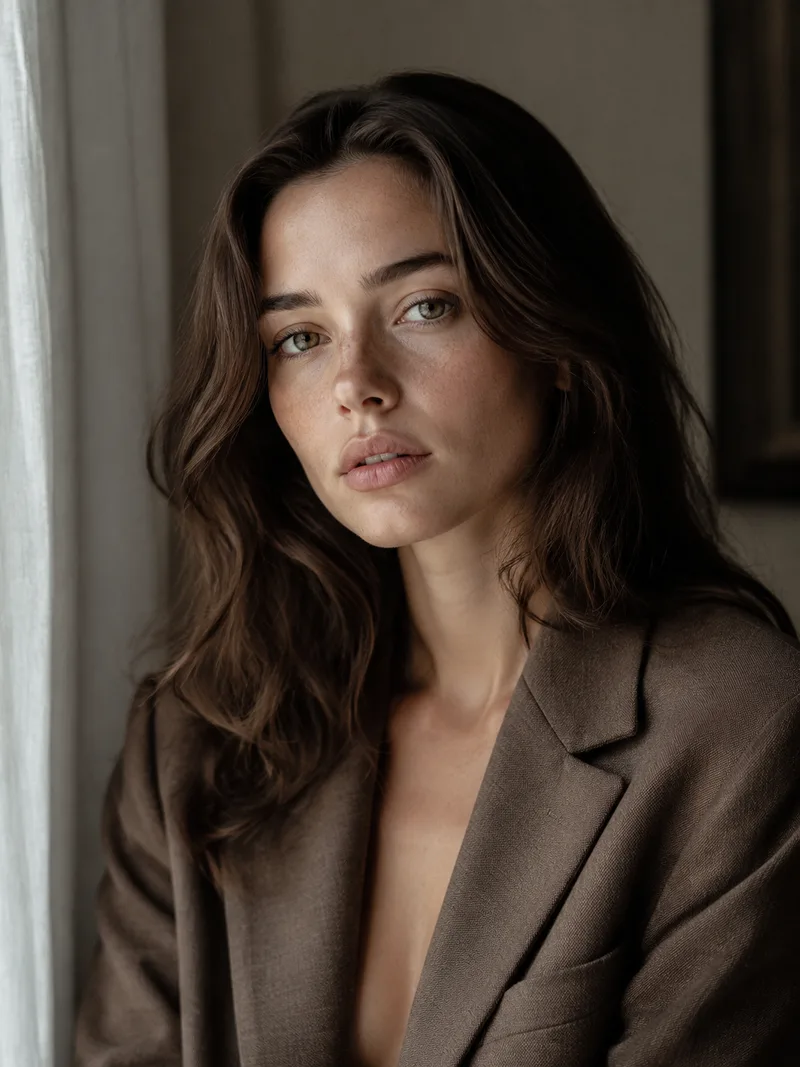
プロンプト例は英語のままです。モデルが最も得意とするのは英語です。
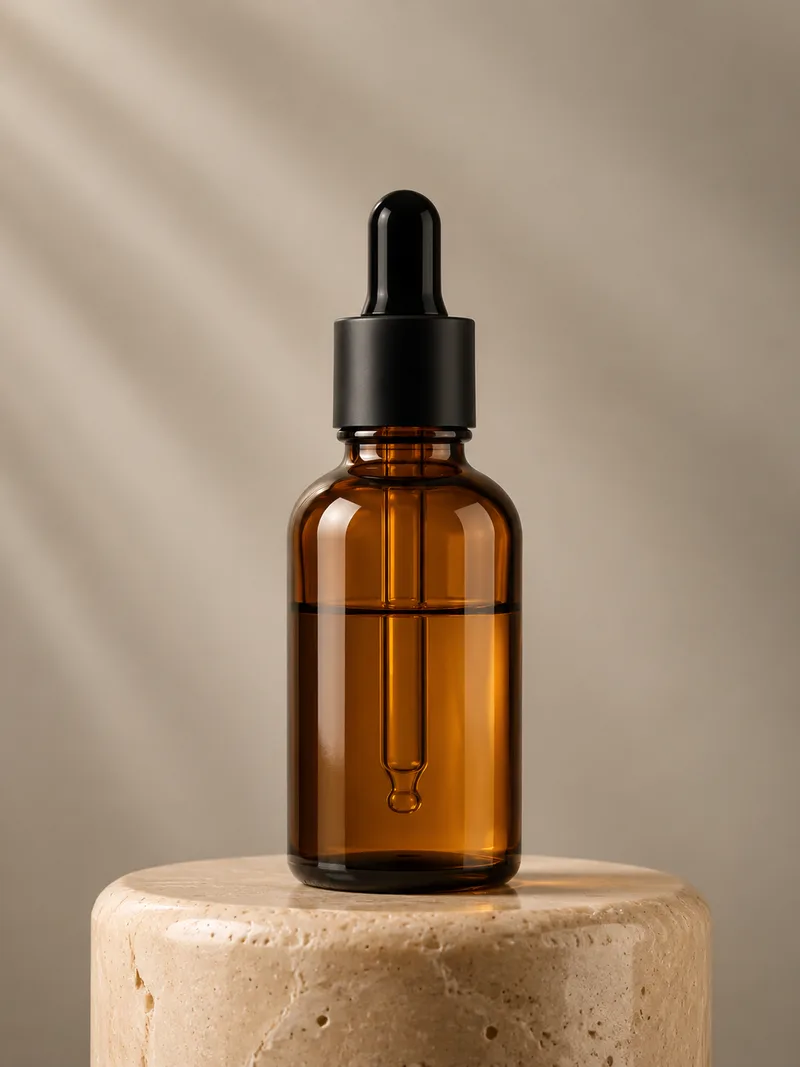
"Studio product photo of a [object], [light direction] light, [angle] angle, neutral seamless background, 4 variants"
アングルと光を明示的に指定します。GPT Image 2はカメラ用語を正確に理解します。
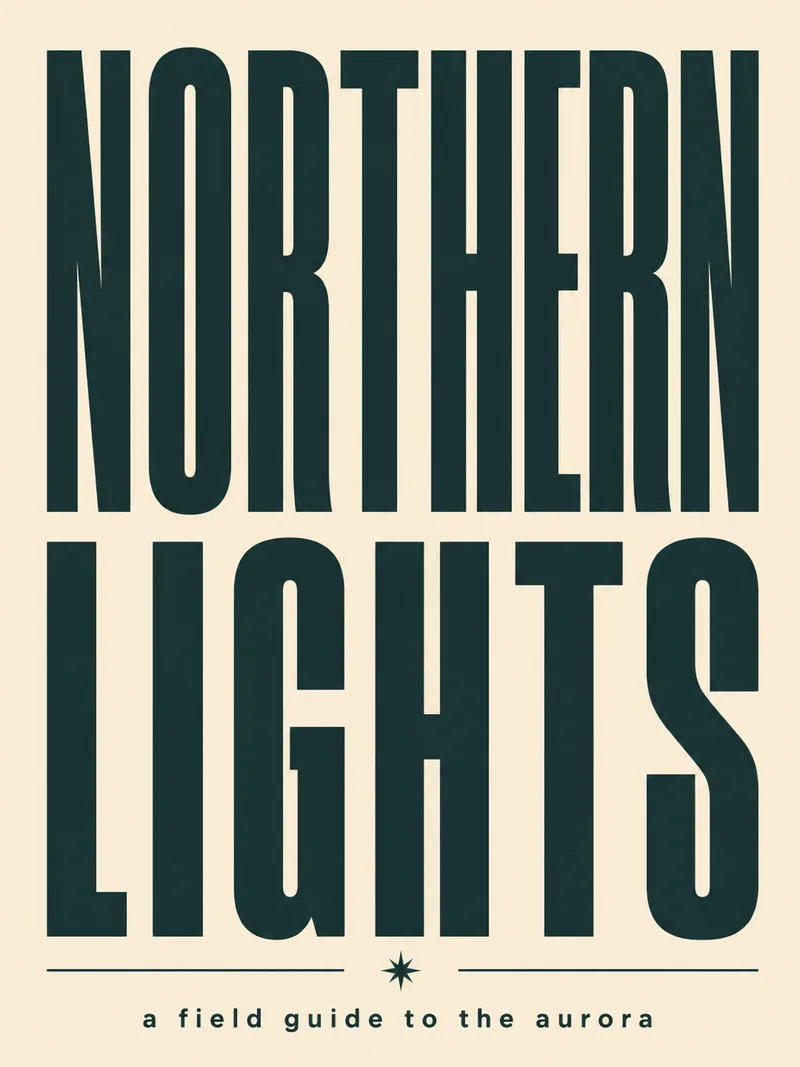
"A poster reading "[exact text]" in [font style] on [background]. The text must be sharp and legible."
文字は引用符で囲みます。書体の雰囲気も指定を。「sharp and legible」の一文が大きく効きます。
"Replace the background with [scene]. Keep the subject untouched. Match the original lighting direction."
編集では「keep X untouched」の一文が、まずまずと完璧の分かれ目になります。
リクエストがGPT Image 2の得意分野を活かせるときです。メッセージで指名するか、入力欄で選んでください。FlowPixが勝手にモデルを切り替えることはなく、何も選ばなければデフォルトの画像モデルを使います。
できます。どのチャットでもモデルピッカーからターン単位・セッション単位で固定でき、/settings でデフォルトに設定できます。